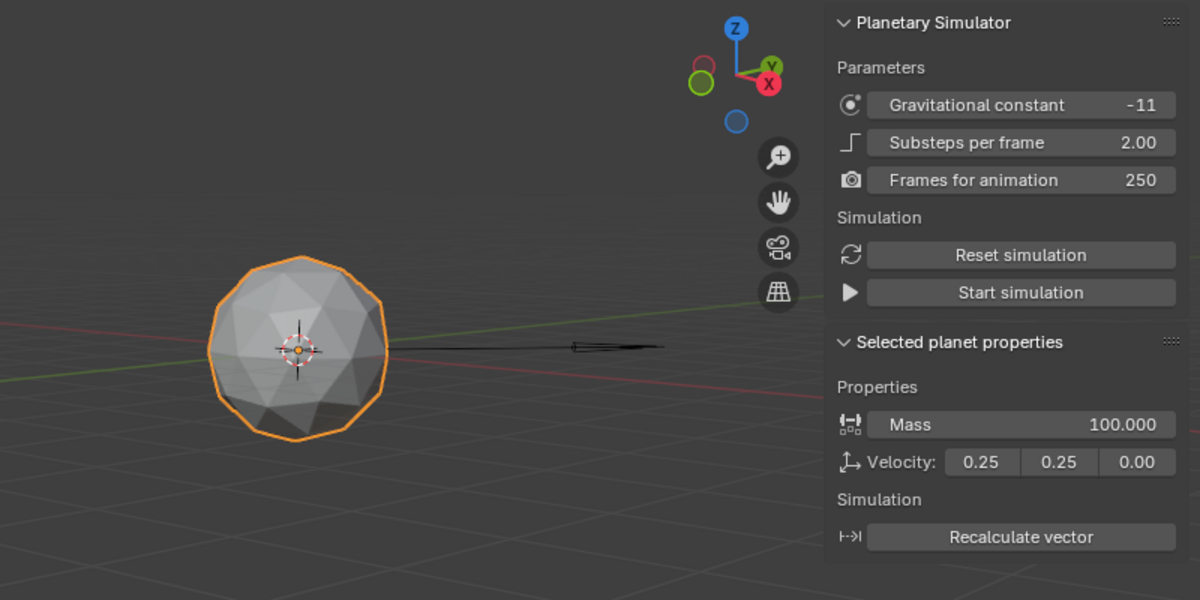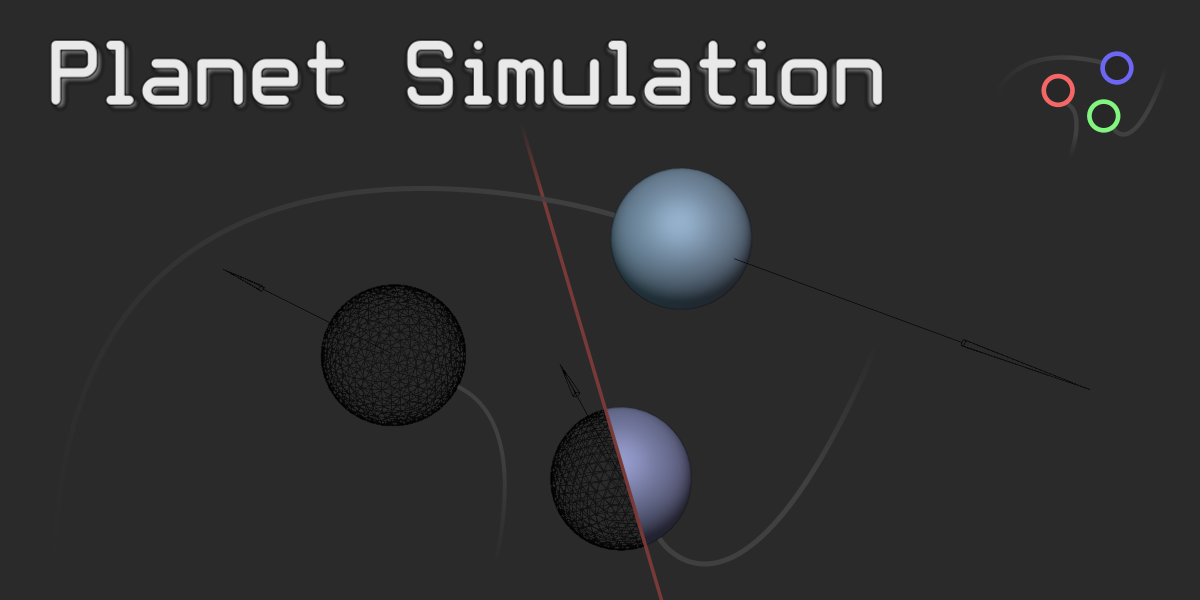
Planet Simulation is a Blender add-on by Florian Ehrenreich for simulating how multiple planets attract one another. It uses Newtonian physics and numerical integration, then stores the resulting motion as animation data on the planet objects.
Set up a gravity simulation
Move the planets into position and set their initial velocities. You can adjust the number of planets, mass, gravity strength, simulation duration, and the simulation step used for accuracy. Density is controlled by scaling a planet while keeping its mass unchanged. Run the calculation to see how the bodies move; the number of planets you can use depends on your CPU.
Use your own scene assets
The add-on supplies motion data, not finished planet models or textures. You can parent your own planets or other objects to its planet icospheres and assign materials separately. This makes the add-on useful for testing orbital patterns or adding gravity-driven motion to a scene with its own visual style.
Compatibility and setup
The Superhive listing names Blender 4.3, 4.2, 4.1, 4.0, and versions 3.6 through 3.0, and identifies the license as GPL. Check the listing for the version details before installing. Its installation FAQ explains how to install the downloaded ZIP from Blender's Add-ons preferences.