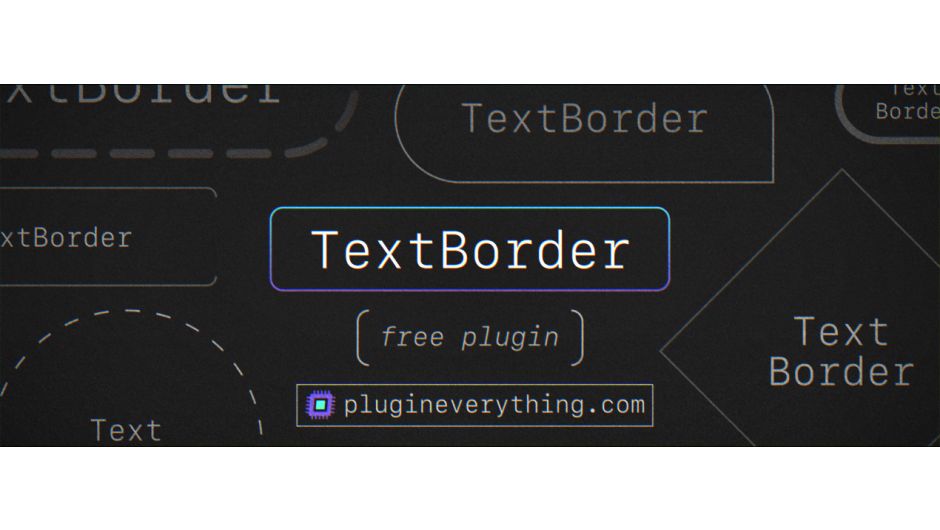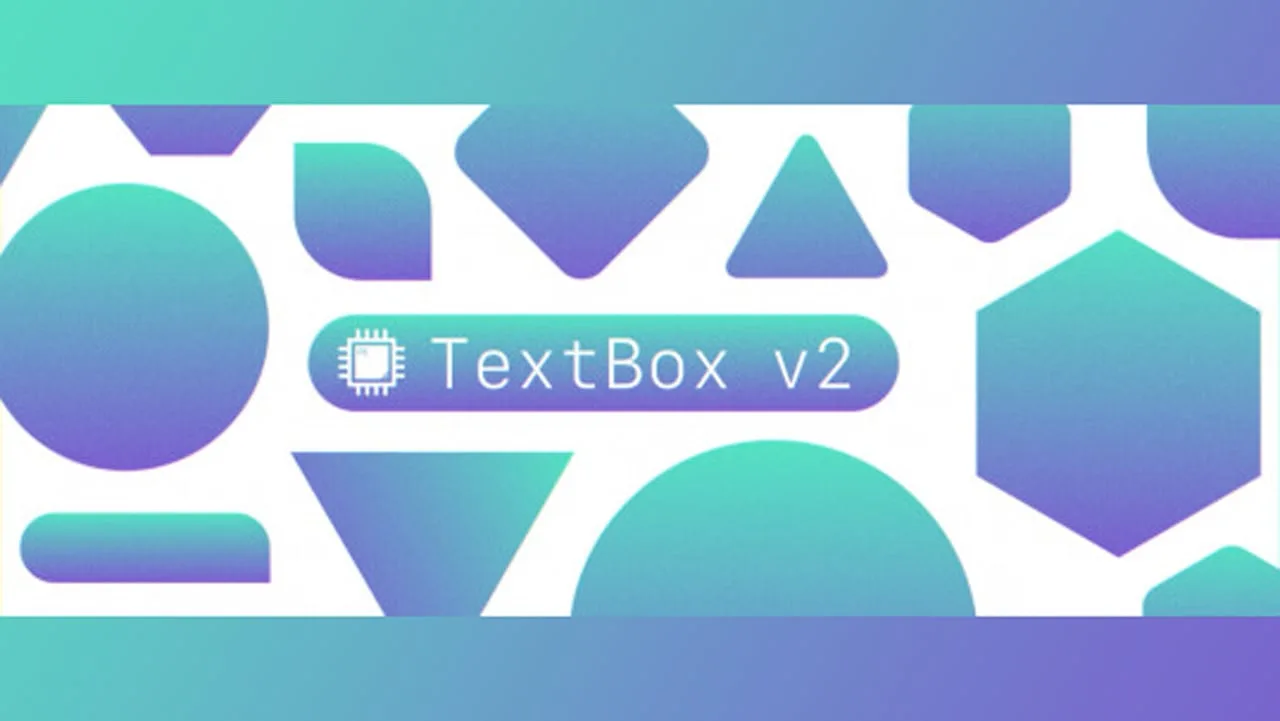
Plugin Everything TextBox 2 creates a shape behind text directly on an After Effects text layer. The box updates automatically when the text changes, so you do not need to set up parenting, mattes, or expressions. Its controls cover simple text panels and more styled shapes for titles, subtitles, and captions.
Shape and appearance controls
TextBox 2 offers auto, square, circle, and polygon shape options. Expansion controls adjust width and height or individual edges, and can use negative values to pull the shape inward. Individual edge rounding gives more control over the outline.
Appearance settings include matting and borders. Border dashes can use butt or rounded line caps. For color treatments, the plugin supports linear and radial gradients, with individual gradient opacity controls.
Text behavior and animation
Animated tracking can make layer parenting miss the relationship between text and its background. TextBox 2's automatic resizing suits transitioning text, lower thirds, subtitles, and closed captions whose wording or spacing changes during a composition.
Full transform controls let you animate the box independently from the text. TextBox 2 also works with horizontal, vertical, and paragraph text, and supports motion blur in 8, 16, and 32 bits per channel.
Compatibility and 3D text
The published compatibility list spans After Effects CS6 through the 2026 release, including the CC versions named in the listing. Check the Toolfarm TextBox 2 listing for the current details for your host version before installing.
TextBox 2 is compatible with 3D text, but it accounts for X and Y position only. It does not account for Z position, so the shape will not follow the text's movement along that axis.
Who it suits
TextBox 2 fits After Effects work that needs a background to resize with edited text, along with options for edge spacing, borders, gradients, and separate box animation. The AnyPlugins listing describes it as free to download and use; check the product listing for current distribution details.