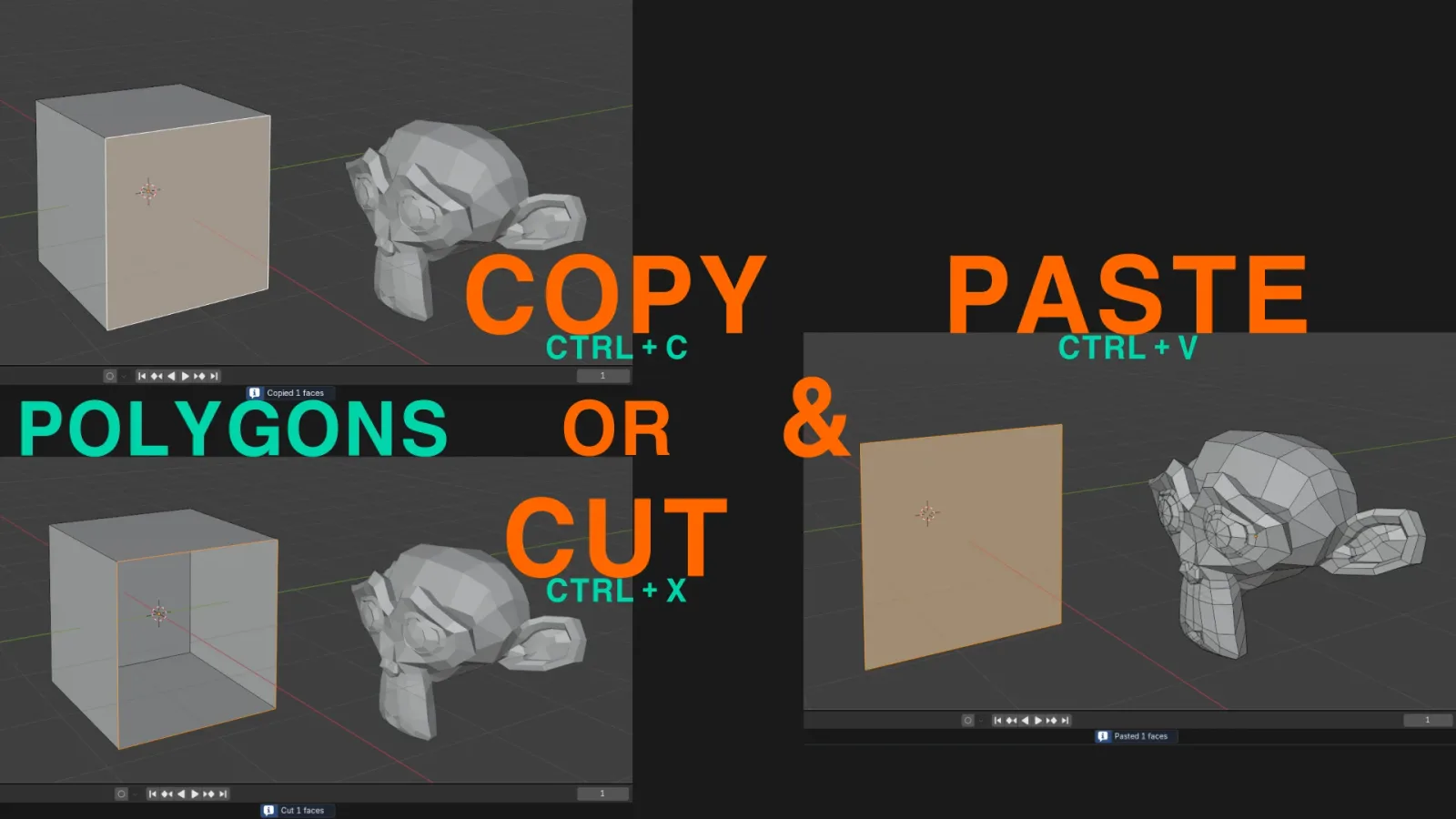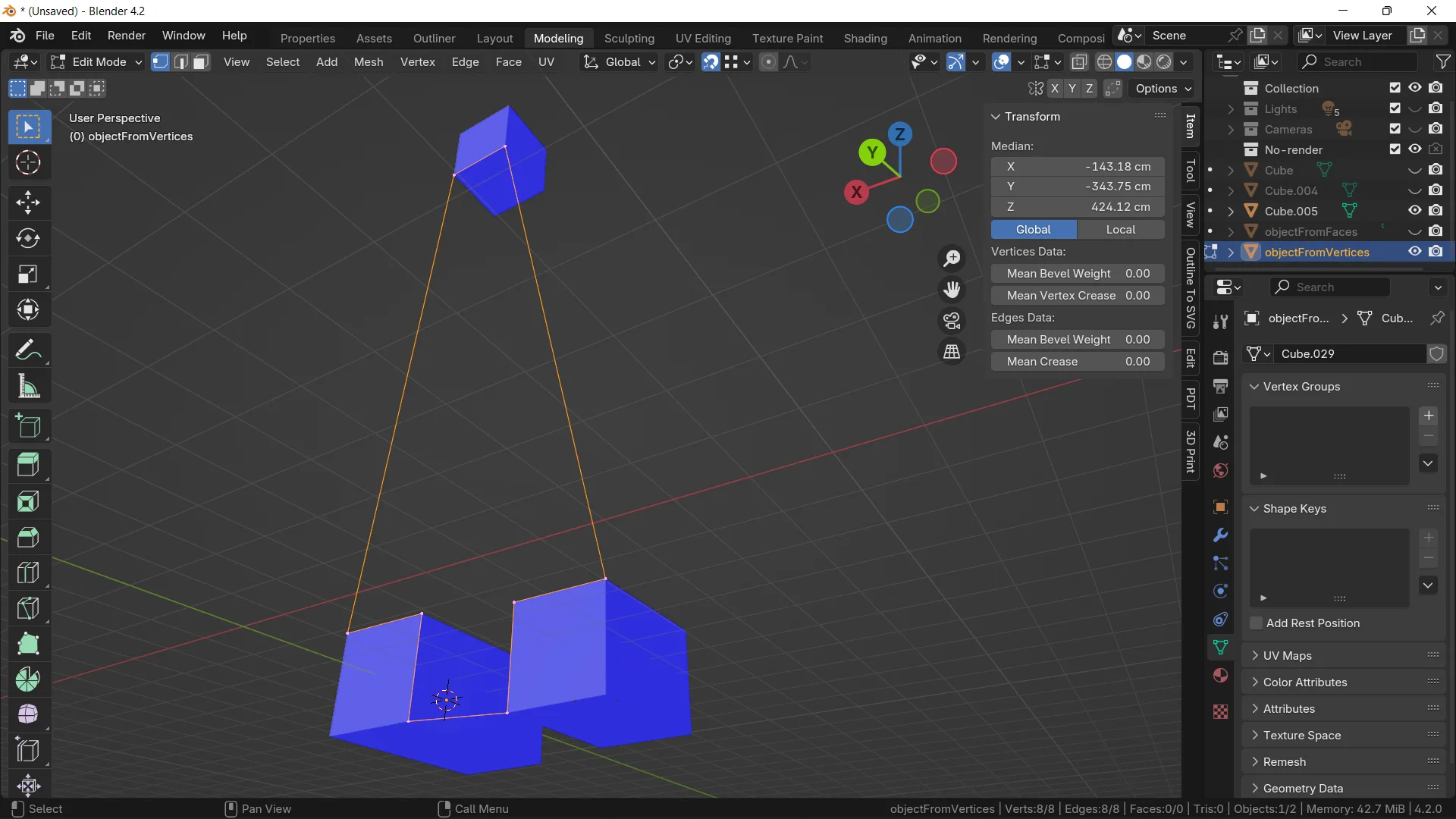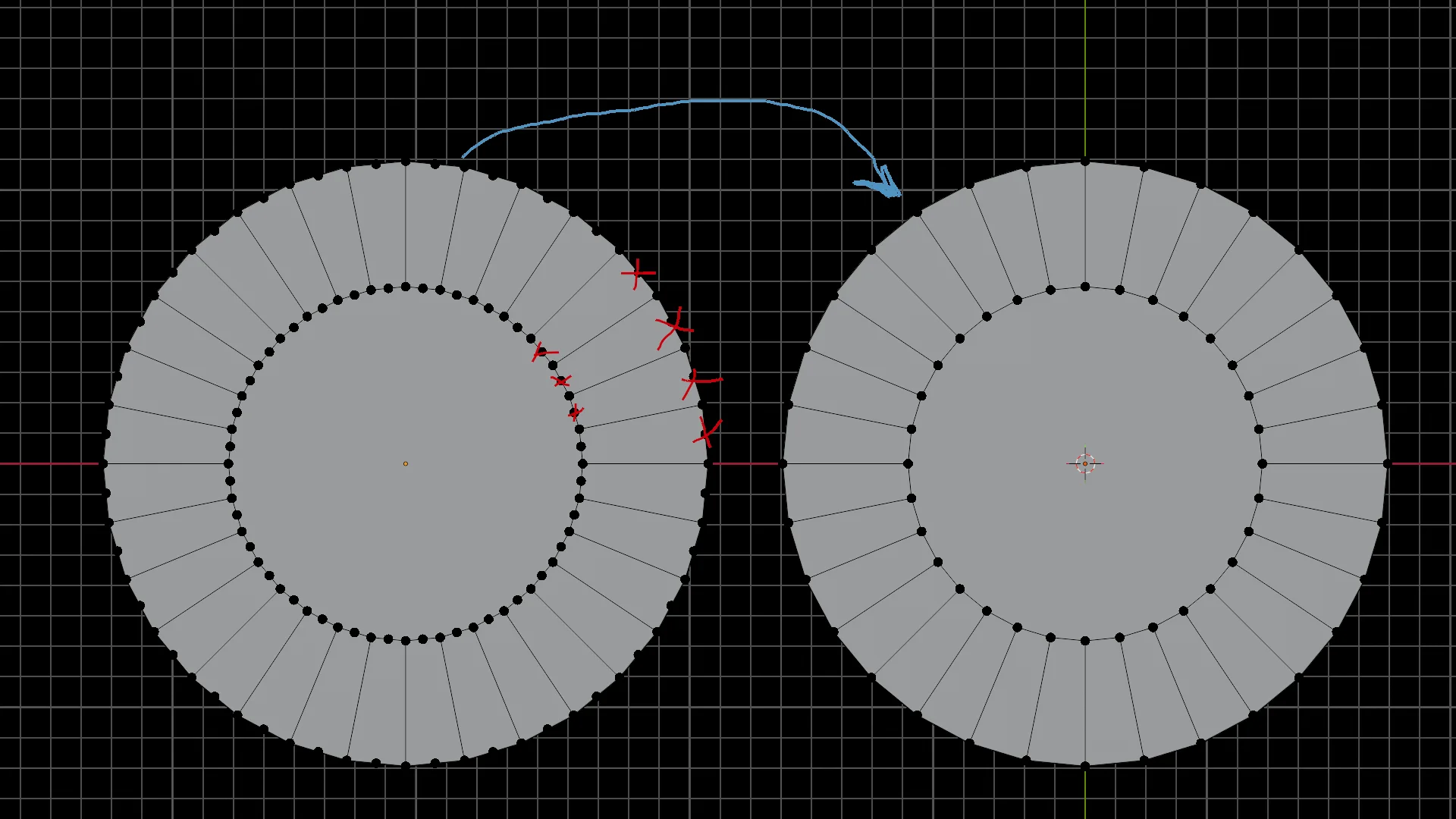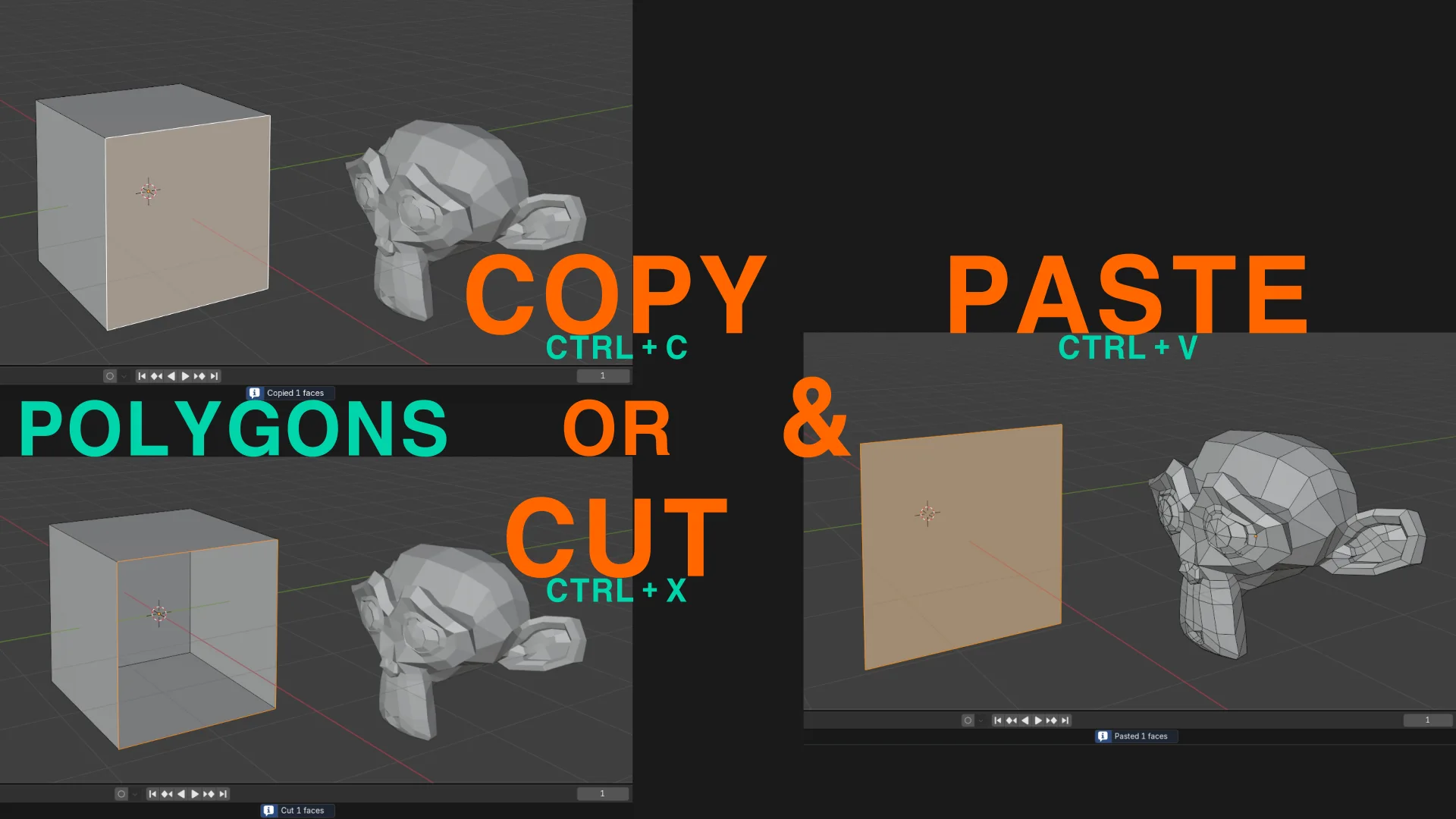
Poly Copy Paste adds a clipboard-style workflow for polygons in Blender Edit Mode. Use Ctrl+C to copy faces, Ctrl+X to cut them, and Ctrl+V to paste them. The add-on also provides controls in the 3D View sidebar.
Face operations and controls
Use the keyboard shortcuts for copy, cut, and paste, or open the N panel in the 3D View and go to Edit > Poly Copy Paste. The preferences include copy options and a shortcut reference. The listing also notes that Blender's native shortcuts remain accessible through Ctrl+Shift variants.
UV and edge data
Along with polygon geometry, Poly Copy Paste can transfer UV data, edge crease information, and edge sharp marks. Optional settings let you choose whether each type of data is included. Check these options when the copied faces need to retain their UV or edge treatment.
Blender support and license
The Blender Extensions catalog lists version 1.1.1, with Blender 4.5.0 as the minimum version. It lists Fisch_Tu as the maintainer and GPL-3.0-or-later as the license. Check the official Poly Copy Paste listing for current release details. For installation steps, see Blender's Install from Disk instructions.