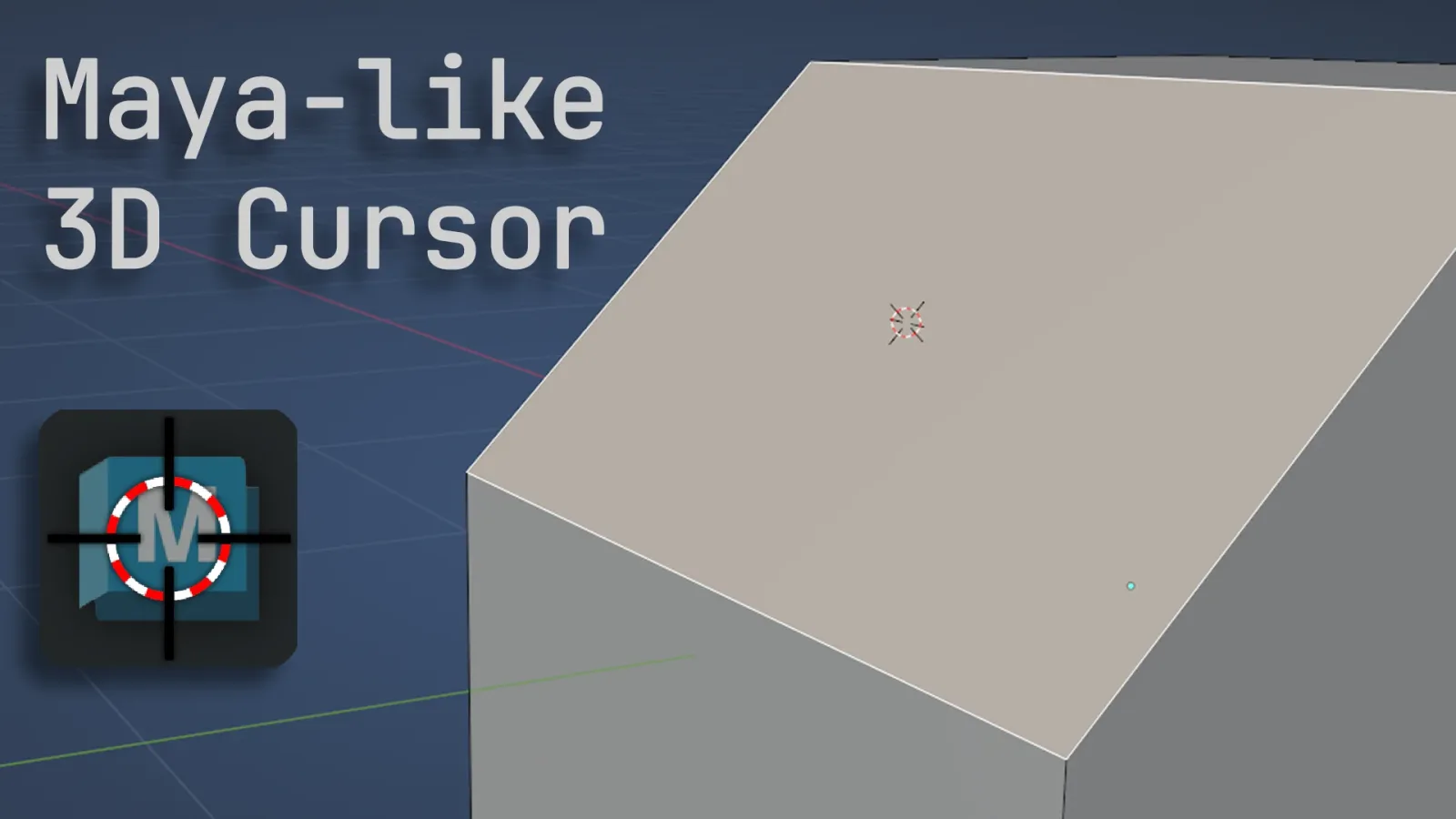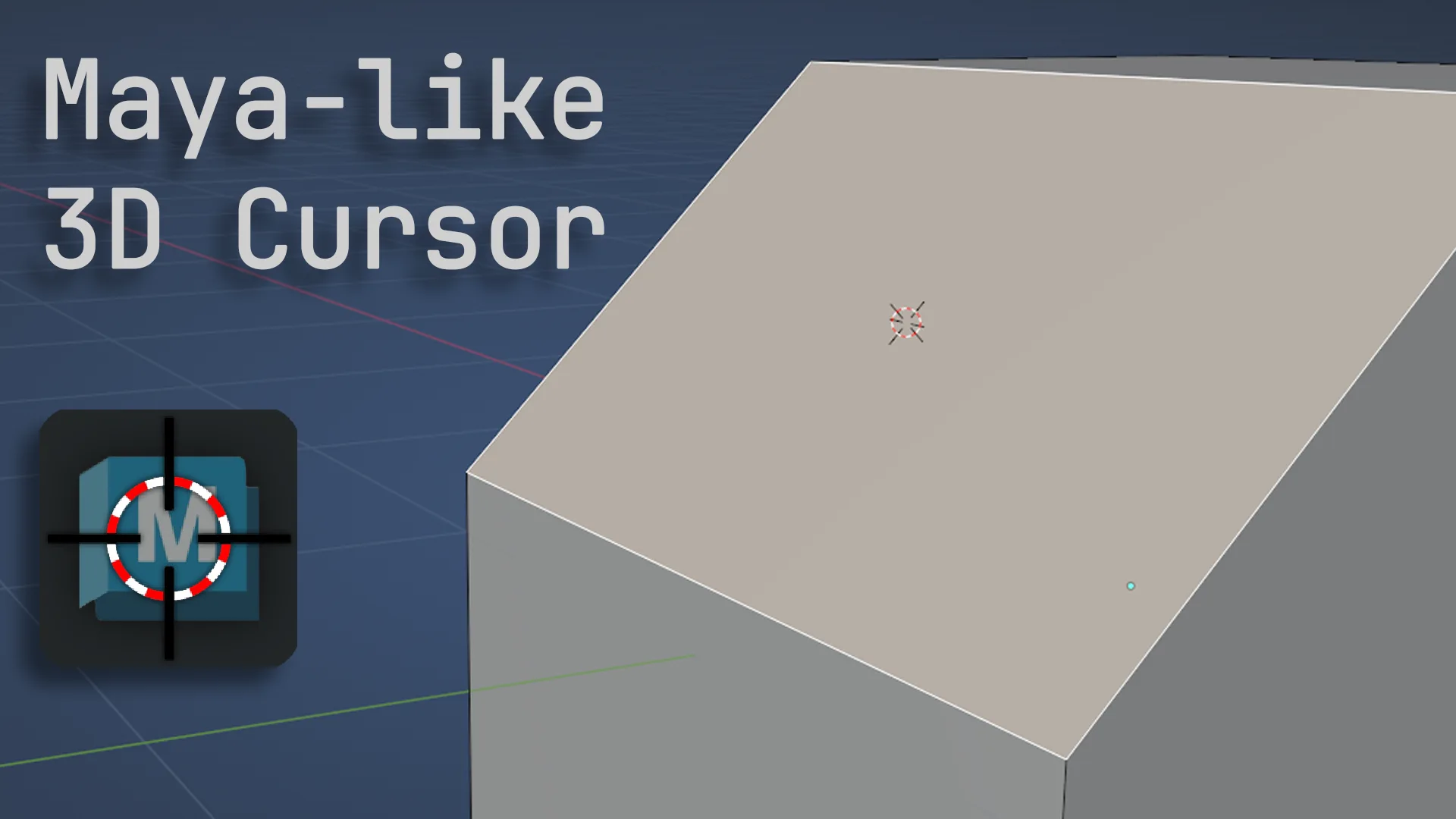
Maya Pivot is a Blender add-on by Zinkenite that adds Maya-inspired controls for the 3D cursor. In Edit Mode, its panel uses selected faces to modify the cursor’s position, orientation and Z axis. Choose Cursor in Blender’s Transform Orientation menu to work with the resulting orientation.
Set the cursor from mesh faces
- Enter Edit Mode and select faces to use as the pivot reference.
- Open the Maya Pivot panel in the edit section. Adjust the cursor’s position, orientation and Z axis based on the selected faces.
- Choose Cursor from the Transform Orientation menu to use the cursor orientation.
What the controls are for
Maya Pivot focuses on deriving 3D cursor settings from mesh faces. That can help when you want a modeling transform aligned to selected geometry. A reviewer on the Blender Extensions page calls it useful for mechanical modeling.
Compatibility and setup
The Blender Extensions API lists Maya Pivot version 1.0.0, with Blender 4.2.0 as the minimum version, Zinkenite as maintainer, and a GNU GPL v3.0-or-later license. Check the official extension listing for the available release and download. For manual installation, follow Blender’s Install from Disk instructions. The listing also links to the developer’s source repository.