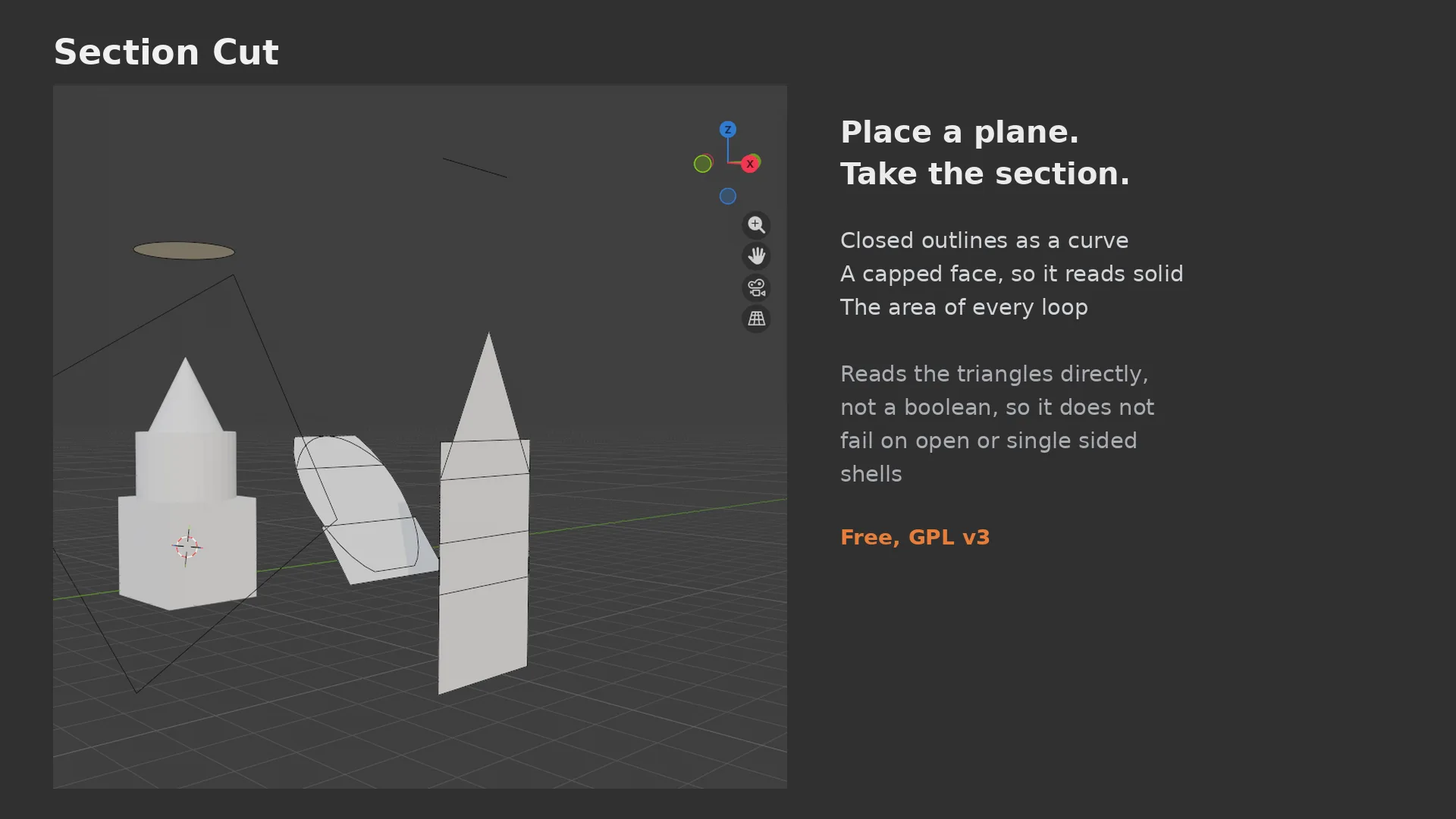
Section Cut is a Blender add-on maintained by Agregarts. Its stated purpose is to let you place a plane and take a section as real geometry. The listed release is 1.0.1, with Blender 4.2.0 as the minimum compatible version.
Plane-based sections
Select the meshes to cut and add a section plane; it is sized to the selection. Use the Height slider in the F9 panel, move it with G, rotate it with R, or enter exact values in the sidebar's Position and Angle fields. Take Section creates an outline curve and, with Filled Face enabled, a capped face; the area of each loop is printed in the console. Clear removes the plane while sections already taken remain. See the official Blender Extensions listing for current details.
Version and compatibility
Compatibility with earlier Blender releases is not established by that listing. The extension is categorized under Modeling and Mesh, and its license is GNU GPL version 3.0 or later.
Download and support
The official listing provides the add-on download and links to the Section Cut issue tracker. Blender's Install from Disk instructions cover installing extension files from a downloaded archive.