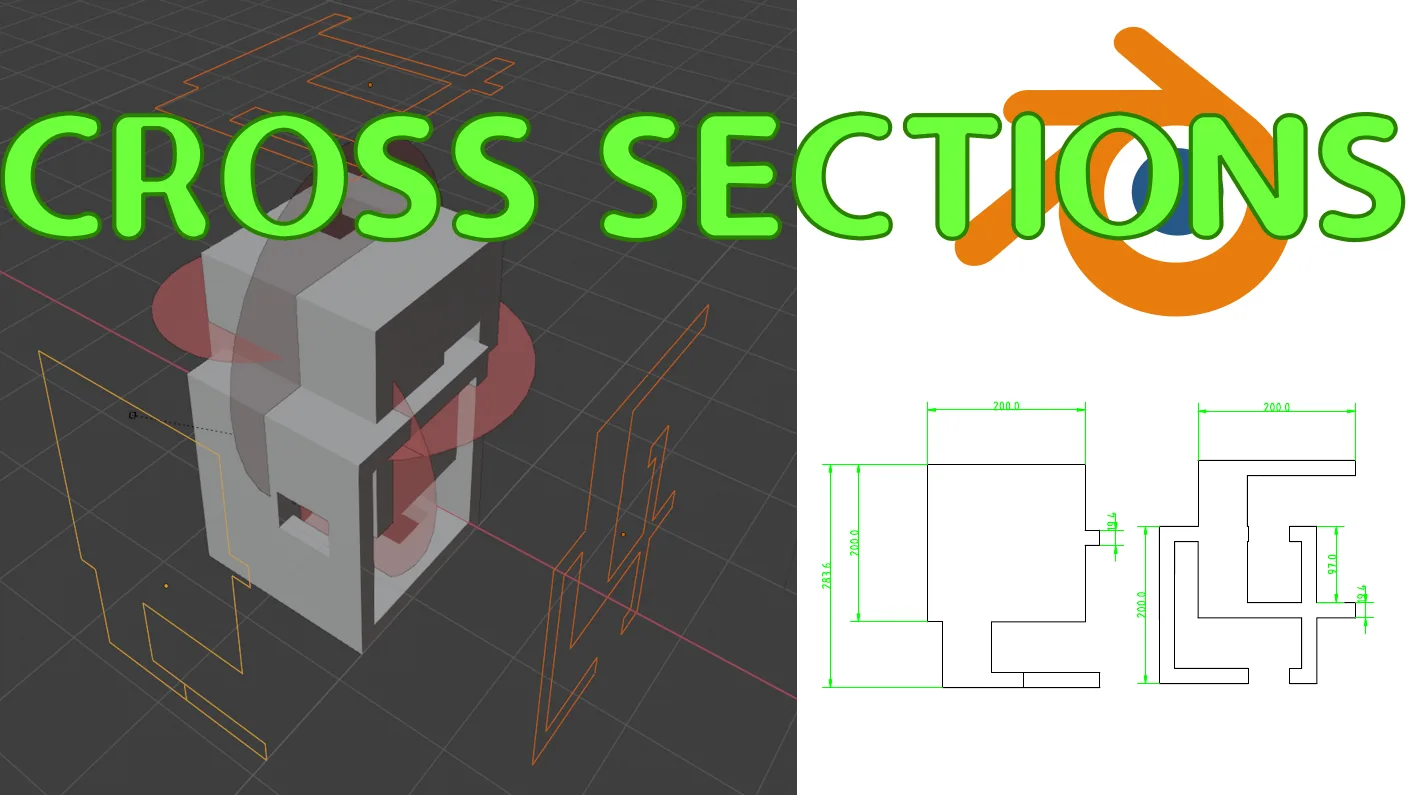
Cross Section is a Blender add-on by Digital Sculptors that creates cross-sections from selected meshes. It adds a Create Sections command to Blender’s Object menu, with controls for the axes to use and the interval between sections.
Choose axes and spacing
- Select the mesh you want to section.
- Choose
Object > Create Sections. - Select the X, Y, and/or Z axes, then set the interval in millimetres.
All axes are selected by default, and the default interval is 100 mm. Adjust the interval to suit the object and the spacing you need. Cross Section groups the generated results into collections named X_sections, Y_sections, and Z_section.
Install it in Blender
For Blender 4.2 and newer, drag the downloaded ZIP file into Blender to install the add-on as an extension. For Blender 4.1 and older, open Edit > Preferences > Add-ons, click the install button, and select the ZIP file. Enable the add-on with its checkbox. The Create Sections command is then available from the Object menu.
Compatibility and license
The product listing states a Blender requirement of 2.83 and above and lists compatible versions through Blender 4.3. It identifies Cross Section as GPL-licensed and Blender Extension compatible. If you use a later Blender release, check the current product listing for compatibility details.
When it fits
Cross Section is suited to modeling work that needs sections from selected meshes along one or more standard axes at a chosen interval.