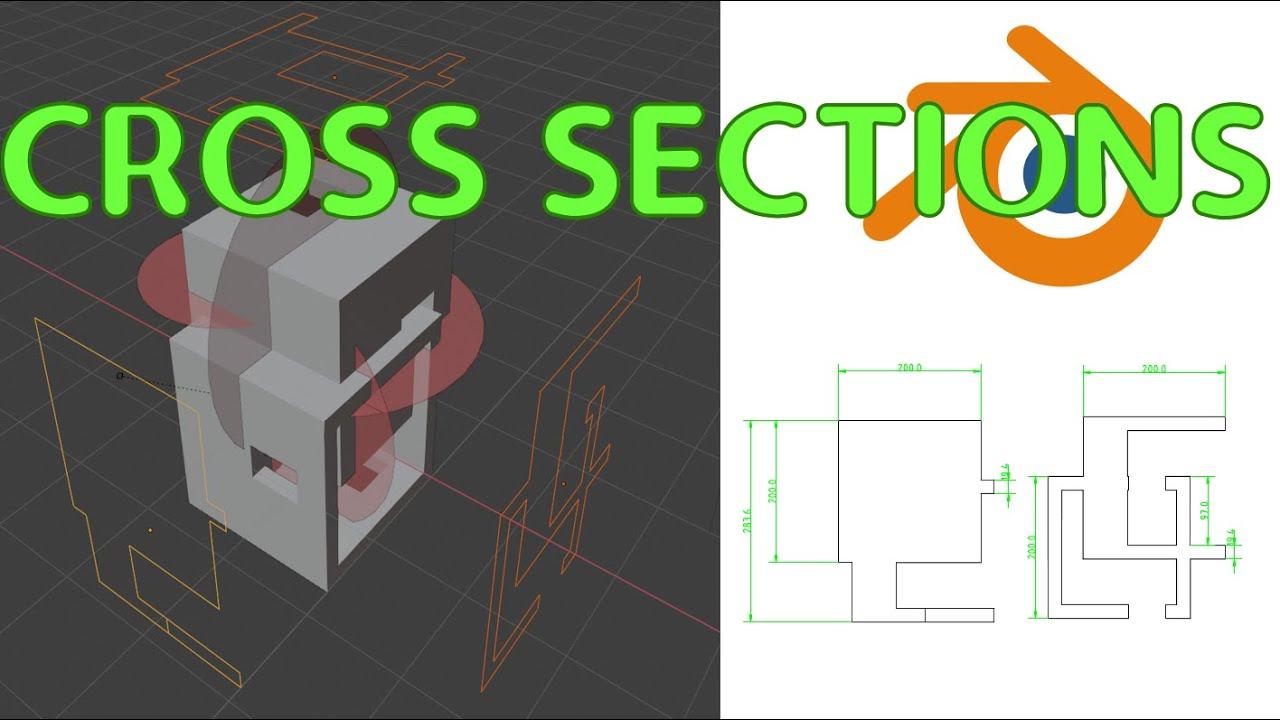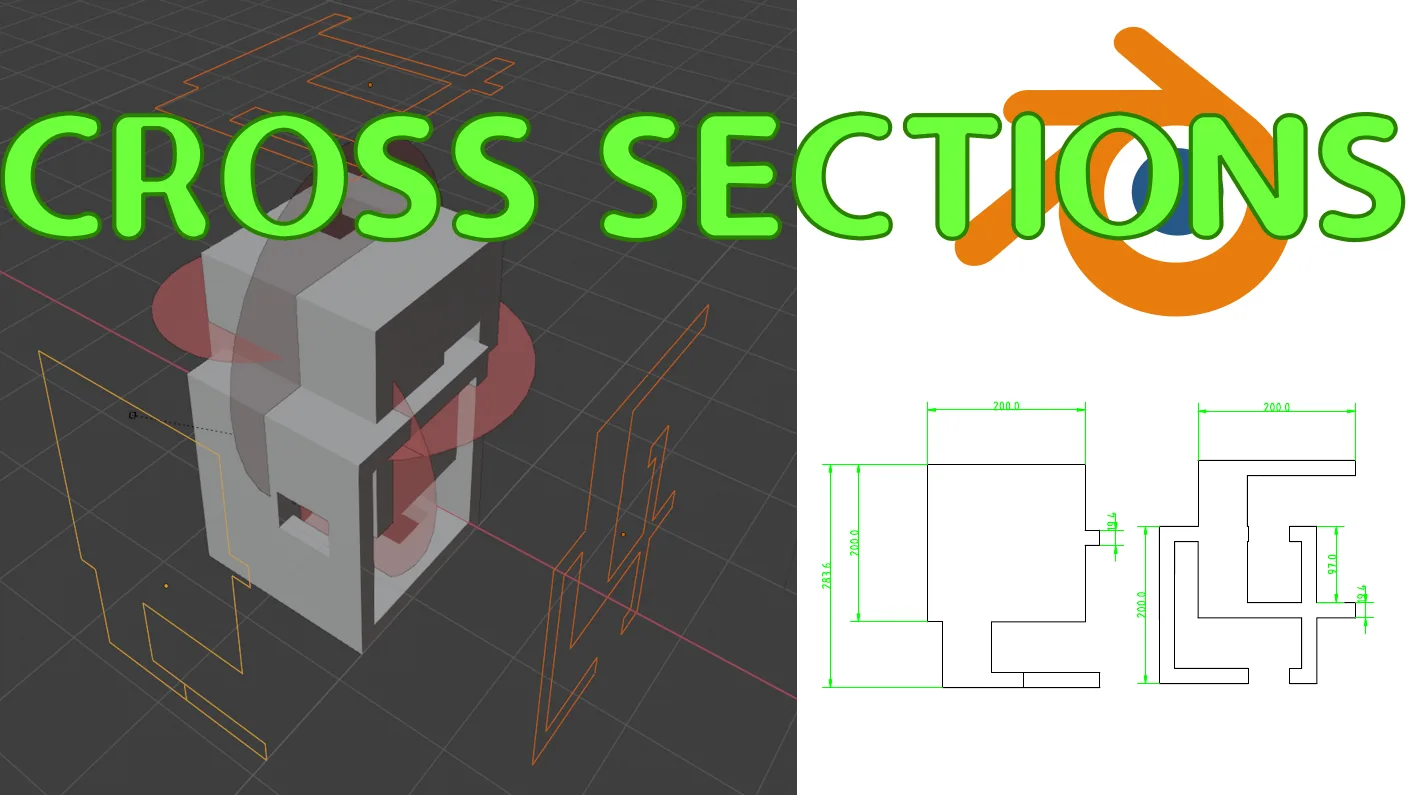
Cross Section Maker is a Blender add-on by Tiemen's addons for creating cross-sections from mesh objects at a chosen cut plane. It can place a section on the XY plane for DXF export to CAD software such as QCAD. It is distributed under the GPL license.
Install and position a cut plane
Open Blender Preferences, choose the add-on installation option, and select the downloaded file. After installation, its controls appear in the side panel under the Edit menu. Use Cut plane New in Object mode to create a cut plane. In Edit mode, select a plane and use Cut plane Copy. An Edit-mode cut plane is circular, starts at the origin and has an adjustable direction. Apply the source plane's scale and rotation before copying it so the cut plane lands in the intended position.
Create and organize a cross-section
Select the mesh objects to cut, then select the cut plane last. Run Make Cross-Section to create a section at the cut plane. The result is projected a distance from the plane, and you can adjust that distance in the popup menu. Cross Section Maker places cut planes and cross-sections in separate collections, which you can rename. You can create multiple planes and sections in the same scene.
Prepare the section for DXF export
In Object mode, select a cross-section and use Drop to XY plane to lay it flat. You can then rotate it around the Z axis. Version 0.2 added DXF export to the interface. Export requires Blender's shipped DXF exporter add-on to be activated, and the cross-section must be on the XY plane. In the scale 100 example, one Blender unit equals one centimetre in CAD; check how your CAD software interprets imported units. The developer reports using QCAD to add measurements to a Blender drawing after export.
Check Blender compatibility
Cross Section Maker is listed for Blender 2.93 and versions 3.0 through 3.6; compatibility with later releases is not confirmed, so check with Tiemen's addons if you use another Blender version.