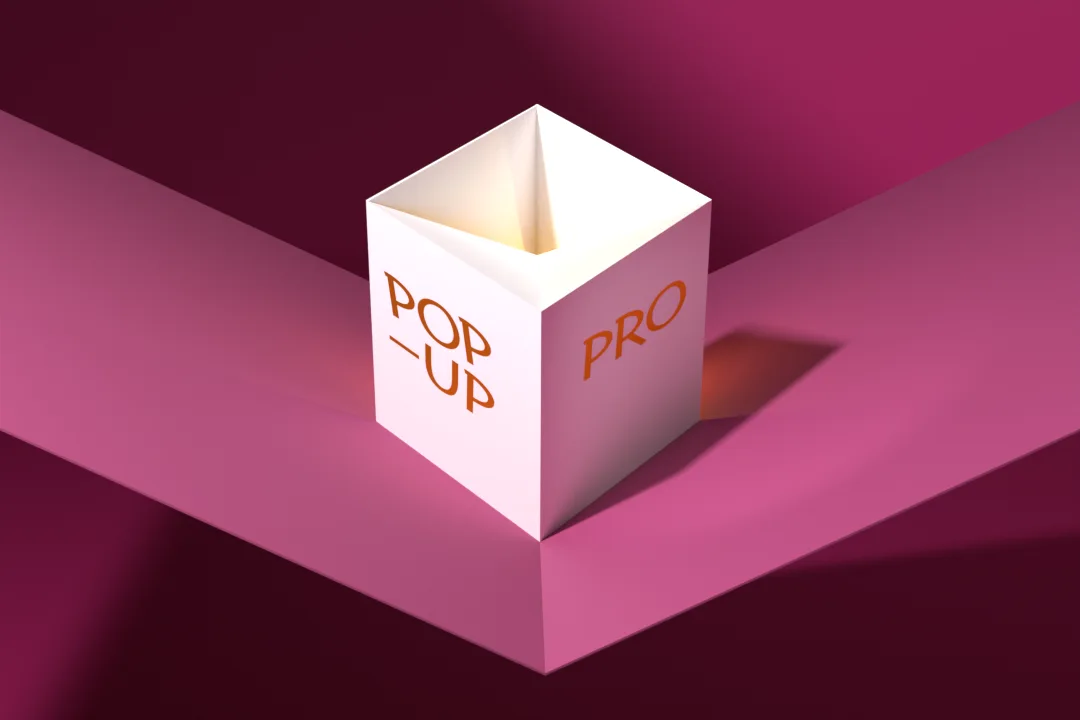
Pop-Up Pro is a Blender add-on by Liatach for designing pop-up cards and books. Build paper mechanisms, adjust their sliders to reshape the card, and test how it opens and closes. The Blender Extensions listing currently shows version 0.96.1 for Blender 5.0 and newer. The add-on is free and licensed under GPL-3.0-or-later.
Build and check paper mechanisms
The add-on includes V-folds, box folds, cubes, tubes, cones, castles, pull-tabs, 45-degree folds and carousels with two to nine stages. Version 0.96.1 adds a Slotted Piece that can intersect any box fold and many other shapes. You can combine mechanisms, add creases and cutouts, duplicate shapes, and align parts along a fold or across the card. As you change a mechanism's sliders, Pop-Up Pro rebuilds the card.
Live checks flag tearing, parts poking through or sticking out, and glue areas that overlap. A Plan View flattens the card into a see-through layout and assigns a color to each mechanism, which helps reveal overlaps in a busy design.
Draw and test the moving design
Draw with Grease Pencil on the folded card or its flat layout. You can also place images that wrap around cubes and tubes. Ink Layers keep drawings as editable strokes that you can hide, fade, reorder or change. Erased areas can be cut out of the paper, and outside glue tabs can carry the artwork of the part they attach to.
A built-in animated movement test uses an Open slider and a rig that does not require Python auto-run. This lets you inspect the opening motion while you work.
Prepare sheets for printing and cutting
Pop-Up Pro can export layered SVG sheets, reverse sides, an assembly page, and separate cut-only or crease-only files for Cricut and other cutting machines. Supported card formats include A6 through A3, US Letter, 5×7-inch cards and picture-book trims. The extension requests file access to export print sheets as SVG and write temporary texture tiles.
Get started in Blender
In the 3D View, press N to open the sidebar, choose the Pop-Up tab, select a card size, then choose Build Card or Make Carousel. Press Play to test the movement. The Blender Extensions listing has the current release and compatibility details; Liatach's guide, examples and source code provide more detail on building designs.