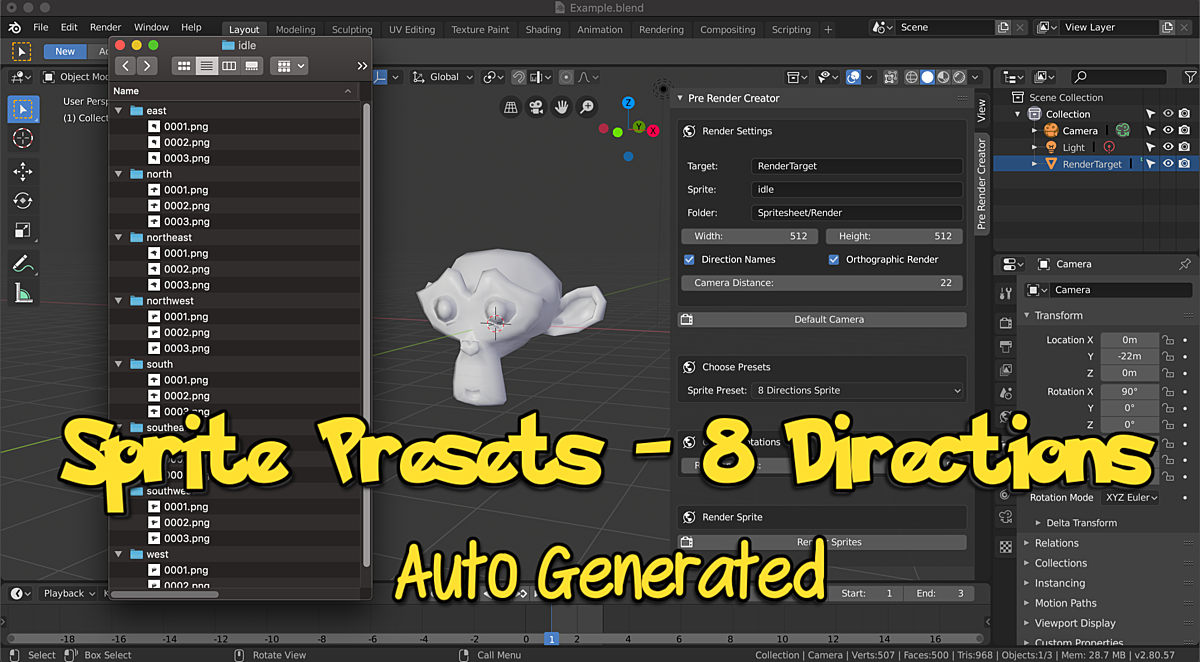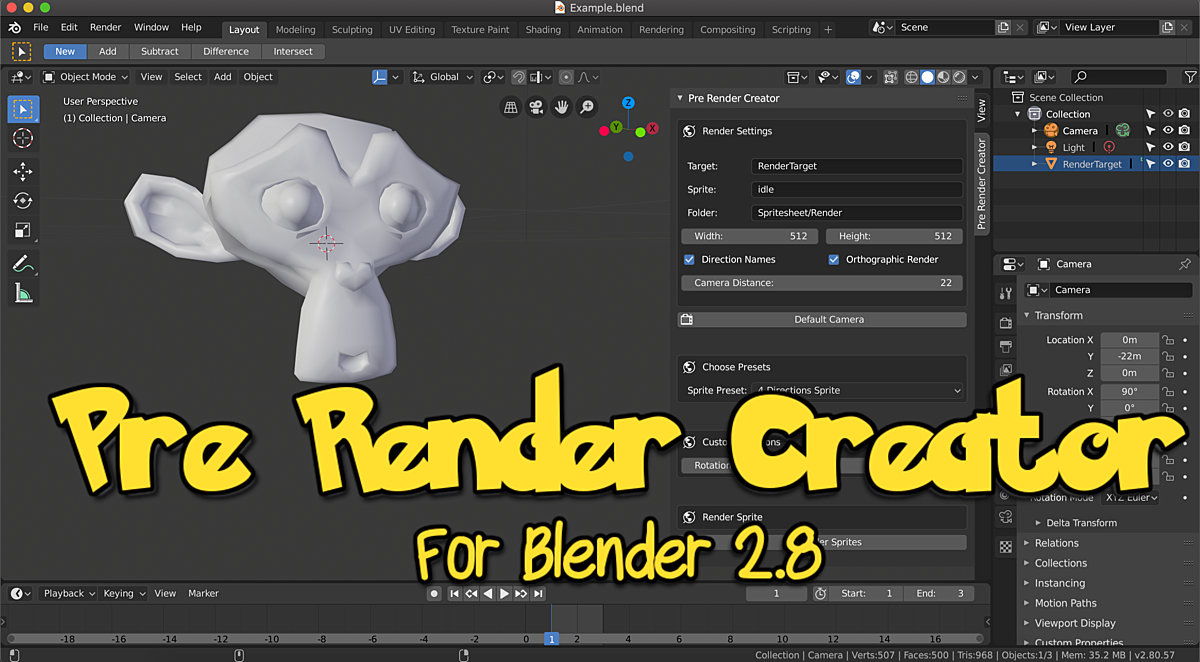
Pre Render Creator (PRC) is a Blender script for making spritesheet animations from a 3D model. Its model-once, render-all workflow creates sprites from multiple angles with a single click. Choose a preset such as 4 directions, 8 directions or front-only, then set rotation steps or a custom rotation.
Set angles and pack a spritesheet
Choose a render target and adjust the sprite size, camera distance, file names and optional output path. PRC also includes Quick Render and a spritesheet tool that packs rendered sprites inside Blender.
Prepare the render target
The camera must fit within the render target mesh. If it falls outside the mesh, the script will not work. For a scene with several objects, parent them to an Empty and select that Empty as the render target. The product includes an example .blend file to show the intended setup.
Installation and Blender versions
The product listing names Blender 2.8, 2.81, 2.82, 2.83 and 2.9. It does not list later releases, so check compatibility before using PRC with a newer Blender version. The v2.0.4 documentation says to unpack the download, then use Blender’s install add-on from file option to select preRenderCreator.zip. Instructions are also included in the download folder. On Windows, Alphatech Studio recommends running Blender as administrator the first time you use the spritesheet tool.