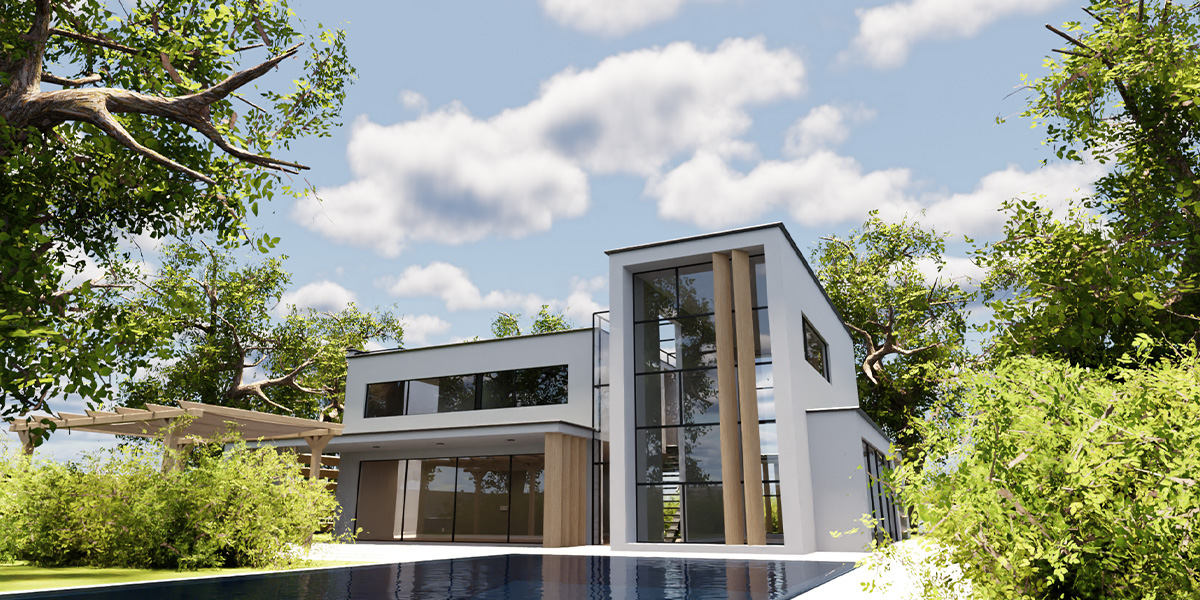
Pristina.Ai® Ai Rendering Engine V26.X is an AI rendering tool for Blender aimed at architectural visualization, product rendering, and client work. Its three modes let you choose how much the AI changes the image, from a fully generated result to refinements on selected objects.
Choose a render mode
- Complete generates imagery from the Blender scene and lets you steer materials, lighting, and mood. The product page describes output tuned for crisp 4K imagery.
- Hybrid combines a base render with AI-enhanced realism, adding detail and atmosphere while retaining compositional control.
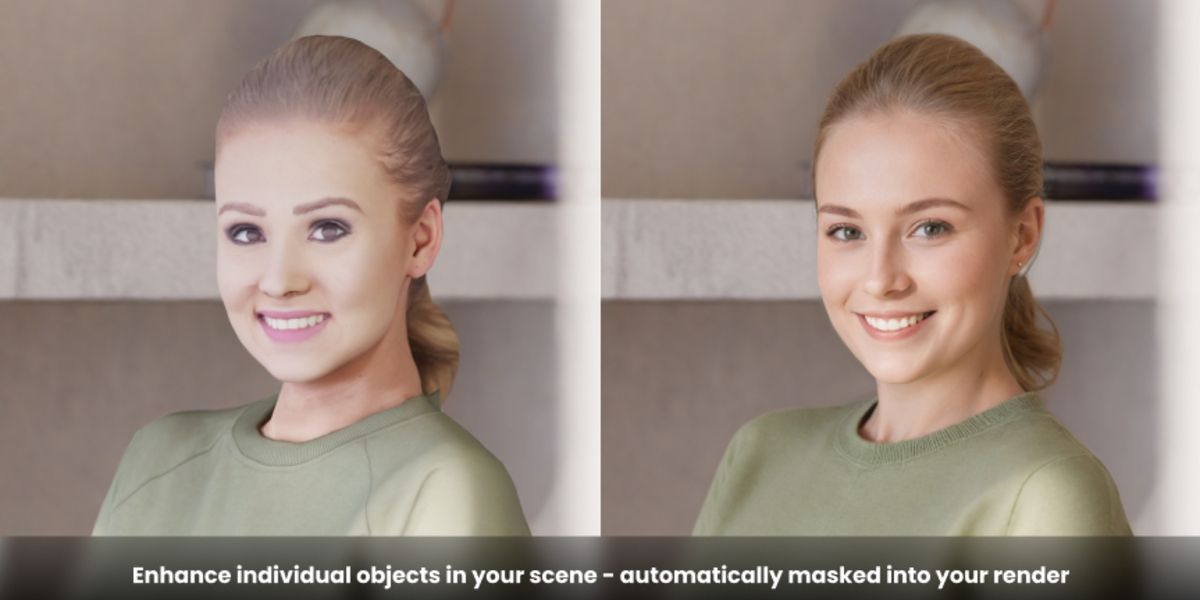
- Enhance applies AI passes to selected objects. The listing describes automatic masking for enhancements, avoiding a manual masking step in Photoshop.
Scene controls and output
The product page says Pristina maintains 3D geometric accuracy from the scene. You can provide reference images per object, export transparent PNG masks, use a preset tuned for realistic people, and apply 2× upscaling. Object passes are listed up to 4096 × 4096 pixels. Cloud rendering runs jobs in parallel, but the supplied details give no render-time estimate.
Compatibility and access
The Superhive listing specifies Blender 4.3 through 5.1 and the Cycles render engine, with Windows, macOS, and Linux support. Check the Pristina product page before installing if your Blender version or render engine falls outside that listing.
A July 2026 catalog entry labels Pristina free to download and use; the marketplace listing advertises a free trial with 500 signup credits and an MIT license. The listings do not resolve ongoing cloud pricing, per-render credit use, or how the MIT license applies to cloud rendering, so confirm current terms before planning a project.
Pristina Vision and MCP workflows
Pristina Vision is an MCP skill for Blender that feeds viewport and scene context to assistants, helping them reason about layout, materials, and lighting. Cursor and other MCP-powered workflows are named, but setup steps and a fuller client list are not specified.