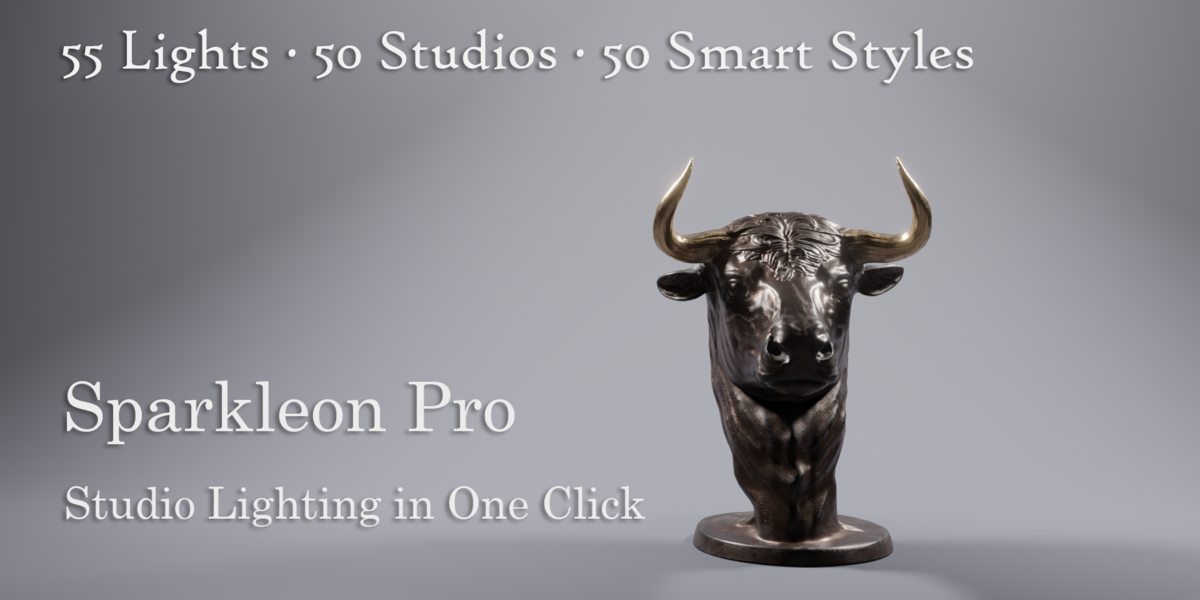
Productstudio - Fast Product Render Tools is a Blender add-on that builds a studio-style scene for product renders. Its setup creates a camera, key, fill, and rim lights, a shadow plane, and organized collections. The Superhive product listing specifies Blender 4.0 through 4.5 and support for Cycles and Eevee.
Set up a product render
Install the downloaded ZIP in Blender through Edit, Preferences, Add-ons, and Install, then enable the add-on. The Product Render Toolkit panel appears in the 3D Viewport sidebar. Place the product at the world origin first, then select it and click Create Studio Setup. Adjust its scale or rotation if needed.
Choose a preset and background, then use Apply Render Preset and Apply Background to update the scene before rendering. The available presets are Low, Medium, and High. They are intended to balance quality and render time; no exact settings or render-time guarantees are stated. Background choices include white, gray, and transparent; the listing also describes soft studio shadows. Read the setup and workflow documentation.
Adjust the generated scene
The generated camera, lights, and other scene objects remain editable. You can modify materials after setup, and the named objects and organized collections support manual adjustments.
Who it suits
Productstudio is designed primarily for single-object product rendering, including e-commerce images, portfolio work, and quick studio previews. Product models are not included, so you need to bring the object you want to render. The listing records a GPL license. Check the current product details before downloading.