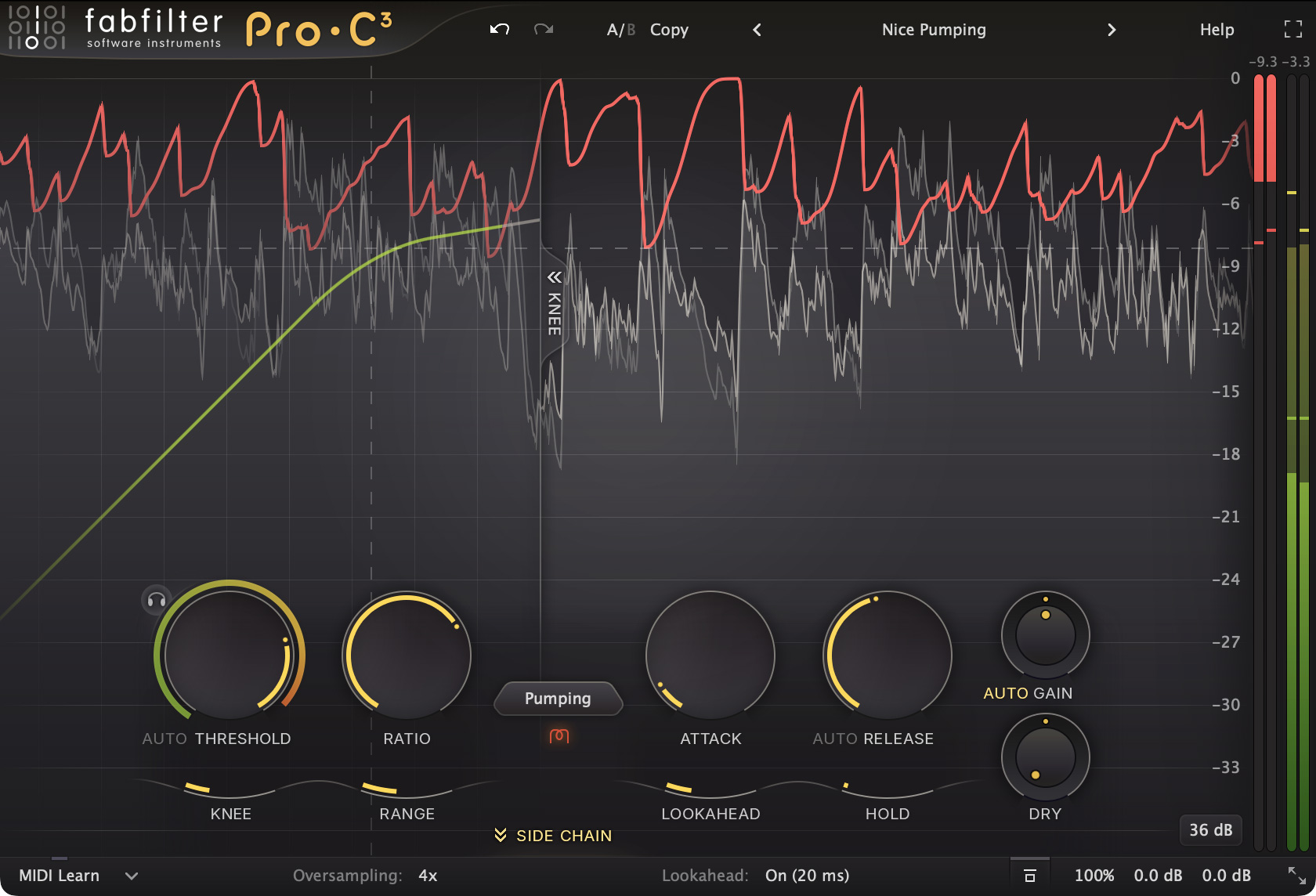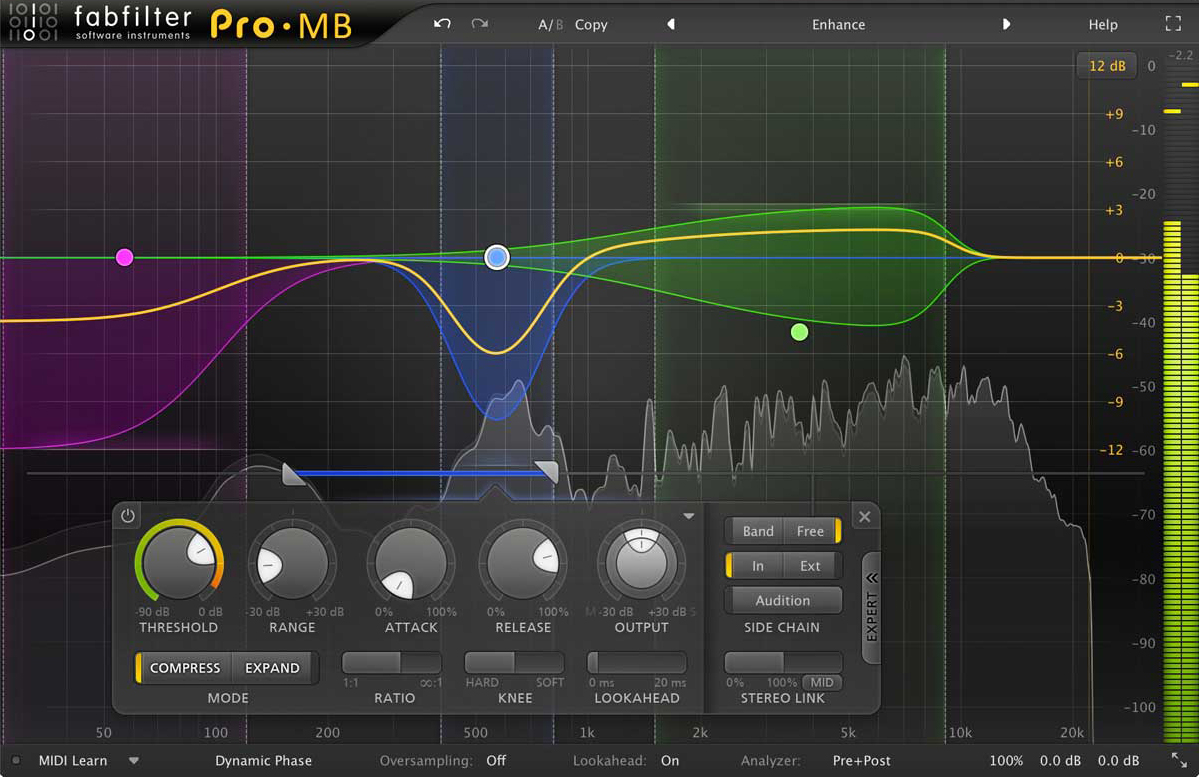
FabFilter Pro-C 3 is a compressor for shaping levels on individual tracks, buses and masters. Its 14 program-dependent styles cover subtle control, vocal processing, bus compression and more pronounced pumping effects.
Choose a compression style and character
Each style changes how Pro-C 3 responds to the audio. The Vocal style uses automatic knee and ratio settings, while Mastering aims for transparent compression that can still catch fast transients. Bus is designed for bus processing and adding glue; Pumping is suited to pronounced rhythmic effects. Upward compression raises the level when it falls below the threshold. TTM combines upward and downward compression across multiple bands.
The separate Character panel adds analog-style saturation, color and drift. Its Drive control and pre- or post-compression routing let you adjust how that coloration enters the signal path. Auto Threshold makes the threshold level-independent, which FabFilter identifies as useful for dialog processing.
Shape the trigger signal
By default, the compressor detects its main input. Select an external side-chain when another signal should trigger compression, then shape that trigger with up to six EQ bands. The bands support different filter shapes, including brickwall and all-pass filters, and can target the mid or side signal individually. Audition the filtered trigger and watch the side-chain level meter as you set the threshold.
For rhythmic triggering, Host Sync generates a pulse tied to the DAW tempo. Set its sync rate, offset and length; offsets from 50% to 200% allow dotted or triplet timing. MIDI note-on messages can also trigger compression, letting you create a custom pattern in the DAW.
Manage stereo, surround and timing
Variable stereo linking ranges from independent channel detection to fully linked gain reduction. Mid/side processing can target the mid or side signal. Pro-C 3 supports immersive formats up to 9.1.6, depending on the DAW and plug-in format.
The animated level and knee display, peak and loudness meters, and gain-change meters show how compression is being applied. Optional lookahead is adjustable up to 20 ms, and oversampling goes up to 32x. A Mix setting scales the gain change from 0% to 200%.
Check compatibility and licensing
FabFilter lists VST, VST3, Audio Units, CLAP, AAX Native and AudioSuite versions. Its stated requirements include Windows 11, 10, 8, 7 or Vista in 32-bit or 64-bit, and macOS 10.13 or later in 64-bit for Intel or Apple Silicon. Choose a format supported by your DAW; surround support also depends on the host and format.
The Mac and Windows license is personal and can unlock FabFilter plug-ins on up to three computers when used by the license holder. Studios with multiple users need a multi-seat license. The iPad version is a separate App Store purchase and does not use a Mac or Windows license key. FabFilter provides a 30-day trial.