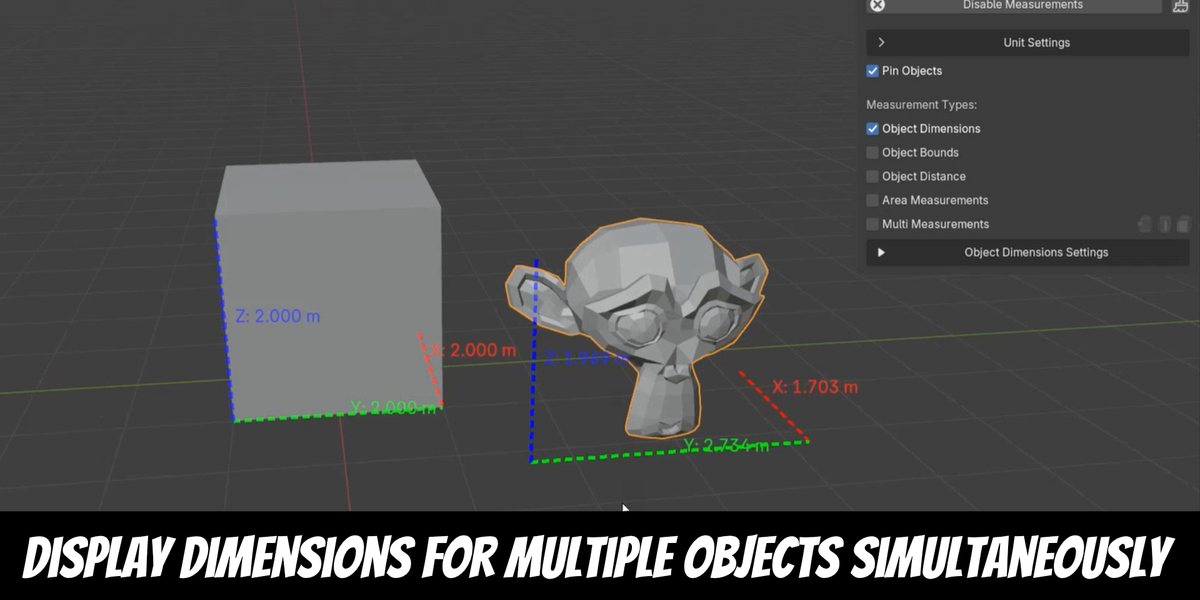
Pro Measure is a Blender add-on from CreateVisions that displays dimensions, distances, angles, and areas in the viewport. It is aimed at technical modeling, architectural design, and quality-control work where measurements need to stay visible while you inspect a scene.
Measurement types
- Object dimensions: Show width, height, and depth with color-coded X, Y, and Z indicators.
- Object bounds: Display total dimensions for multiple selected objects.
- Distances: Measure between object centers or custom points.
- Multi-point measurements: Build editable paths using vertices, edge midpoints, face centers, or free surface points. Read segment lengths, angles, and total length.
- Areas: Measure selected faces and see their polygon counts.
Place and edit measurement points
Vertex mode snaps to visible vertices. Hold Ctrl to place or slide a point across a surface; a nearby vertex can anchor it to geometry. Hold Ctrl+Alt to snap to edge midpoints or face centers. A red core marks a point without a geometry reference, so you can tell which points will not follow a deforming mesh.
The viewport point editor lets you drag existing points, insert a point on a line, continue a measurement from either end, or delete an individual point. Values update as you edit.
Units, display, and saved measurements
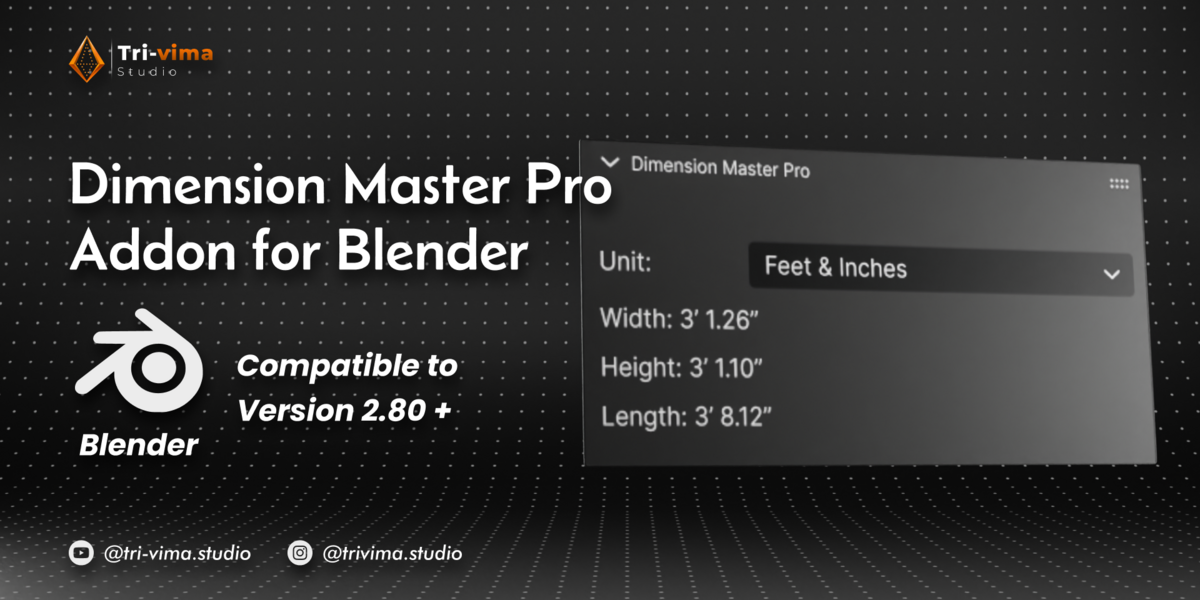
Pro Measure supports metric and imperial units, from micrometers to kilometers and mils to miles. It can show combined feet-and-inches values. With Follow Scene Units enabled, its readouts use the unit system, length unit, Separate Units setting, rotation, and Unit Scale from Blender's Scene Properties. Length, degree, and radian precision can be adjusted.
Change line thickness, text size, colors, label position, and text-background opacity. You can give measurements individual colors, flip dimension lines to the other side of a model, and pin objects so their measurements stay visible after deselection. Measurement data and display state are saved in the .blend file and restored after reopening; they also survive undo and redo and object renames.
Selecting measurements can copy a plain-text report with names, segments, totals, and angles to the clipboard. For multi-million-polygon meshes, snap caches build in the background with an activity indicator.
Version and Blender compatibility
The Superhive product listing identifies version 2.1.1 and Blender 4.3–5.2 compatibility. The AnyPlugins listing describes version 1.1 and support through Blender 5.1, so the supplied listings differ. Check Superhive for the release and compatibility range before installing.