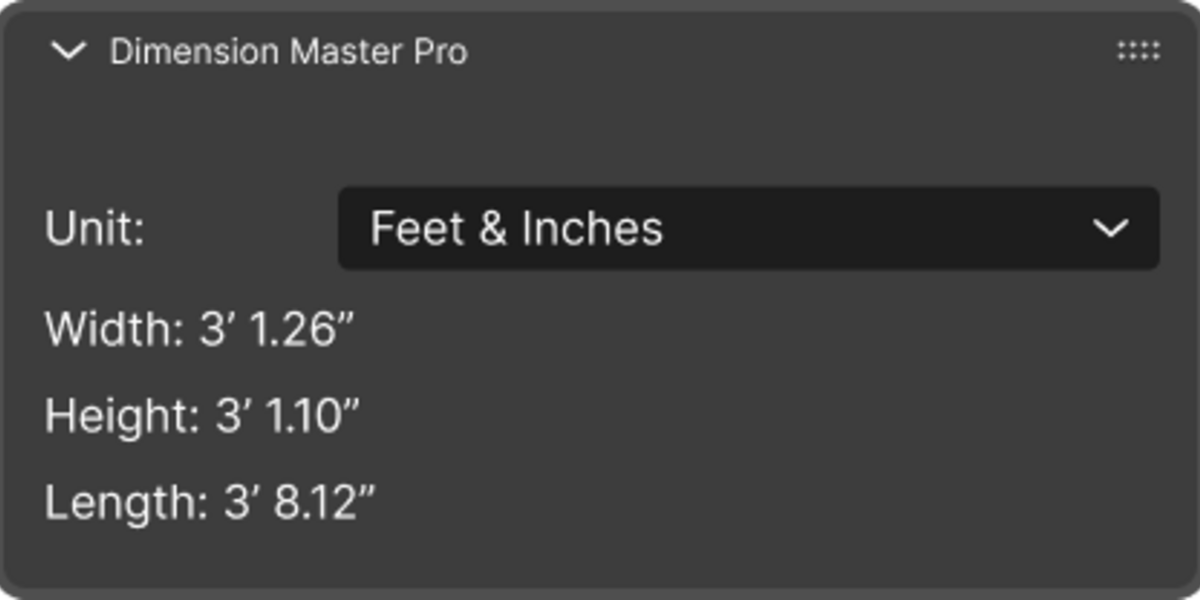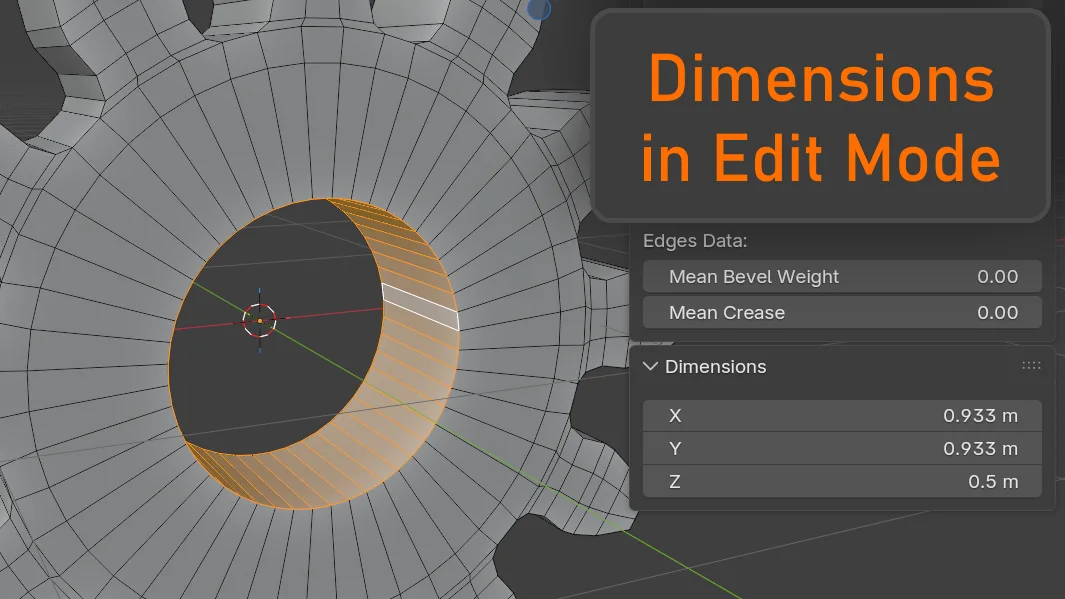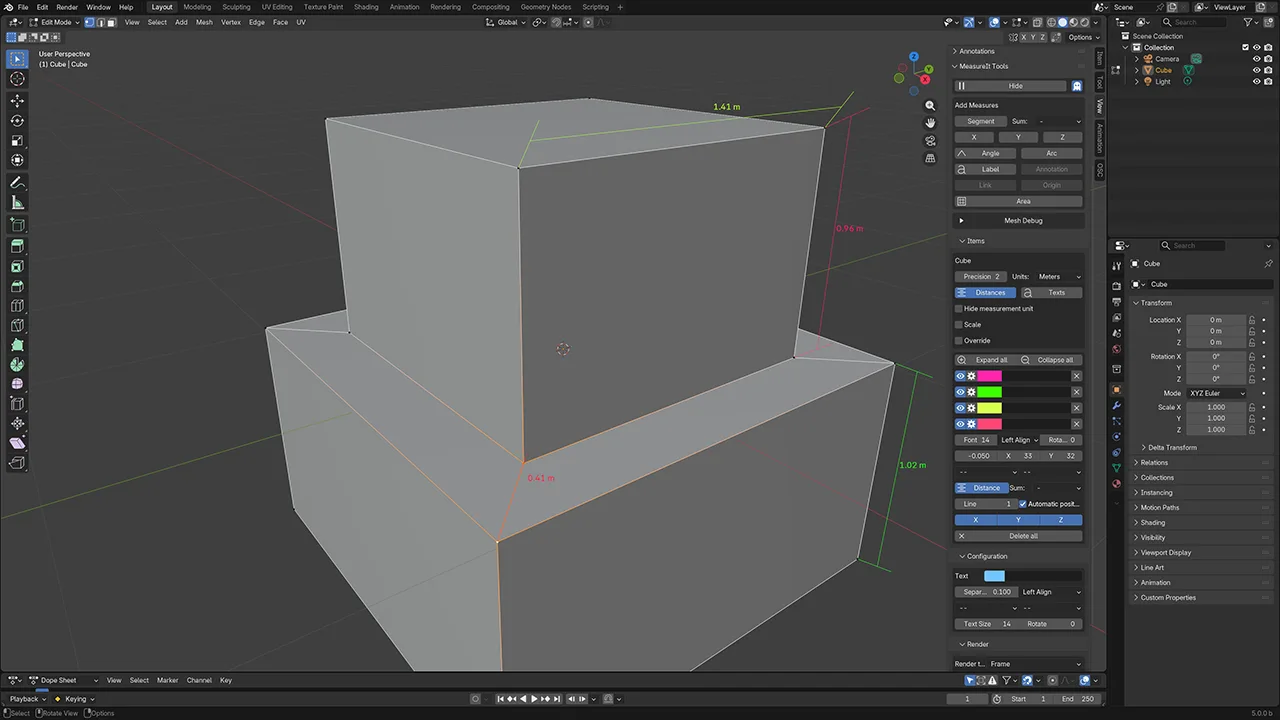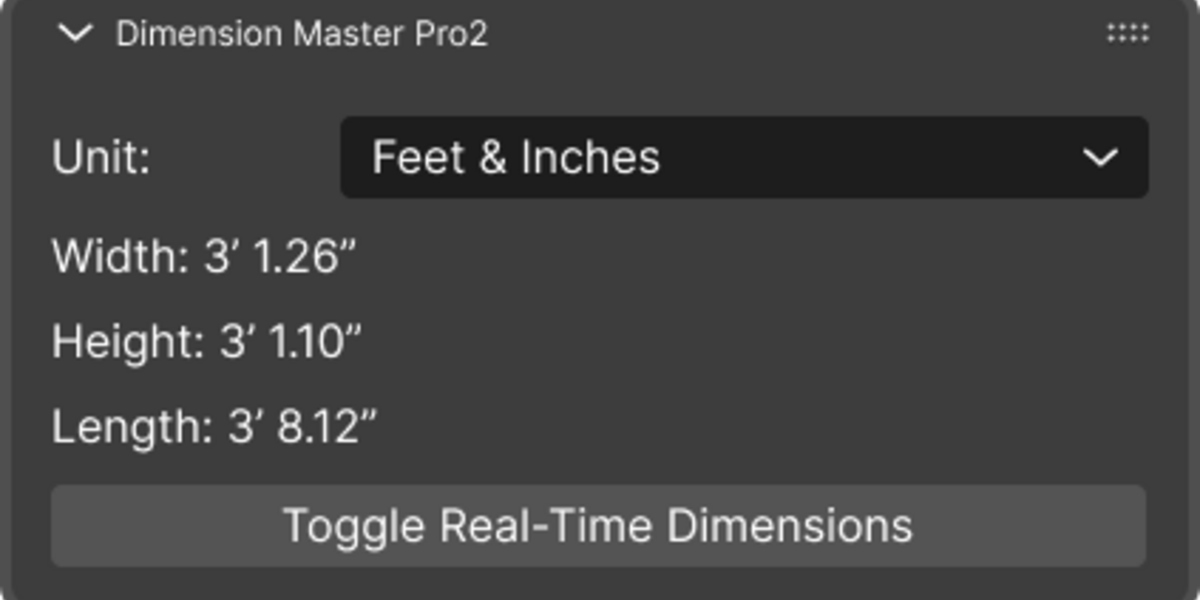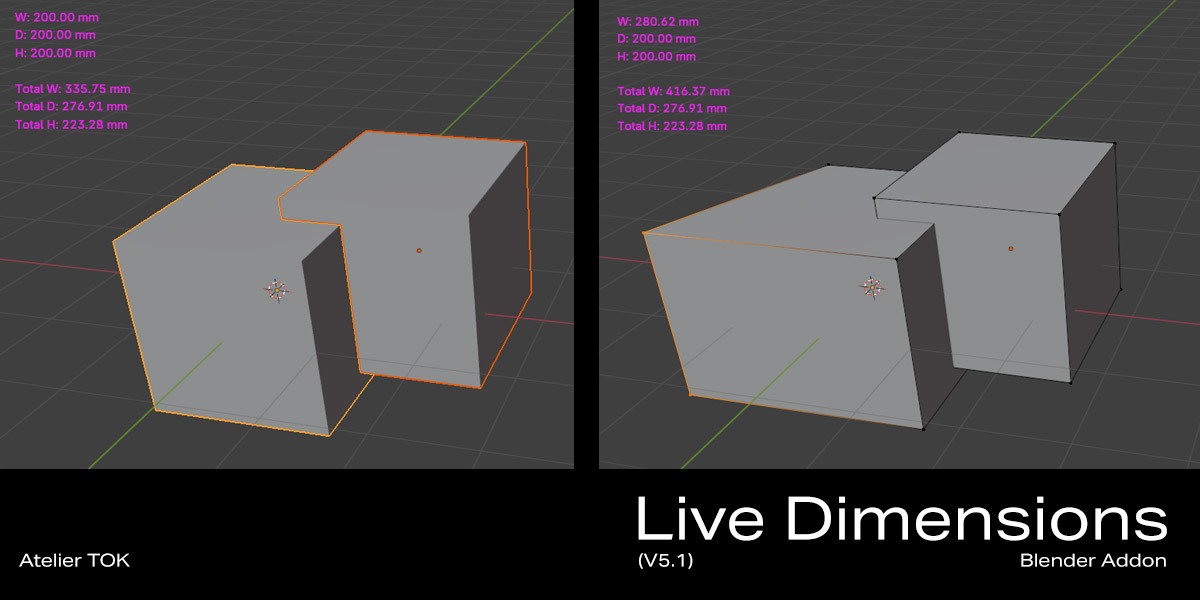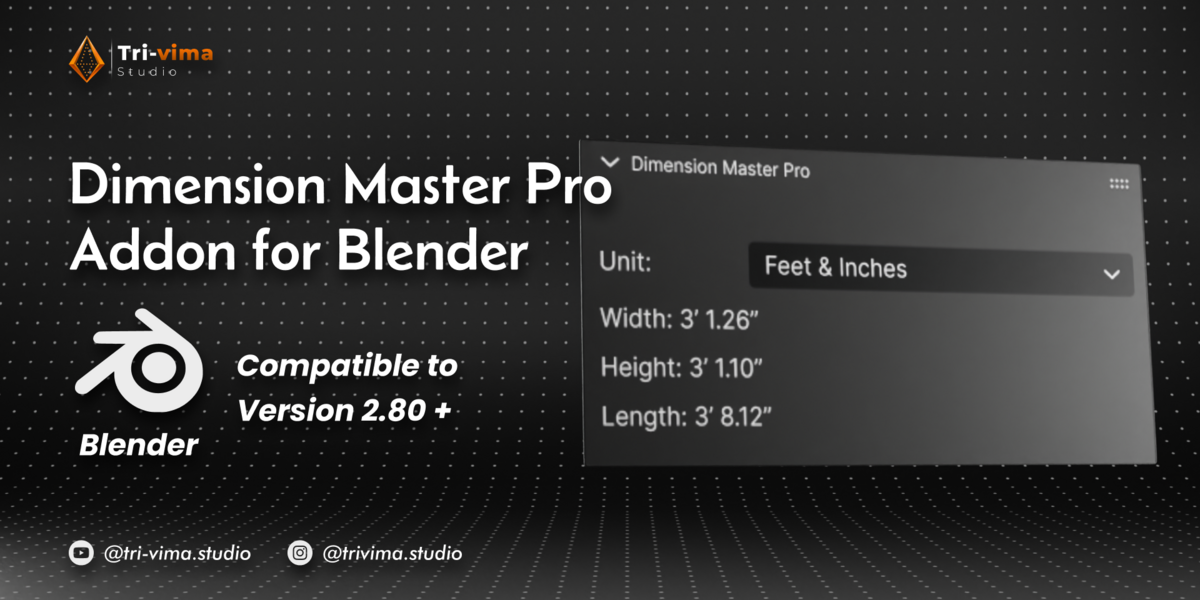
Dimension Master Pro Addon by Tri-vima Studio displays the width, height, and length of a selected mesh object in Blender’s 3D Viewport. Its Dimensions tab keeps those readings available while you work, and a unit selector lets you switch how they appear.
Supported measurement units
Choose meters, centimeters, millimeters, inches, or feet and inches from the selector in the Dimensions tab. The displayed values update when you change units. In Feet & Inches mode, the add-on shows feet and inches with decimal accuracy. This can help when a modeling task calls for a different measurement system.
Install and open the Dimensions panel
Download the add-on ZIP, then in Blender open Edit > Preferences > Add-ons. Click Install, select the ZIP, and activate the add-on. Select a mesh object, open the Dimensions tab on the right side of the 3D Viewport, and choose a unit to see its measurements.
The product documentation describes the panel and its unit options. Check the product listing for compatibility details.