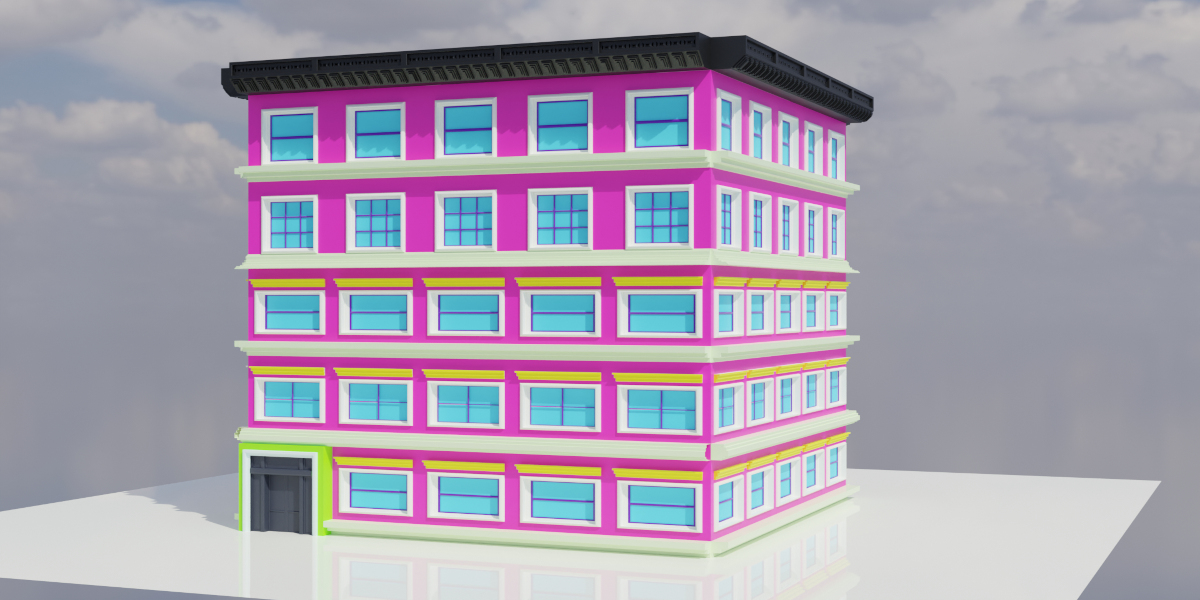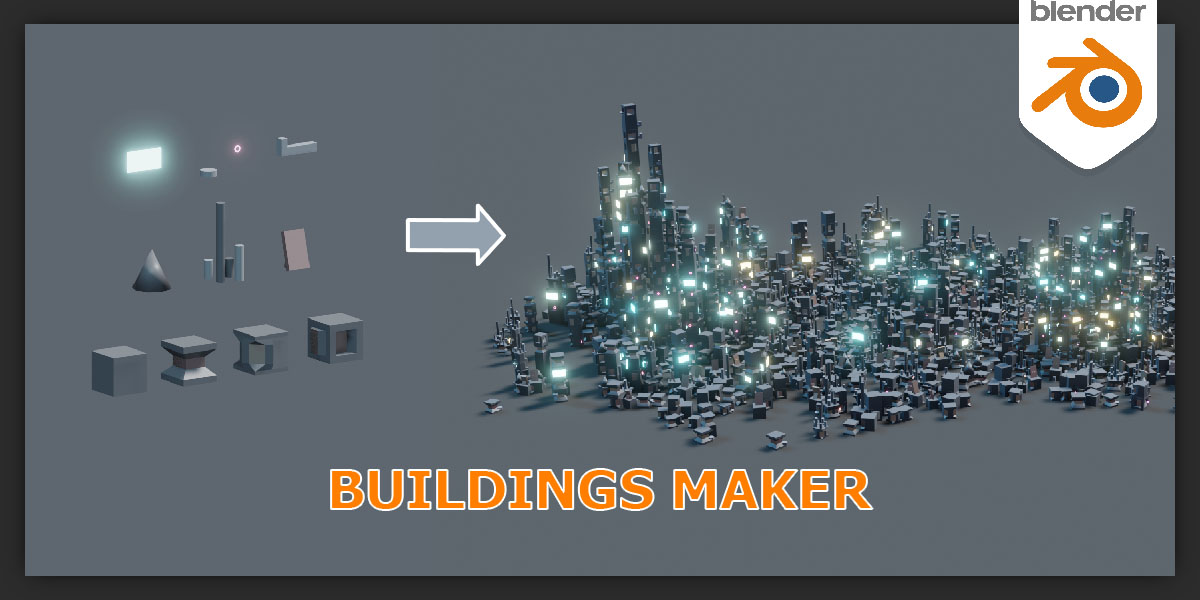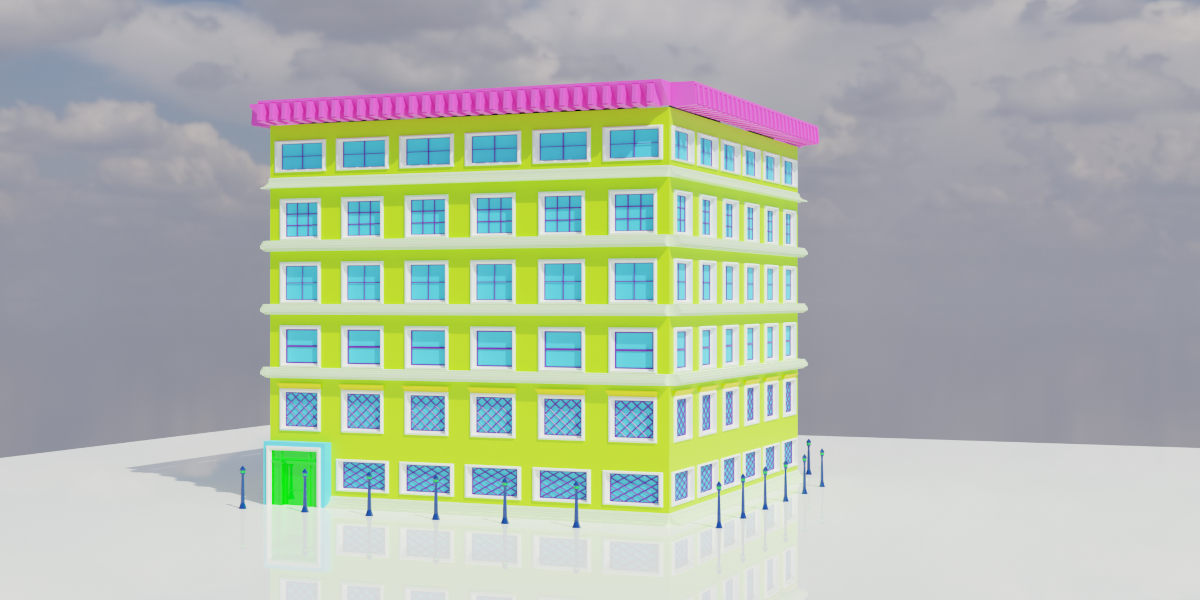
Procedural Building And Grid Generator is a Blender add-on with tools for making adjustable buildings and street layouts. Set a building’s length, width, and height, and create street grids from road tiles. The marketplace listing names Blender 3.3 under Blender Version; the supplied sources do not confirm compatibility with newer releases.
Set up a building
The product documentation describes installing the add-on ZIP by opening Blender’s Edit > Preferences > Add-ons, clicking Install Add-on, selecting the ZIP, and enabling “Generate Buildings: Building_Grid_Generator.” The add-on is then available in View3D > UI > Tools. Use Initialize Program to load its assets, with Tile Size set to 3.
Building length, width, and height must be whole numbers and multiples of 3. The Resize controls also require multiples of 3. You can add a floor at the base when its length and width match the building, then extend it beyond the perimeter with SCALE FAC, place lamps around the building, and generate, randomize, or remove roof assets. In the Lights popup, Distance FAC sets the lamps’ distance from the building in metres, and Relative Offset sets the spacing between lamps.
Select a building tile and open the Building Shader popup to set colors for parts such as walls, windows, frames, doors, floors, and roofs. The listing also describes built-in emission shaders for lamps and windows, which can be activated through the building shader controls. The included set has more than 50 building tiles, greeble assets, and lamps.
Generate a street grid
The grid generator uses five road tiles, each measuring 60 by 60 metres, and the wave function collapse algorithm to arrange varied street layouts. Set the grid’s X and Y values to choose how many tiles to place: the documentation gives 2 by 2 as an example that creates four road tiles. Select a road tile, then use the separate Street Shader popup to customize its road, road markings, sidewalk, and building stand colors.
When the layout is ready, the Complete Grid control joins and merges the grid. The Complete Building control joins and merges the building and cleans up its mesh. If a layout needs another attempt, the documentation describes deleting the building or grid and generating it again.
Check the listing and asset terms
The marketplace listing specifies Blender 3.3 under Blender Version and GPL under License. Its documentation says buildings and street grids created with the add-on are the purchaser’s property. It separately states that bundled assets other than the greeble assets use a Royalty Free License and cannot be sold as included assets without the creator’s permission; the greeble assets are from Markom3D’s Free 3D Kit Bash Set under CC0. The documentation identifies the add-on’s source code as GPL. Check the current listing and documentation before relying on compatibility or asset terms.