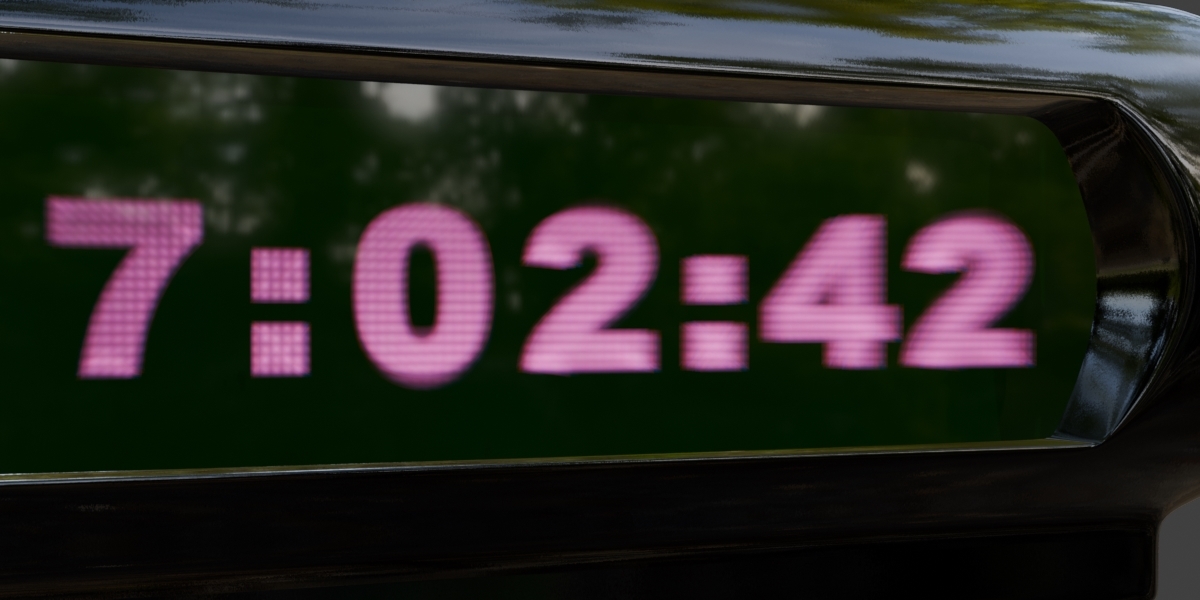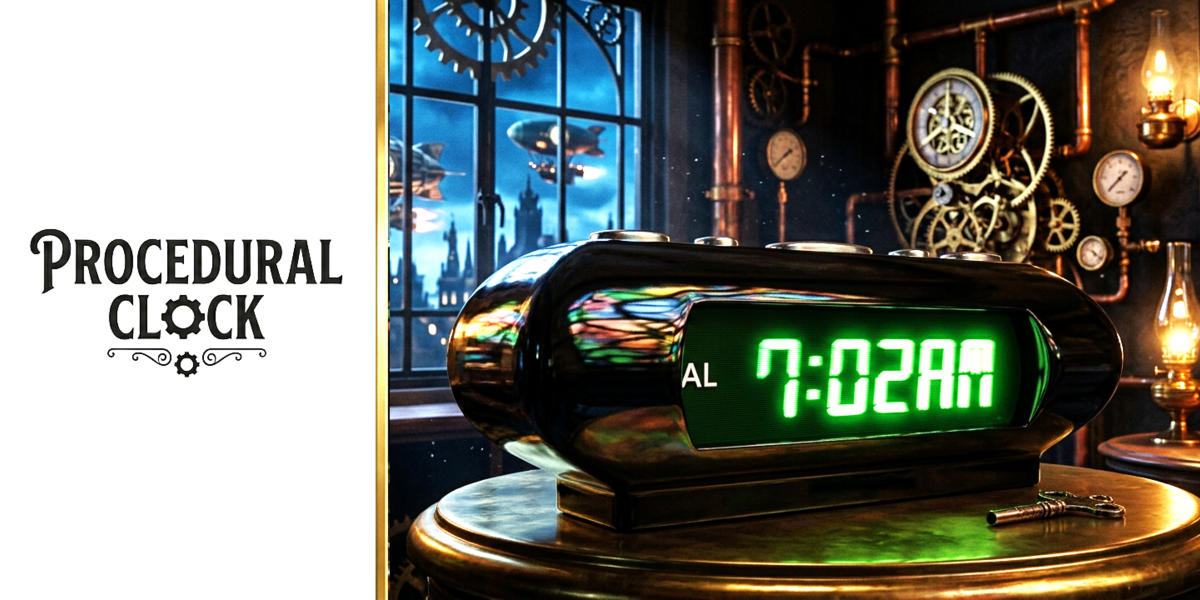
Procedural Clock by Blender Easy creates animated digital clock displays in Blender with Geometry Nodes. Set a starting time and clock speed, then press Play in the timeline to run the display without keyframes. The product is aimed at sci-fi HUD timers, holographic interfaces, clocks for environments, and glitch or cyberpunk screens.
Its controls combine time and speed settings with layout, typography, hologram depth, and screen effects. That lets you adjust the clock for a scene without building the display and its animation from scratch.
Create a clock in Blender
The documentation says to install the supplied .zip file through Blender's Add-on Preferences. Open the N-Panel sidebar and find the Geo Clock tab, then click Create Clock. The tool adds a cube named Procedural Clock with its modifier already applied. You can adjust time, color, and effects from the sidebar. See the Procedural Clock documentation for the listed setup steps.
Set the time, speed, and layout
Choose a 12-hour or 24-hour display, set the starting time, and show or hide AM/PM. Clock Speed controls how quickly the displayed time advances. Once you press Play on the timeline, the clock animates automatically, so there are no clock digits to keyframe by hand.
Layout settings cover the overall scale, character spacing, and borders. For custom typography, select the clock object and open it in the Geometry Nodes Editor. Find the ClockText node and load a font file from your system. The documentation specifies .ttf and .otf files.
Adjust the hologram and screen effects
Holographic Layers and Holographic Thickness control the display's layered depth. The product FAQ recommends setting Holographic Layers to 1 and lowering Holographic Thickness for a flatter, sticker-like appearance. In the Hologram & Shading section, use the color picker to change the glow color; emission controls its brightness.
For a more digital or distorted look, the available effects include noise, pixel shifting, jitter, and scanlines. Grid effects are also listed. These controls can help tailor the same clock display to a clean interface or a more visibly glitched screen.
Compatibility and license
The product listing specifies Blender versions 5.0 to 5.1 and names both Cycles and Eevee as supported render engines. It lists an MIT license, product updates, and 12 months of support from Blender Easy. Check the product listing for current files, version details, and terms.