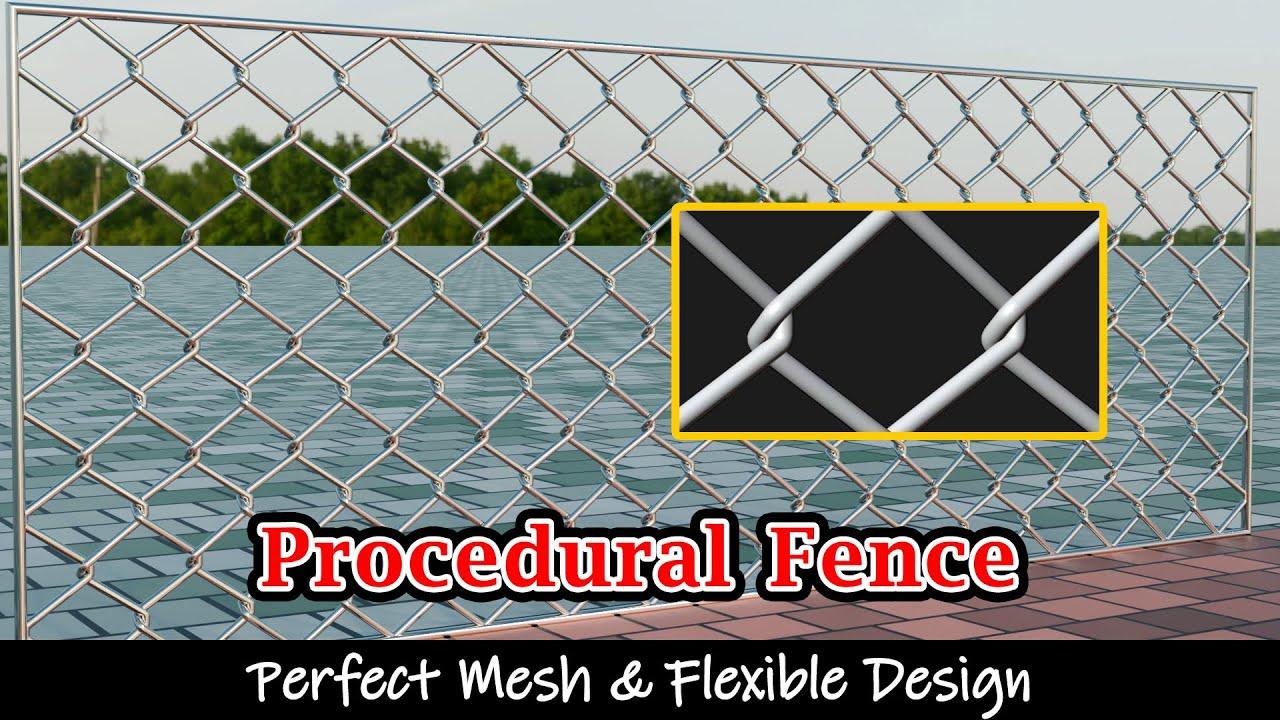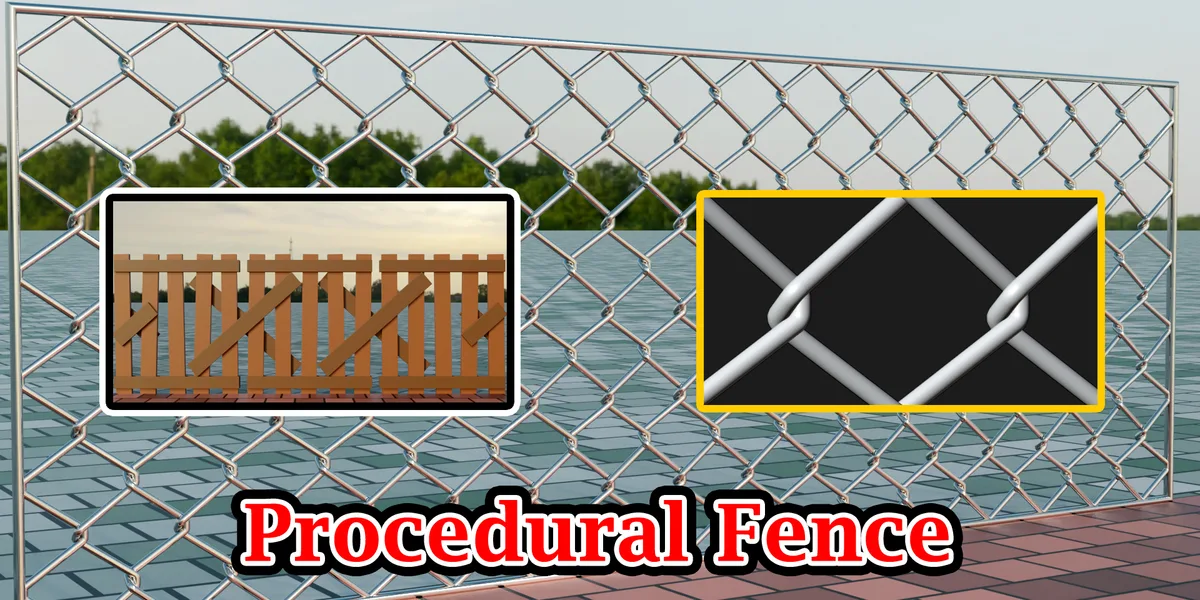
Procedural Fence is a Blender add-on by 5 Minutes Blender for creating fence meshes without overlapping geometry. It includes four designs and panel controls for dimensions, density, thickness, materials, and geometry detail.
Choose a fence style
Select a design from the Fence Type option:
- Diamond Shaped Fence
- Diagonal Twisted Wires
- Simple Iron Rod Fence
- Old Style Wooden Fence
Adjust the shape
Fence Length and Fence Height set the dimensions. Scale Factor controls density: a higher value creates a denser fence. Actual measurements may vary slightly to avoid fractional parts and depend on the dimensions and Scale Factor. Thickness sets how thick the rod, wire, or wood is.
Set materials and geometry detail
Enable Add Sample Materials to add basic materials for the frame and the net or wood. You can change them later in Blender's Materials tab.
Use Low Poly Geometry to create the fence with fewer subdivisions and vertices. The product listing says this can improve performance; disable the option for more detailed geometry.
Compatibility and documentation
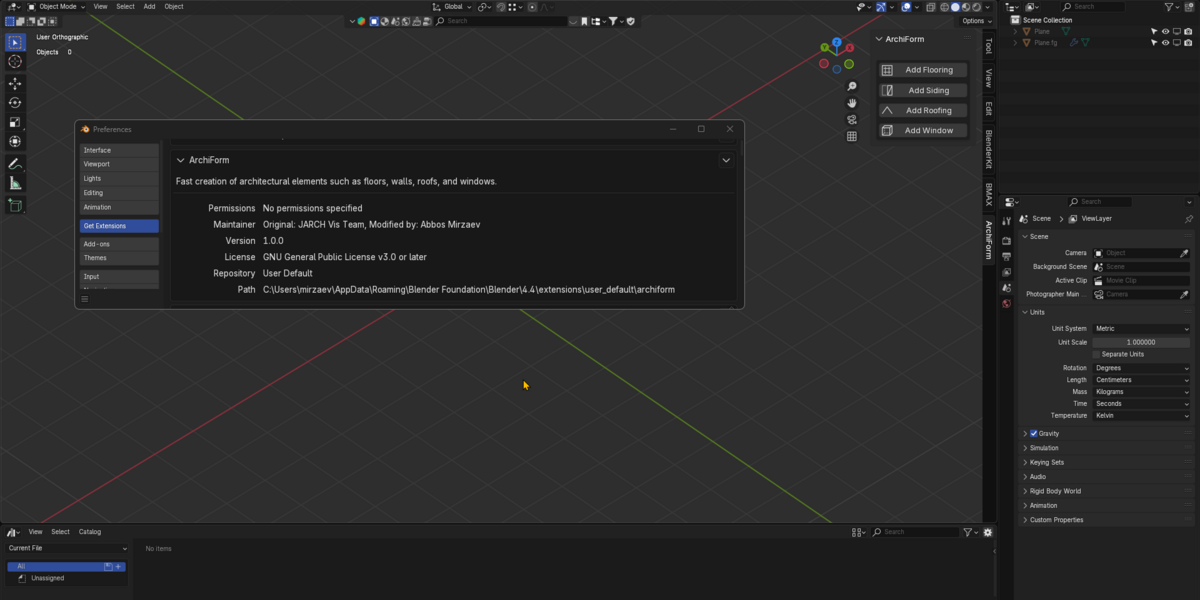
The product listing describes compatibility with Blender 4.0 and later, while its details list Blender 4.0 to 5.0. It also marks the add-on as Blender Extension compatible and lists the license as GPL. Check the current listing if you use a version later than 5.0.
The documentation page and a video tutorial are available for setup and use.