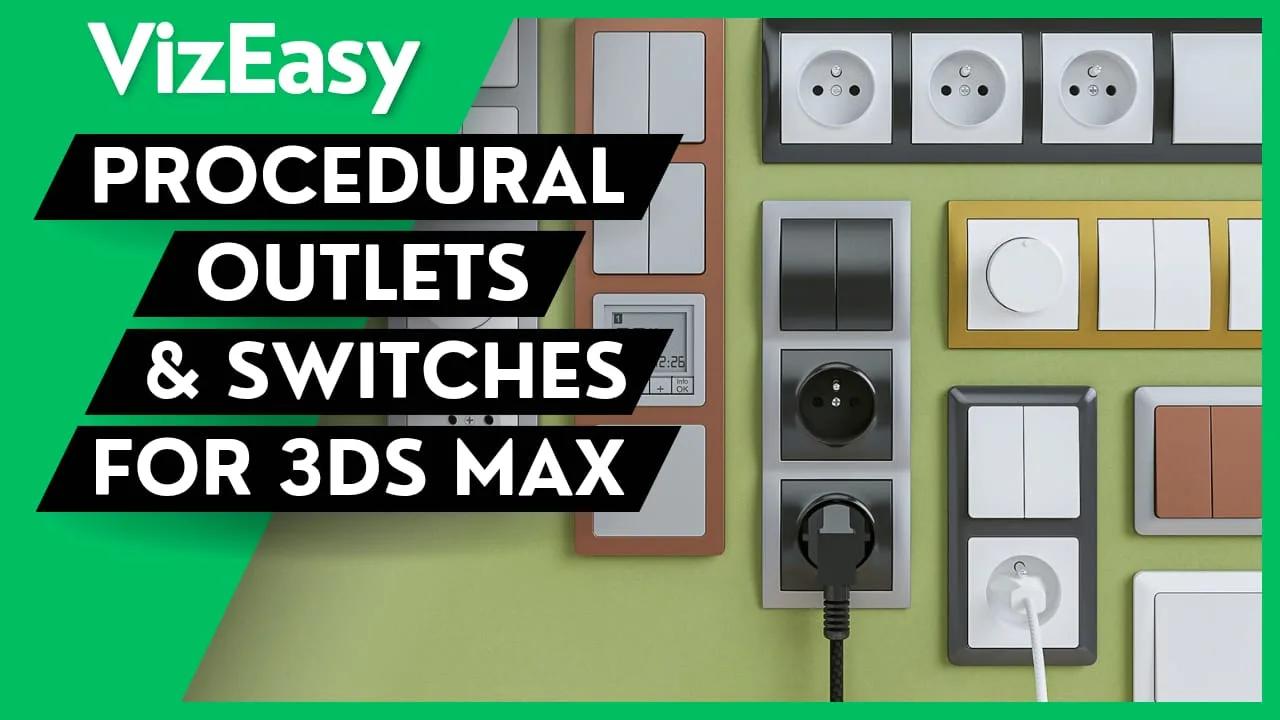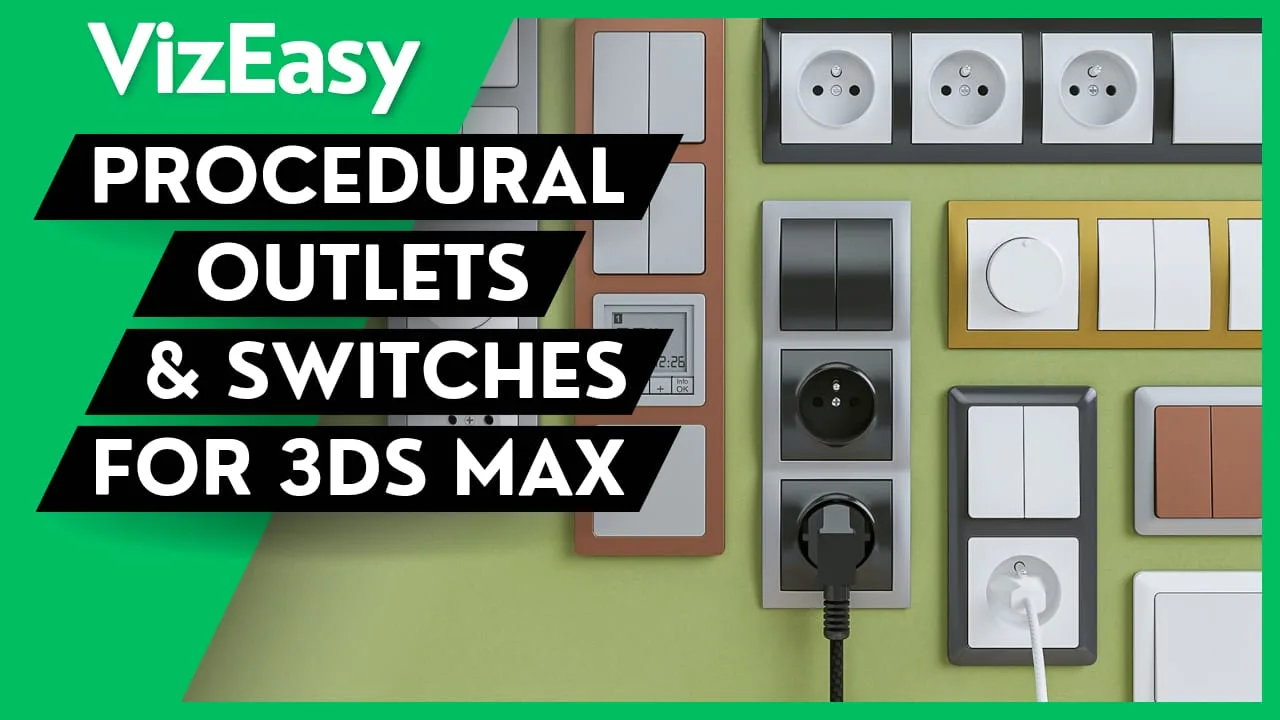
Procedural Outlets and Switches is a Vint26 script for creating electrical outlet and switch fixtures in 3ds Max. Configure one to five sockets per frame and choose a frame design. Fixtures snap to a wall when placed within the script's snapping distance, and holes are cut as plug sockets are added to the frame.
Choose socket types and frame designs
The script offers three frame designs. Socket options include Blank, one, two or three switches, a rotary dimmer, a temperature sensor, and a 220V power socket.
Set the height and wall placement
Set frame height relative to the floor or the surface below. Presets are 20, 90 or 135 cm, with a custom value option. When a fixture is placed within the script's snapping distance of a wall, it snaps to that wall. Holes are cut automatically as plug sockets are added to the frame.
Add cables and adjust appearance
Plugs can have a cable, with two plug types available. The “Put Down” option drops the cable to the surface below. Choose a color preset or use the custom color picker; display time also has presets and a custom value.
Compatibility and current details
The catalog lists 3ds Max 2024 as the tested release. Compatibility with other releases is not confirmed in the available product information. For current release and licensing details, check Vint26's website or the ScriptSpot listing.