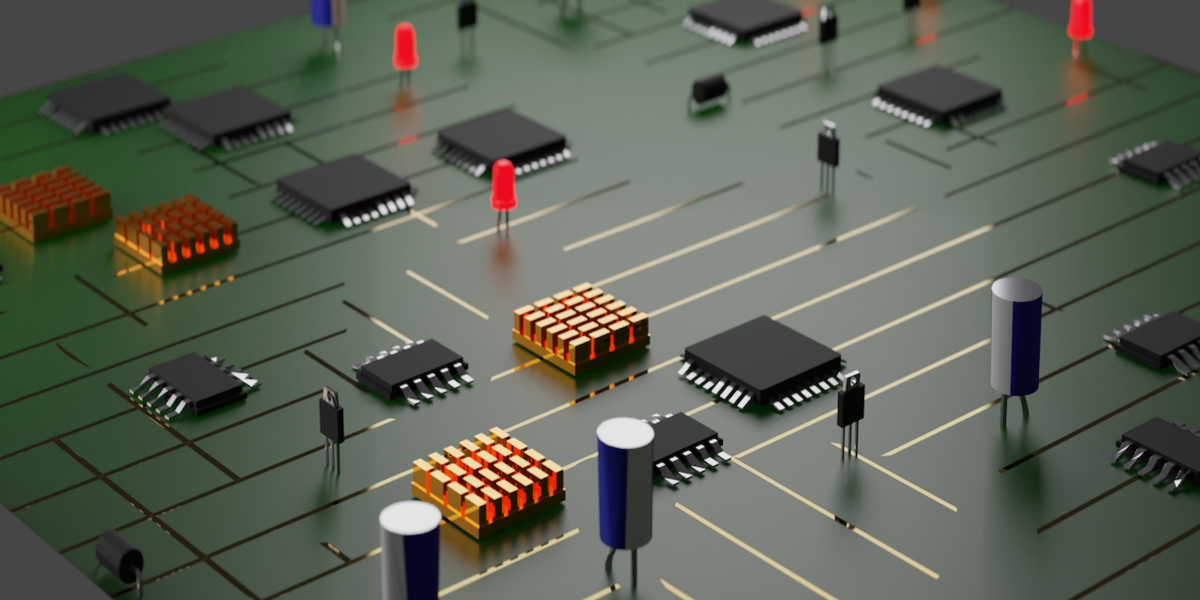
Procedural Pcb Generator by Synapse Nodes uses Blender Geometry Nodes to create 3D circuit boards with depth, customizable copper traces, and distributed components. It is intended for sci-fi environments, hardware visualization, and tech-art projects where board details need to stay adjustable.
Adjust traces, dimensions, and components
The procedural setup lets you change board dimensions, trace thickness, trace routing, and component density without destructive modeling. The documentation describes controls for the main details:
- Board length and width set the board dimensions along X and Y.
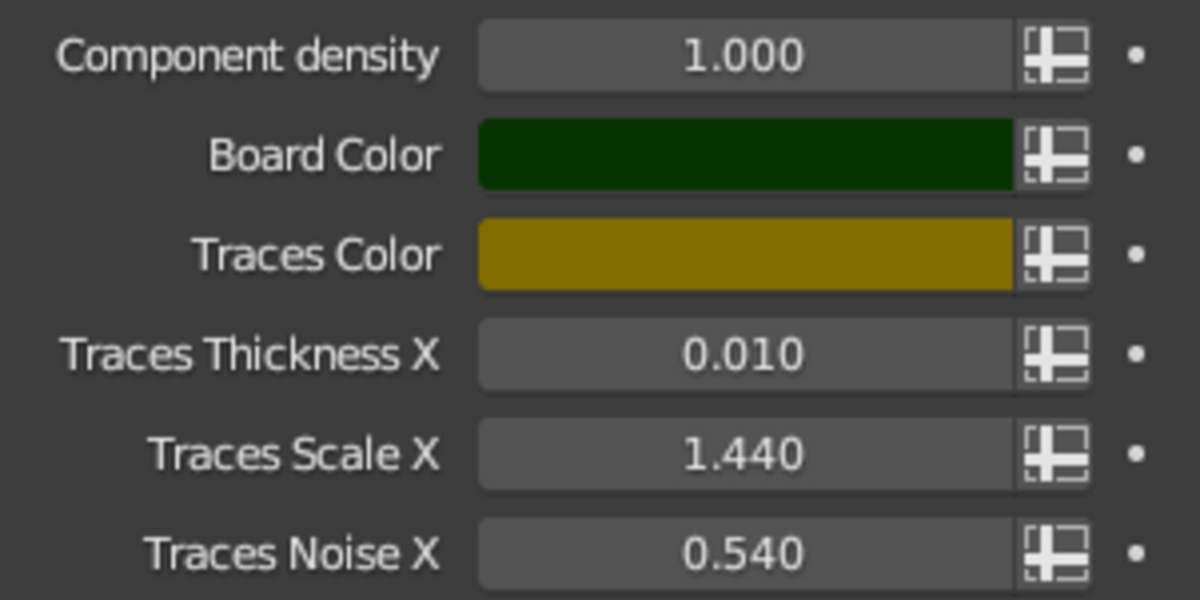
- Trace thickness controls copper path width, while trace scale controls how many paths run in each direction.
- Trace Noise X and Y break paths into segments; higher values create more gaps.
- Board color changes the solder mask, and Traces Color changes the copper.
- Component density ranges from none at 0 to maximum at 1. The product listing names IC chips, capacitors, diodes, transistors, LEDs, and heat sinks among the distributed components.
Set up the Geometry Nodes group
The download is a .blend file with one master Geometry Node group, pre-configured procedural materials, low-poly electronic component assets for instancing, and a quick-start guide. The guide describes using the file through Blender's Asset Browser or appending its node tree or collection into a project.
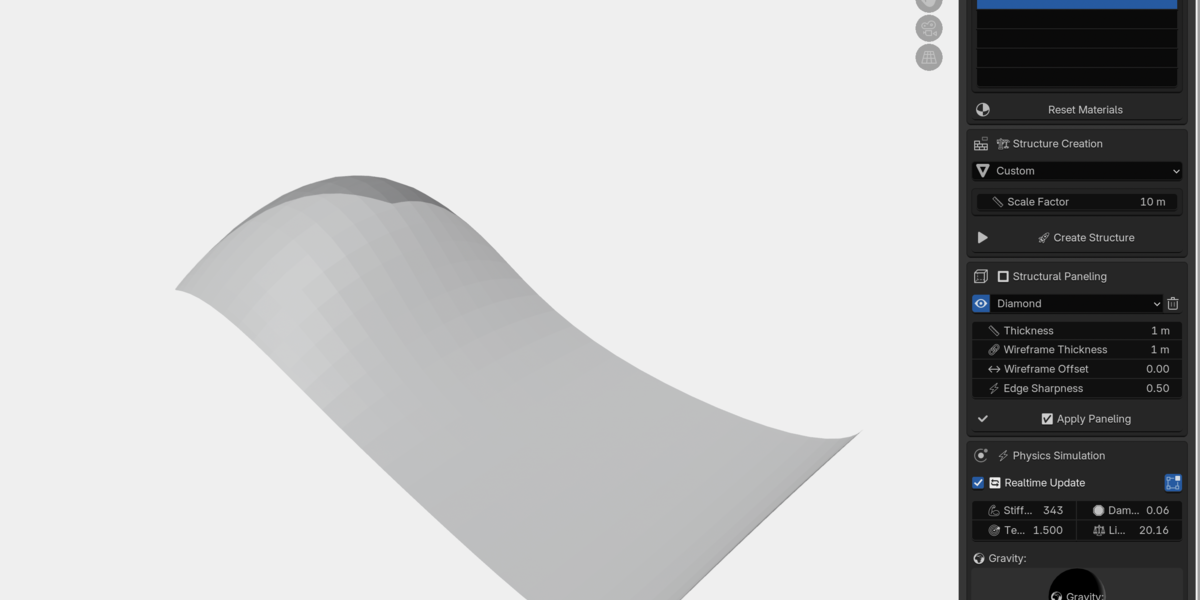
To use the generator, add a Plane or Curve as appropriate, add a Geometry Nodes modifier, and select the Procedural PCB Generator group. The board generates from the object's dimensions. Then adjust the node group controls to refine the layout and appearance.
Check Blender version notes
The product overview lists Blender 3.6–5.2, says the file was created in Blender 3.6 LTS, and reports an October 2026 test in Blender 5.2.3 LTS: the file opened without warnings, the generator and all sliders worked, and it rendered in Cycles and Eevee. The FAQ says the product was developed and tested in Blender 3.6.23, recommends Blender 3.6 LTS for stability, and advises checking node behavior in Blender 4.x. The sources report tests in both versions, while the FAQ's stability recommendation is specifically 3.6 LTS. Check the product listing for its stated version range before choosing a Blender version.
Render or export the board
The product works with Cycles and Eevee. The listing recommends Cycles for realistic refractive solder masks. For export to Unreal or Unity, the product FAQ says to apply the modifier and convert the procedural geometry to a mesh. If the board uses many instances, add a Realize Instances node before applying the modifier to avoid losing components. See the installation and control documentation for setup details.