Procedural Weather Pro is a Blender add-on that builds a sky environment in the World shader using nodes, with controls for the sun, moon, stars, clouds and lightning. It uses no HDRI or image textures, so you can adjust sky colors directly and use stylized looks without managing sky-image licenses.
Create a sky and choose a preset
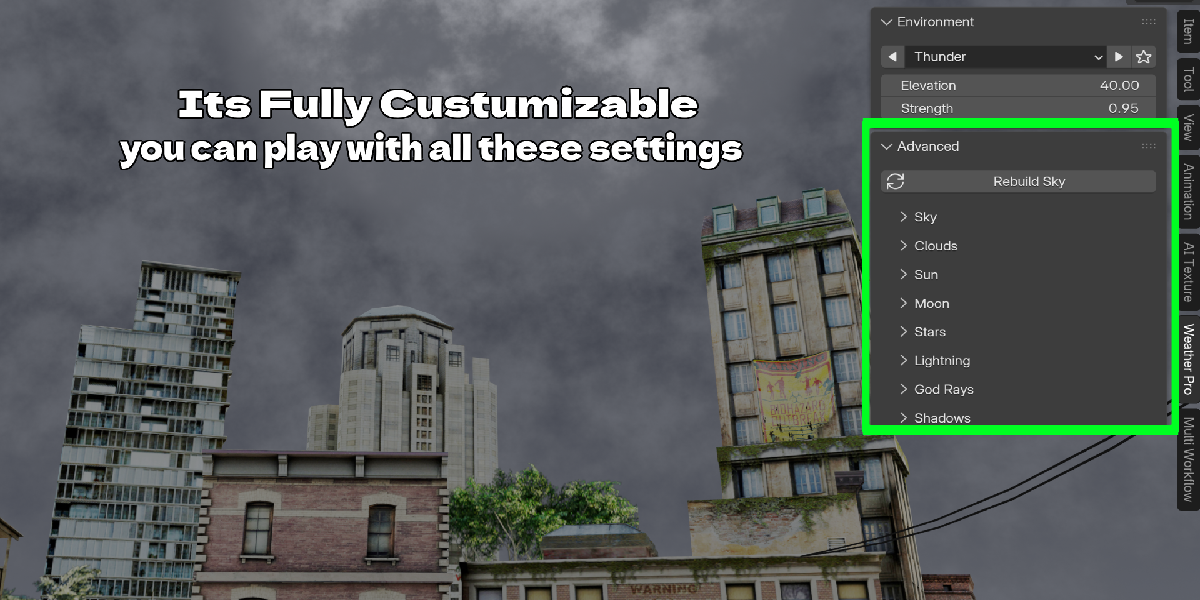
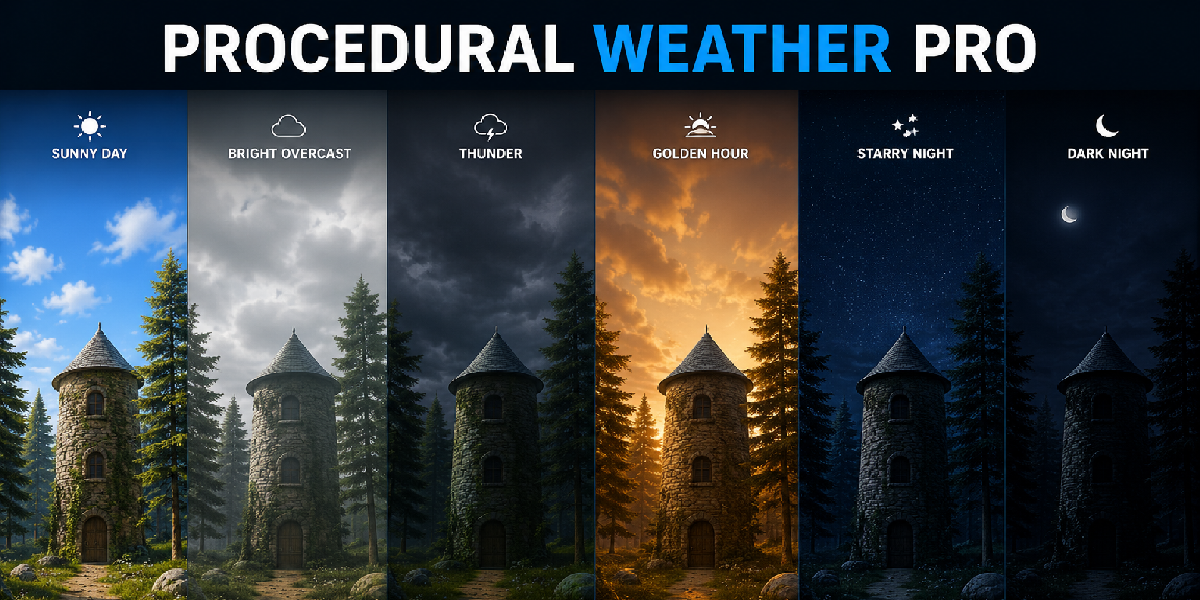
Open the 3D Viewport sidebar with N, select the Weather Pro tab and click Create Sky. The add-on builds the World shader network and adds two Sun-type light objects, one for the sun and one for the moon. The Environment panel includes six presets:
- Sunny Day for a bright blue sky and crisp clouds
- Bright Overcast for even, white-grey cloud cover
- Golden Hour for a warm, low sun and backlit clouds
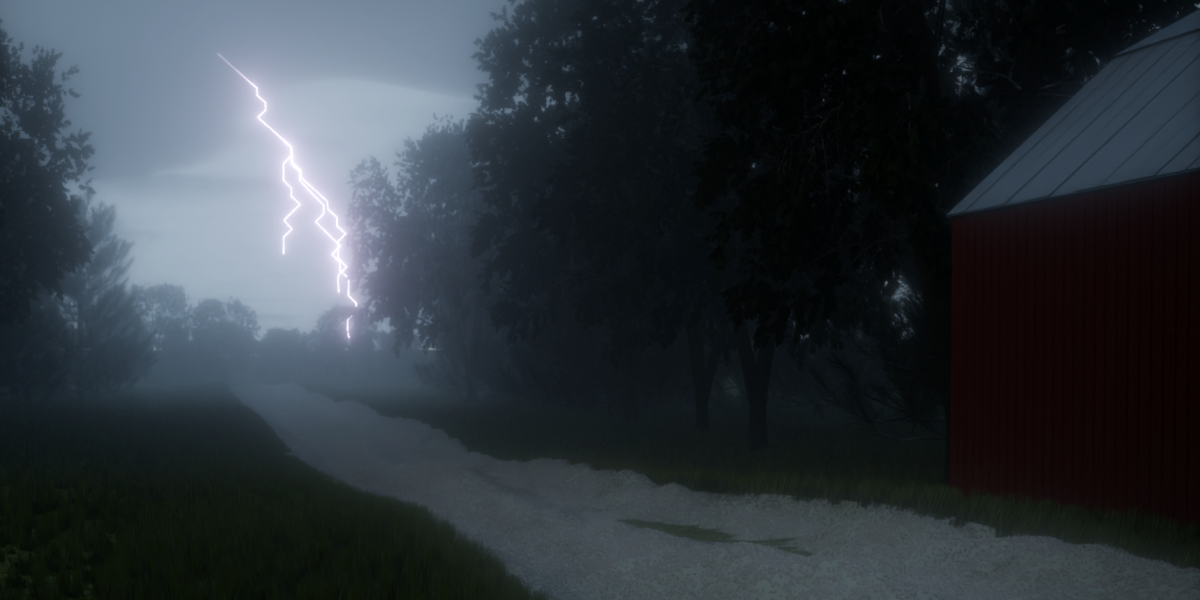
- Thunder for a dark storm with animated lightning
- Starry Night for a deep blue sky, cratered moon and twinkling stars
- Dark Night for a minimal, near-black sky
Elevation moves the sun in day presets or the moon in night presets. Strength adjusts overall sky brightness, and the Blend control cross-fades toward the next preset for an in-between look.
Adjust the sky, clouds and lighting
The Advanced panel has eight sections: Sky, Clouds, Sun, Moon, Stars, Lightning, God Rays and Shadows. Their controls include sky colors and horizon glow, cloud coverage and drift, sun and moon position, star density and twinkle, lightning strikes and flashes, and shadow softness. Presets are stored as JSON files in the add-on's Presets folder; you can duplicate and edit one to make a custom preset without writing code.
Animate clouds, stars and lightning
Cloud drift, star twinkle and lightning are frame-driven. Set their speed or amount, then play or scrub the timeline to see them animate in the viewport and final renders; those effects do not require keyframes. The controls are standard Blender properties, so you can keyframe values such as Elevation or Strength for a timed transition. The sky, clouds, sun, moon, stars and lightning render in Cycles and Eevee. God Rays is an atmospheric light-shaft effect built for Cycles.
Check requirements and scope
The product documentation lists Blender 4.2.0 or newer and says the add-on was built and tested with Blender 5.1 using EEVEE. Superhive's product details show a different Blender range, 3.2–5.2; the sources conflict on support below 4.2.0, so confirm compatibility before using an older release. The documented feature set focuses on skies and lighting; it does not include rain, snow, fog volumes or wind and particle systems.
Procedural Weather Pro suits Blender scenes that need adjustable outdoor lighting, including archviz exteriors, animation, game cinematics and stylized renders. Its procedural controls let you change the sky's direction, color and mood in the scene instead of choosing and rotating an HDRI.