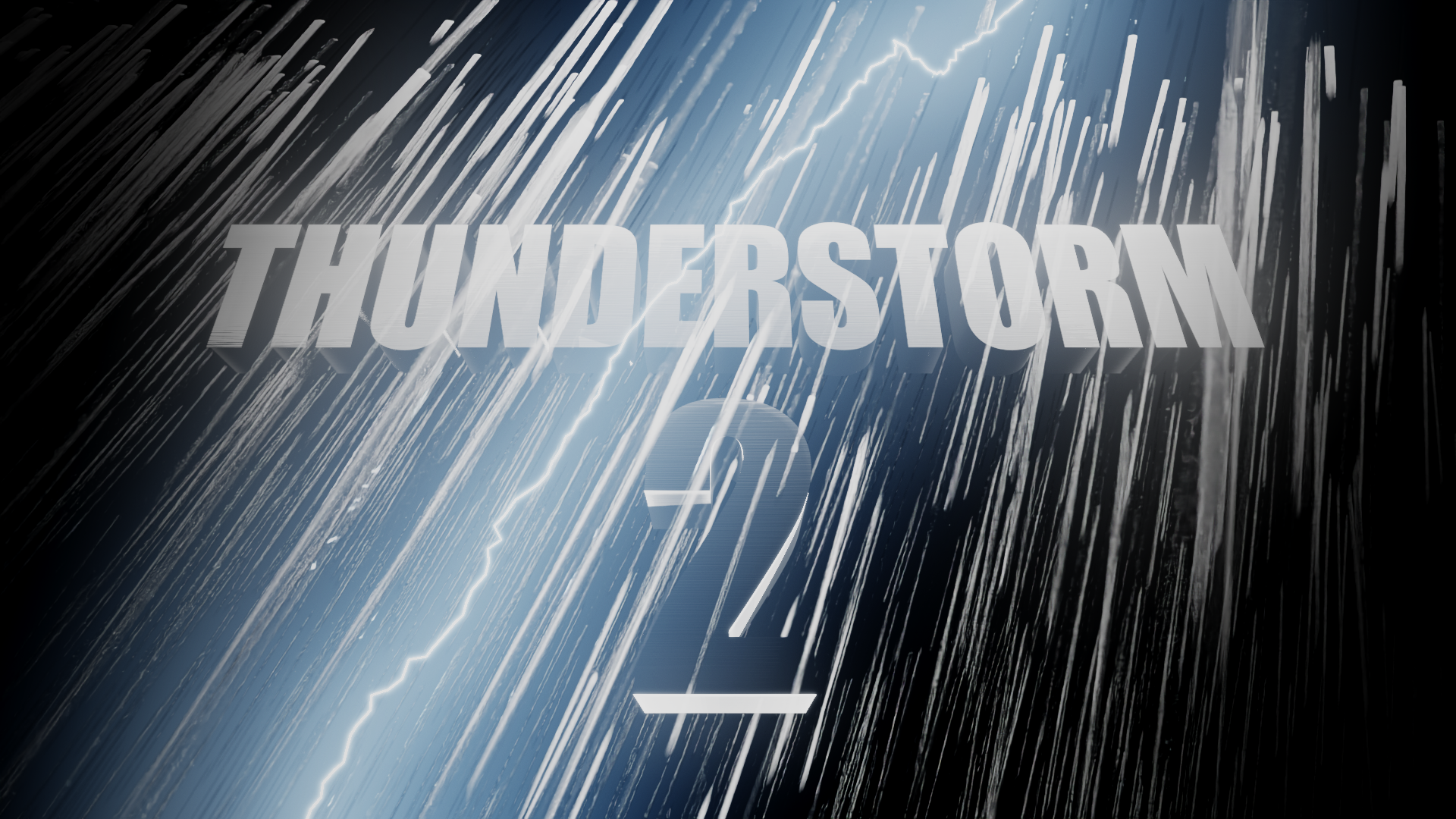
Thunderstorm Add-On - Create Lightnings, Clouds And Rain brings lightning, rain and cloud tools into Blender. It combines adjustable lightning flashes, several kinds of rain, and fast-rendering 2D clouds for artists building storm scenes.
Create and animate lightning
Choose a lightning preset or create a single flash where you need it. The Update lightning control replaces a flash, and timeline markers help locate each one. Move the keyframes to adjust the animation; the add-on organizes the lightning order in its collections. Flashes fade out automatically and remain editable.
For scene illumination, you can use up to ten point lights. They can be connected to the lightning with drivers that account for each flash's brightness. The creator describes this as a way to animate illumination in Eevee, where light from glowing objects must be baked. The Thunderstorm Compositing Node group handles the glow and is compatible with Realtime Compositing.
Choose rain for the shot
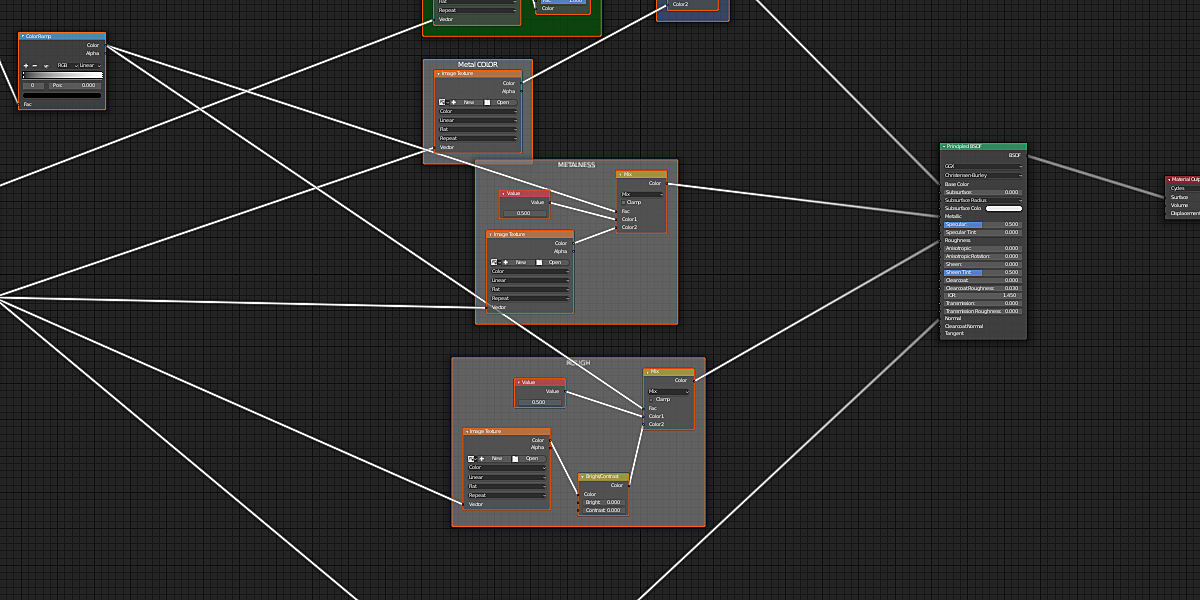
The add-on includes rain rings that can be added to a material with one click. Depending on the surface angle, the effect switches from rings to noise running down the material, like water on a surface. Editable splashes can be added to objects, and falling rain supports Motion Blur.
Simulation-nodes rain has a different workflow: add objects to the collision collection with Add Collision, then choose whether collisions render rings, splashes or both. This rain does not work with Motion Blur, so use the falling-rain option when motion blur is needed.
Add clouds and find settings
The 2D Clouds option is intended for fast rendering with crisp clouds. Parameters are documented in the Geometry Nodes groups: hover over a setting to read its description. The product listing also links to the documentation.
Compatibility notes
The product listing identifies Thunderstorm Add-On as a Blender Extension and lists Blender 4.2 to 5.3 compatibility under the GPL license. Since Blender 5.0, the rain material is compatible only with Eevee, according to the listing, because of a reported Cycles issue with complex bump mappings. That limitation applies to the rain material; the listing does not describe the whole add-on as Eevee-only. Check the Superhive listing for current compatibility details.