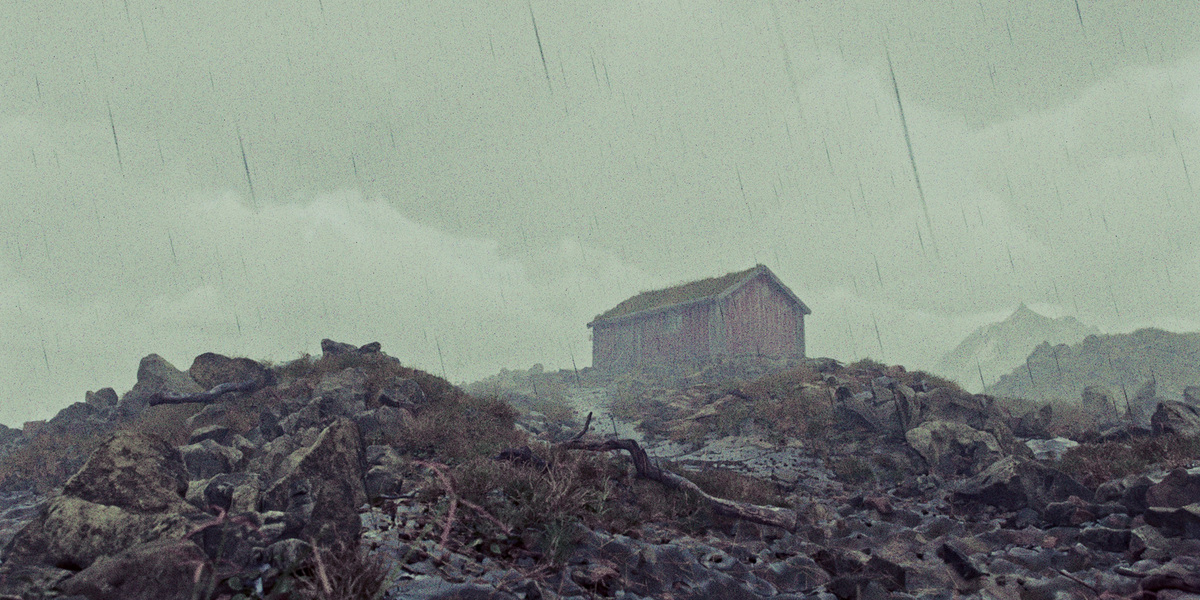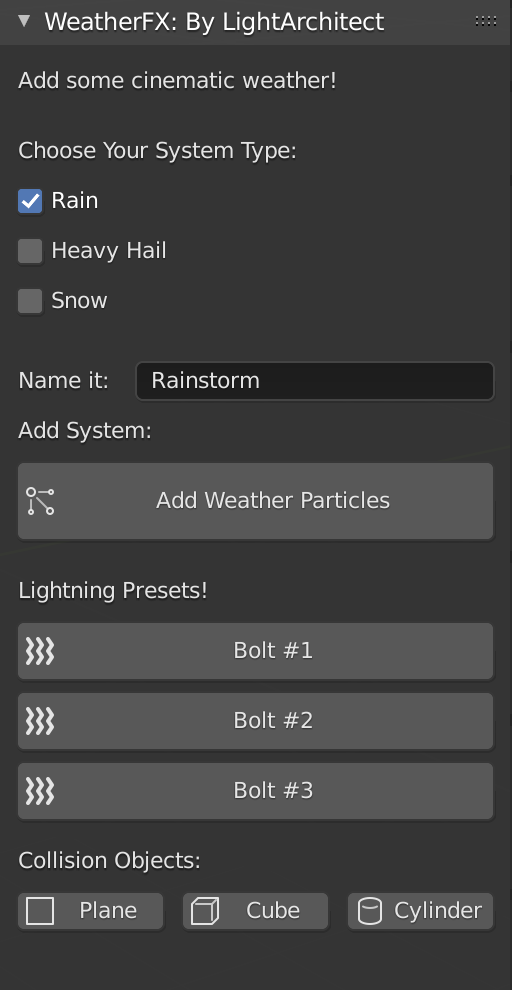
Weatherfx Add-On adds rain, hail, or snow particle systems to a Blender scene. Its menu guides you through choosing weather particles, naming the system, and adding it to the scene.
How to add weather to a scene
- Select the rain, hail, or snow particles you want in the system.
- Enter a name for the particle system.
- Add the weather system to the scene.
Because the add-on builds on Blender particle systems, you can adjust settings and bake the system's movement in Blender's particle system panel after adding it. The product listing also describes 3D weather assets attached to the systems.
Compatibility and license
The Superhive product listing identifies Blender 5.0 compatibility, Cycles as the render engine used, and a GPL license. Check the listing for the product's published details.