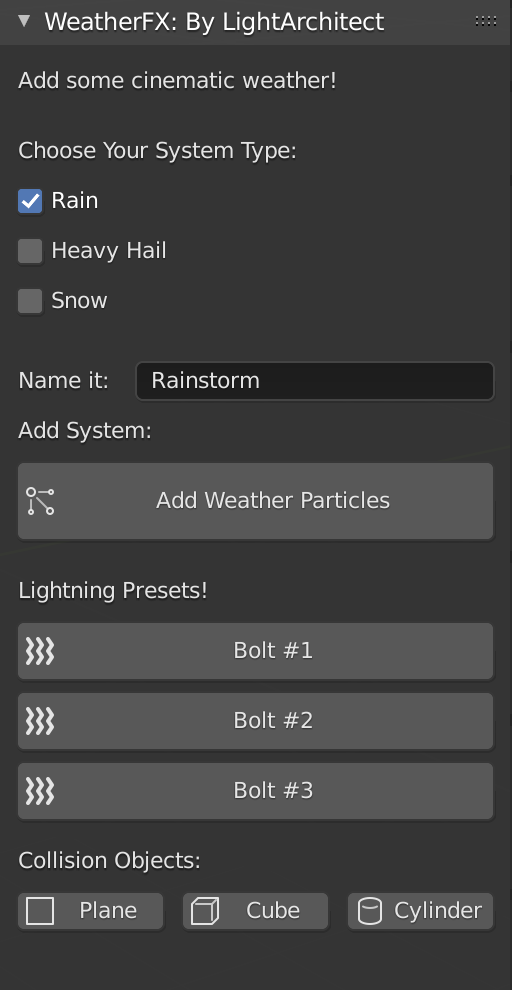
Physical Weather FX is a Blender add-on for building rain, snow, wind, fog and other atmospheric effects into a scene. Select objects and use the one-button setup to create a weather system, then adjust its settings or apply a preset. The controls link weather conditions with object shaders and the sky, so a change to precipitation or temperature can affect several parts of the scene.
Weather effects and linked controls
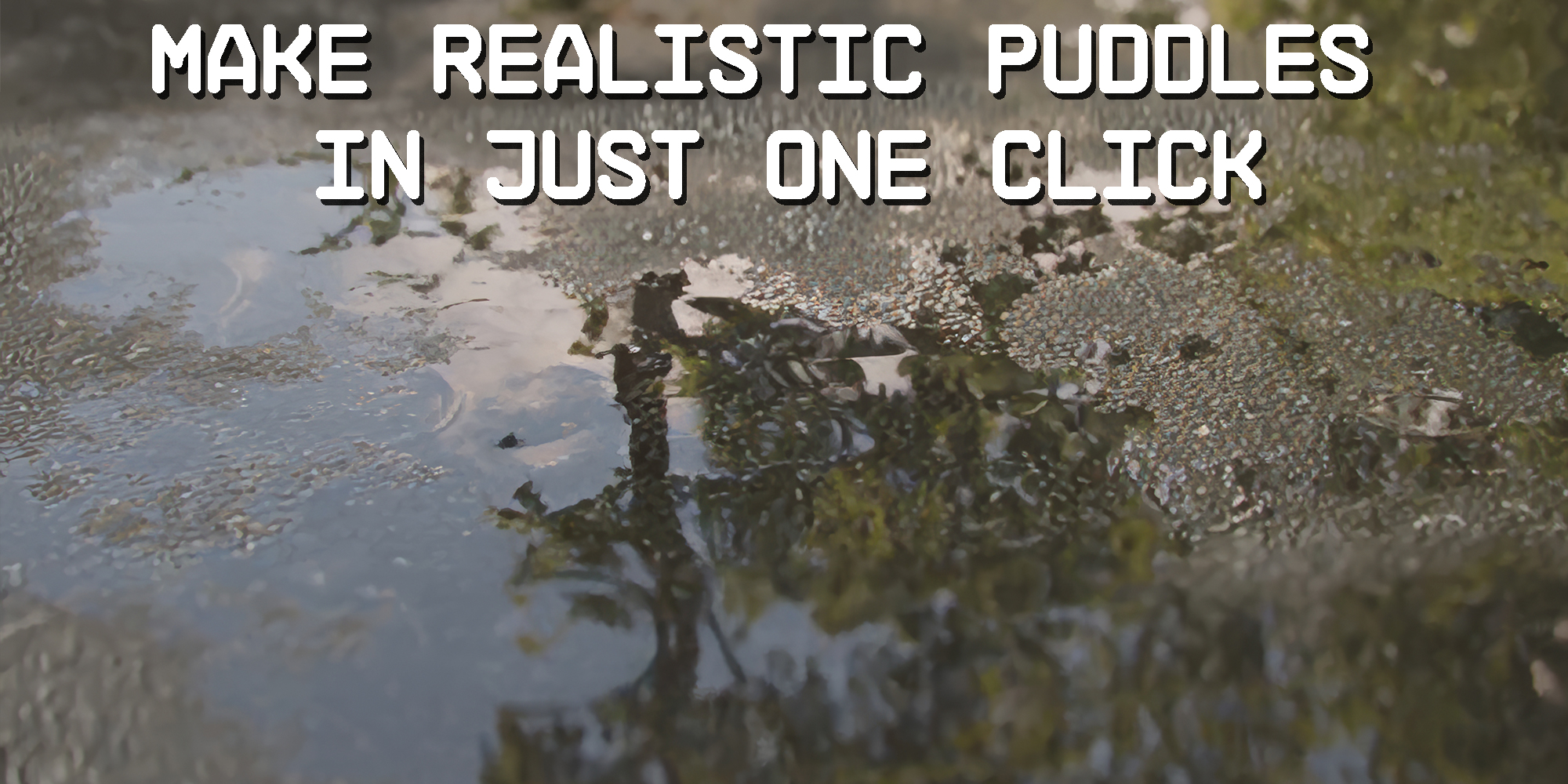
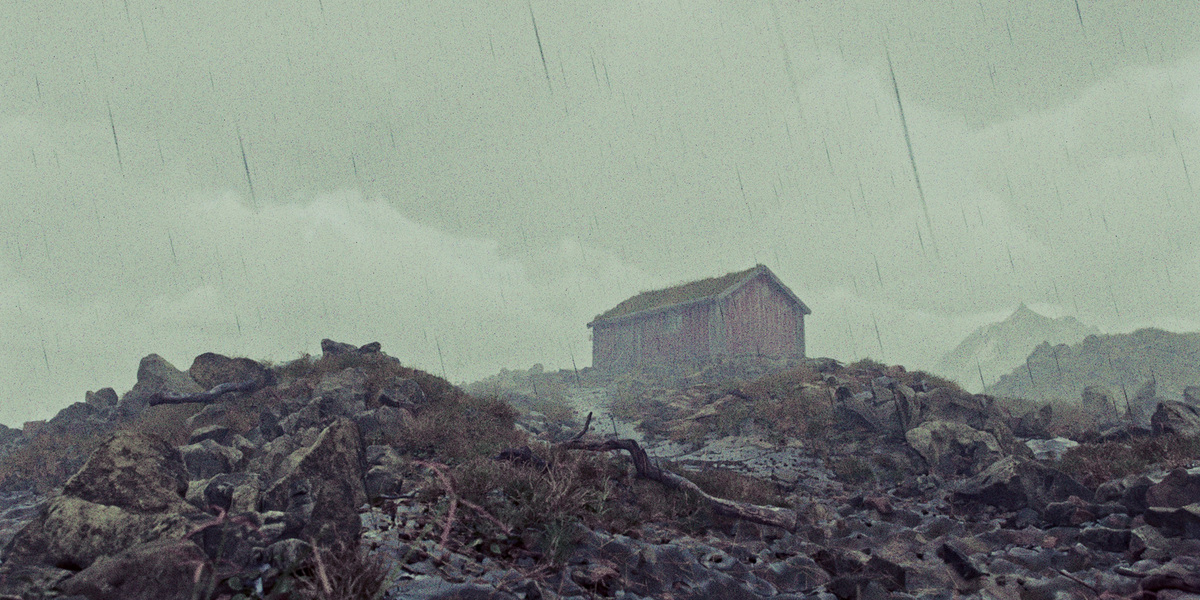
The add-on includes procedural rain and snow with collision, wind effects, realtime splashes where rain hits colliders, and weather shaders for effects such as wet surfaces, puddles, snow and ice. The product listing says splashes can work with animated objects. Wind also affects cloud motion, precipitation and ripple direction in puddles.
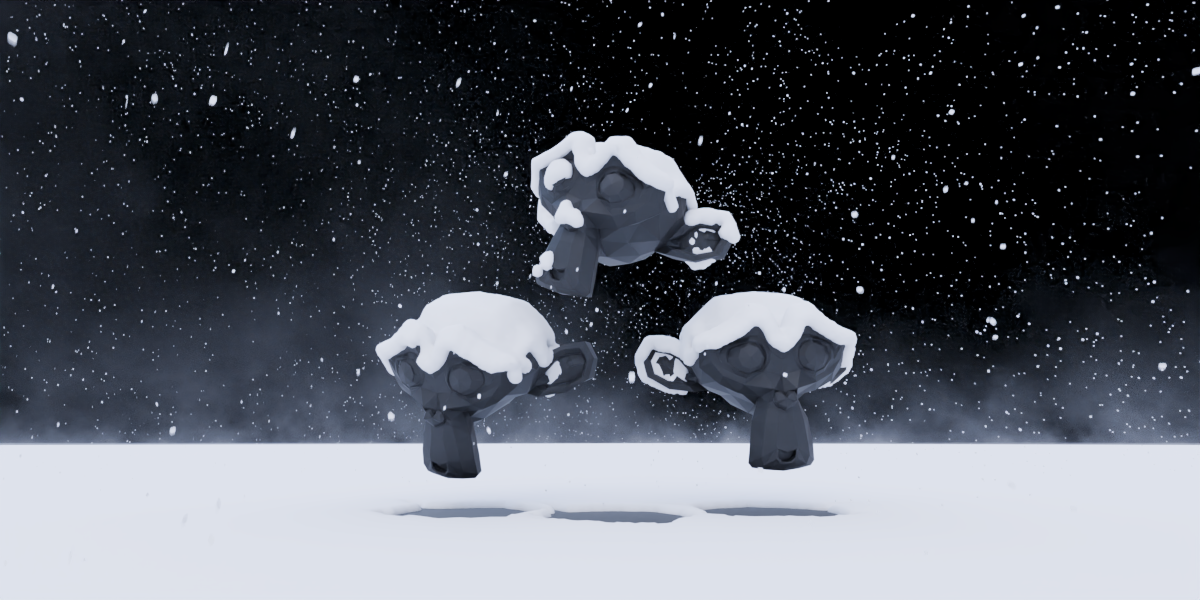
Weather settings respond to one another. Increasing precipitation makes materials wetter. Setting the temperature below zero switches rain to snow and changes object shaders and the sky to suit colder conditions. Presets cover conditions such as sunny weather, storms and snow; available presets depend on the edition.
Sky, clouds, fog and lighting
Physical Weather FX includes a procedural sky and lighting system with cloud layers and global illumination. The listing also describes a clouds scatter system, a volumetric cloud layer, lightning, noise-driven fog, and procedural mist and horizon effects. These tools are intended for atmospheric or cinematic Blender scenes where weather needs to affect more than the particles alone.
Blender versions, render engines and editions
The Superhive listing gives Blender 4.2–5.3 as its supported version range and lists Cycles and Eevee. It notes that Eevee has limitations: sky sun lighting is unsupported, and rendering volumetric clouds can be heavy. Check the current product listing for compatibility details before installing.
The listing describes three editions. Free is a simplified generator for basic rain and snow. Basic includes the full add-on without presets. Pro includes the Basic features, 19 Asset Browser assets, weather presets and lightning strikes. The listing identifies the license as GPL. It also says the add-on is 1.4 GB and its assets are 2 GB.
Scene limits and performance
A project can contain only one Weather FX system. Plan around that limit when organizing scenes; the product page recommends splitting work into separate projects when multiple systems are needed. Global variables cannot currently be animated, except for rain intensity.
Heavy scenes may cause input delays or performance drops. The listing reports issues in testing with about 130 objects and roughly 4 million polygons. That example is a reported test condition, not a universal performance threshold. For rain collisions, the developer recommends low-poly collider proxies. Volumetric clouds and noise-driven fog can add further load. The page says the add-on was tested on Windows and that compatibility with other operating systems is not guaranteed.
Setup guides and troubleshooting
The official documentation links to tutorials on splitting weather into render layers, switching shaders, using assets and troubleshooting splash simulators. If clouds do not appear from the camera, the product FAQ recommends increasing the camera culling max distance. For rain, snow or splash artifacts with motion blur, the FAQ suggests lowering blur strength below 0.45, moving blur position from the center to the start of the frame, or using Fix Render Problems. That option reduces particle motion blur. For rain or snow, the FAQ recommends Split Render to render a separate layer without motion blur, then add blur in post-production. If enabled splashes cause artifacts, render the scene with splashes disabled. After that render succeeds, render only the splashes on a separate layer and composite them.