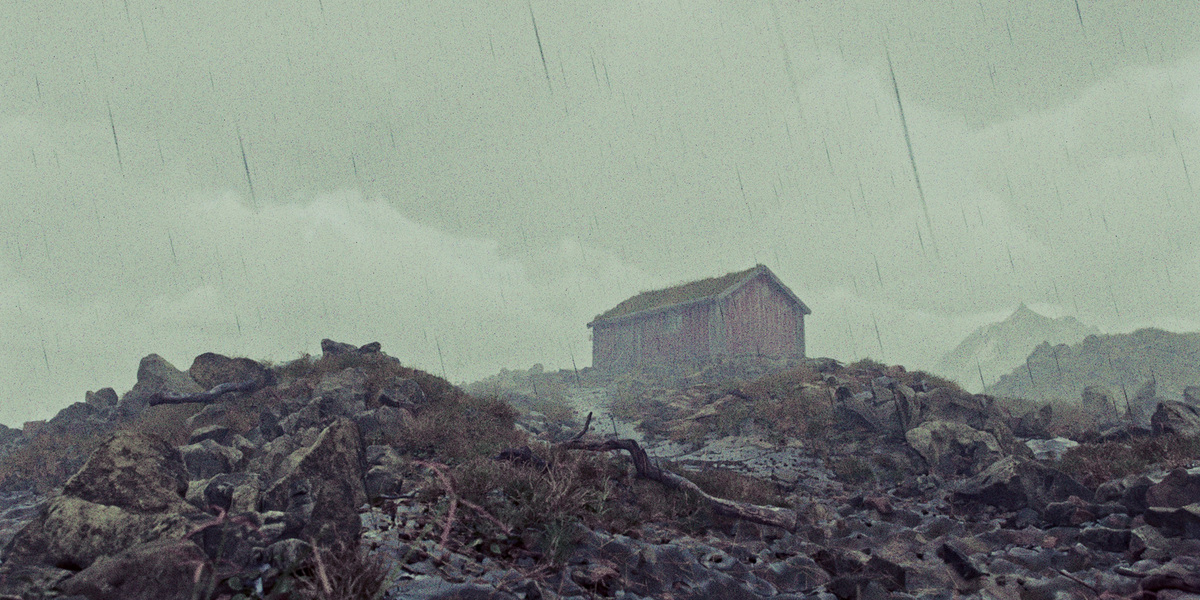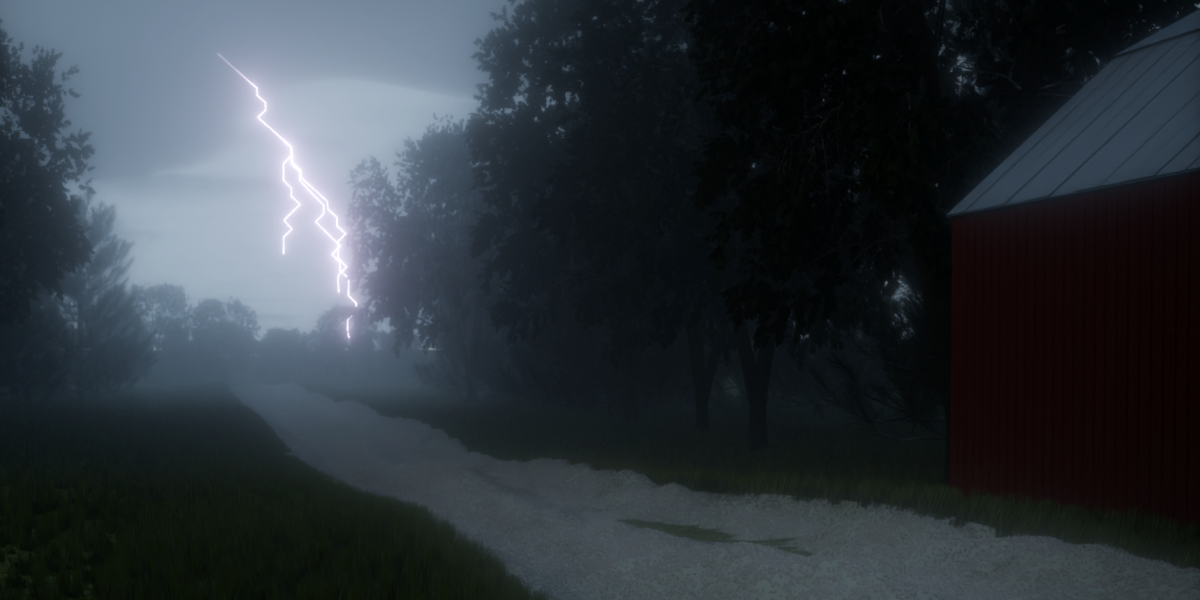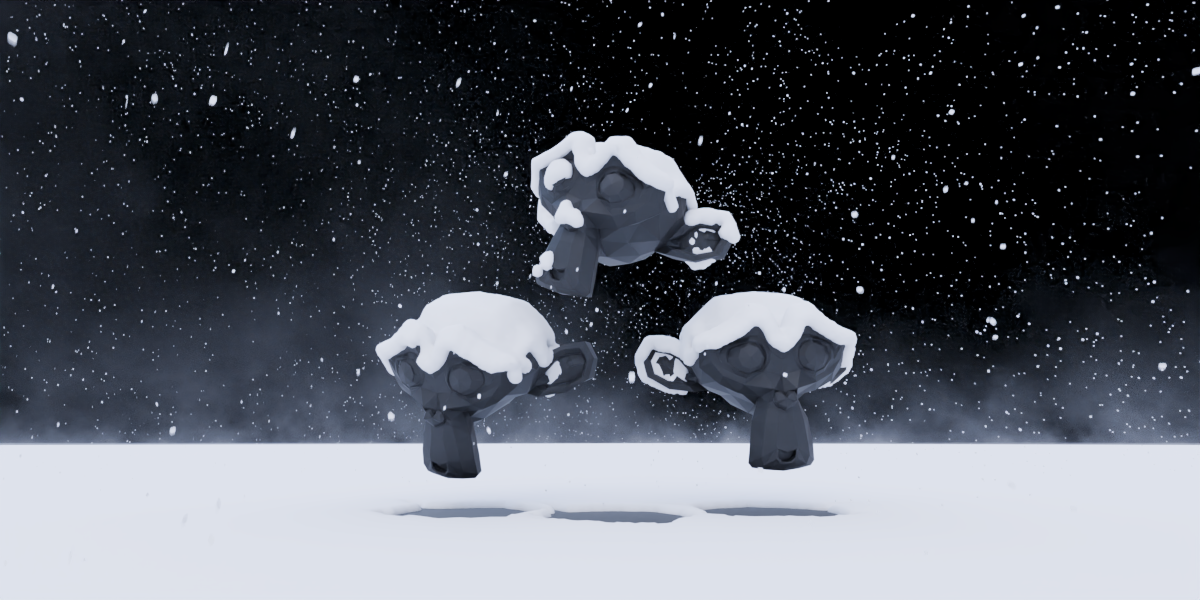
Weather It is a Blender add-on by Blender Bits for creating customizable weather effects in a scene. Its documented effects include rain, snow, lightning and fog, with details such as rain bounce and snow on the ground. The product listing notes compatibility with Blender Extensions and the Cycles and Eevee render engines.
Effects and controls
The add-on exposes different settings for each effect. The documentation describes these controls and where to find them:
- Rain settings include speed, fall distance and density. The spawner can be scaled in Edit mode and rotated in Object mode.
- Snow settings include speed, fall distance, density and noise, which changes how straight the snowfall path is. Resolution and point density affect the ground snow; a higher point density takes more processing power.
- Lightning settings control the size, speed and density of strikes.
- Fog controls are in the Material Editor. They include density, height, noise settings, wind controls and a performance mode that switches between emissive and volume scatter.
Use rain splashes and ground snow
To apply rain splashes or ground snow to scene objects, put the objects in a new collection and assign that collection in the effect's “Affected Objects” section. For rain, this adds splash effects to the selected objects. For snow, it applies snow to the ground surfaces in the collection.
Spawner size and effect speed
Changing the spawner size also changes the speed of rain and snow. If you resize the spawner, adjust the speed value in the Geo Nodes tab to set the fall rate you want.
Compatibility and license
The product listing states support for Blender 4.0 to 5.2, identifies Weather It as an add-on, and lists the GPL license. Check the listing for the current compatibility details before installing it with a different Blender version.