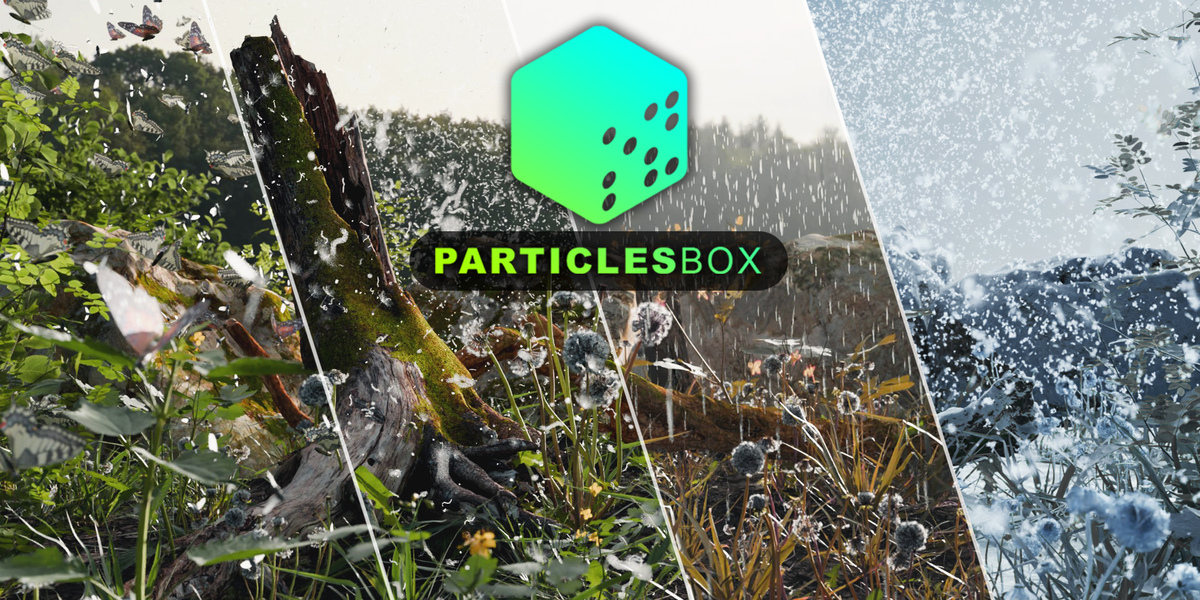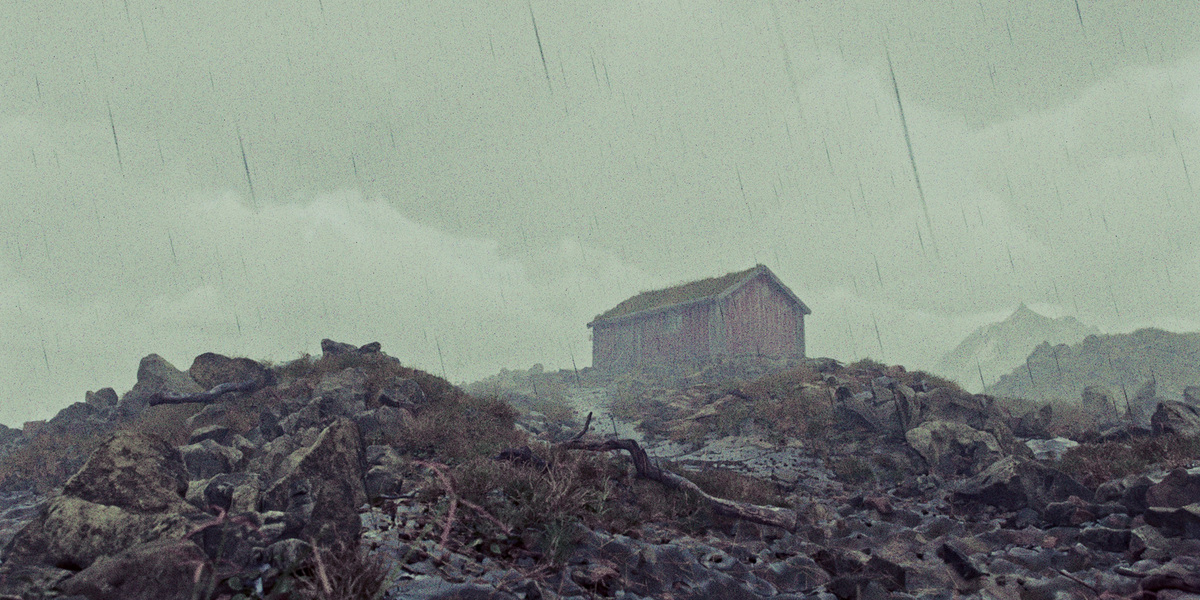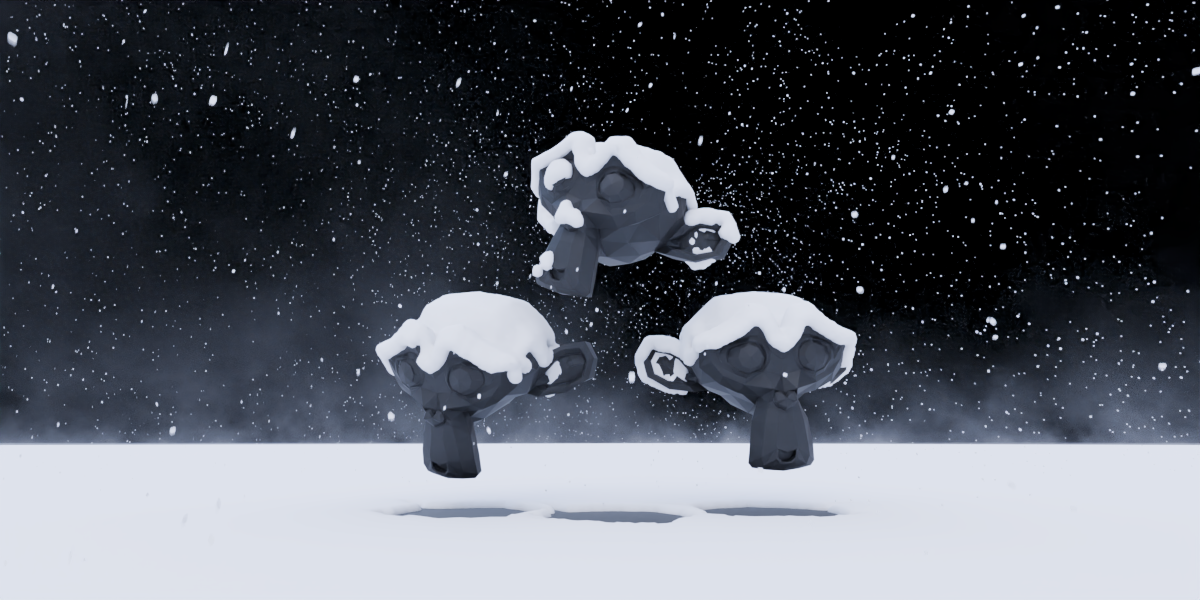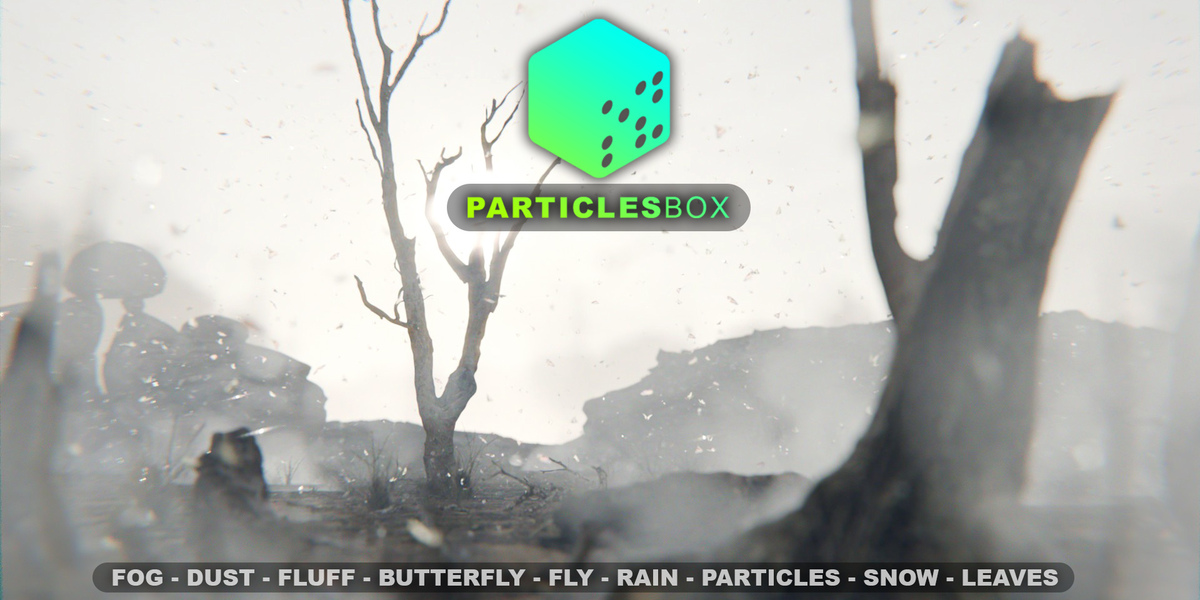
Particles Box is a Blender add-on for adding atmospheric effects and animated details to 3D scenes. It includes fog, rain, snow, falling leaves, dust, fluff, butterflies and flies. The product listing describes controls for adjusting each effect and support for hundreds of animated particles.
Weather and particle effects
The fog uses three procedural mist types that can be mixed and adjusted. Rain interacts with the scene: drops can leave geometric footprints and splashes on asphalt and other surfaces. Snow, leaves, dust, fluff and the small creature effects add other kinds of motion for scenes across different seasons.
Start an animation
The listed workflow starts with a cube. Apply the add-on to it, select the particle types you want, then start the animation. For rain, choose a collection of surfaces where puddles should form. Toggle the modifiers off and on to restart, then play the animation.
Adjust the details
Settings include particle scale, object count, animation speed and seed. You can replace the default particles with objects of your own. For fog, adjust the mix of the three procedural mist types to suit the scene.
Compatibility and installation
The product listing names Blender 3.6, 4.0, 4.1 and 4.2 as compatible versions, and marks the add-on as Blender Extension compatible. The installation instructions say to open Edit > Preferences, choose Install, locate the downloaded add-on and wait for installation to finish. Click its checkbox to enable it; the add-on then appears in the sidebar. Check the developer listing for compatibility details beyond the versions named there.