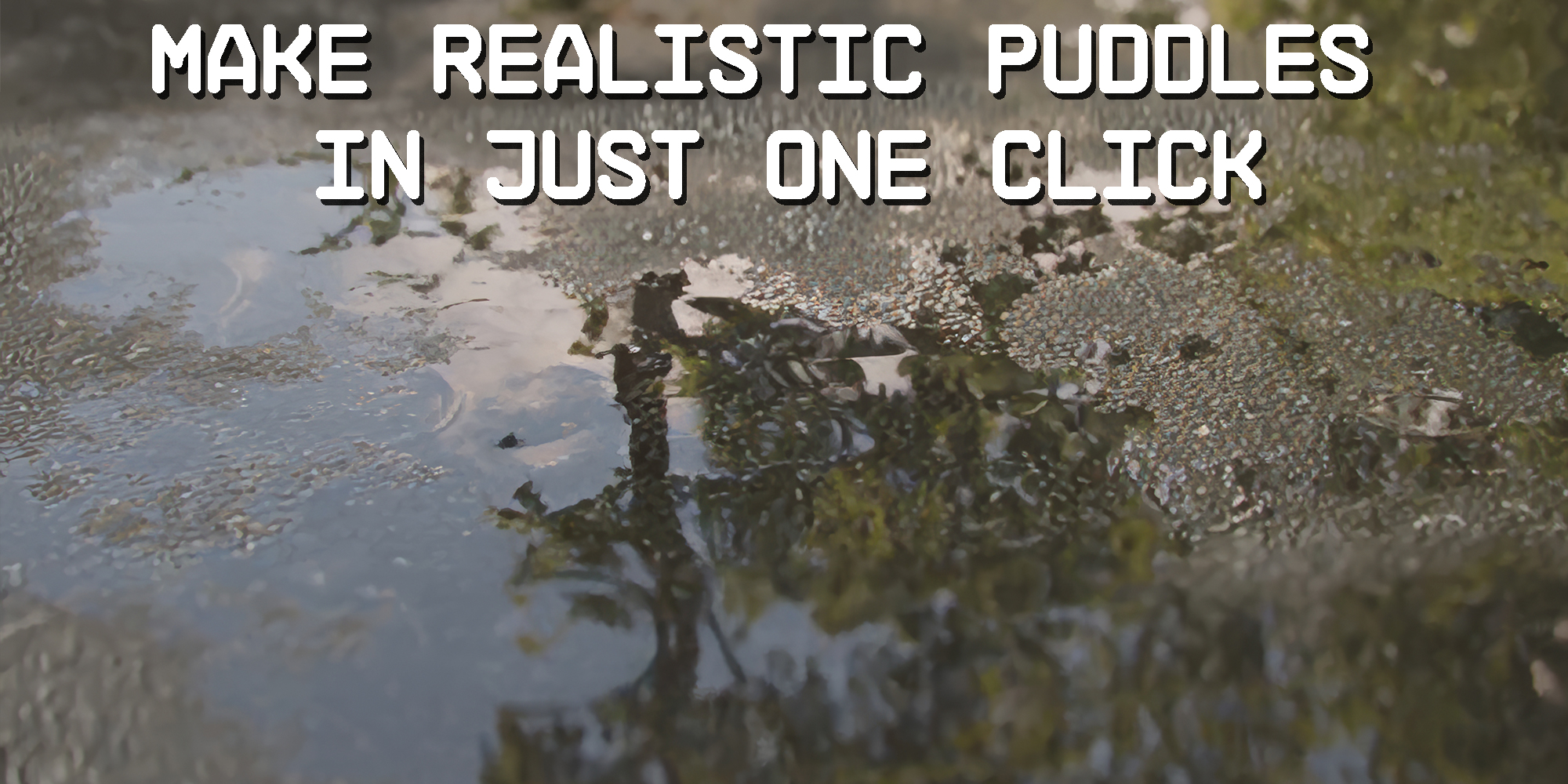
Physical Puddles Pro is a Blender add-on by Lazy3D for making puddles and wet-surface effects. Its tools cover one-click puddle creation, procedural ripples and rain splashes, plus mesh puddles and ground wetness in the Pro tier. The product listing describes the 2.0 feature set; check the current product listing for notes on the 2.1 update before choosing a version.
How the puddle workflow works
The one-click feature converts a selected material into a puddle setup and exposes controls for size, depth, spread and ripple intensity. It relies on PBR materials using Principled BSDF and texture filenames that include terms such as “color” or “albedo.” Materials outside that pattern need to be connected manually.
Procedural collision ripples react when objects intersect puddles. Rain splashes have adjustable size, intensity and randomness. Pro adds object puddles made with a dedicated 3D mesh generator, including edge ripples and blending, along with proximity-based or curve-drawn puddles. Its ground wet shader detects puddle zones, and procedural rims add controllable detail around puddle edges. Painted flowmaps can direct runoff; that workflow uses the separate free Flowmap Painter add-on.
What the listed versions include
- Free: a basic puddle-generator node group with automatic ripples, ready for Blender’s Asset Browser.
- Basic: OCP Eevee and Cycles, procedural ripples, rain splashes and collisions, plus vertex-paint drawing and displacement support.
- Pro: Basic features, adaptive-subdivision puddles, object-proximity and drawn puddles, 3D mesh puddles, ground wetness, procedural rims, rain and drip shaders, and the full editor UI.
The product page also lists Blender 4.1–5.2 and the Cycles and Eevee render engines. Confirm the current requirements for the package you plan to use on the documentation page.
Render performance and fit
Lazy3D reports tests on an RTX 3060 with 12 GB of memory, a 12th-generation i5, 16 GB of RAM and a 4K viewport. The notes give OCP Eevee as 30+ FPS beyond one metre and about 15 FPS in close-ups; OCP Cycles at 12–15 FPS; OCP Geonodes Universal at 8–15 FPS; OCP Extreme at 15–17 FPS; and Rain and Vertical Wetness at 30+ FPS in real time. These are results from the stated setup, not a performance guarantee for other scenes or hardware.
The add-on suits Blender artists who need procedural wet surfaces, rain interaction or editable puddle placement. The material naming requirement is the main setup detail to check if you expect one-click conversion to work on an existing shader.