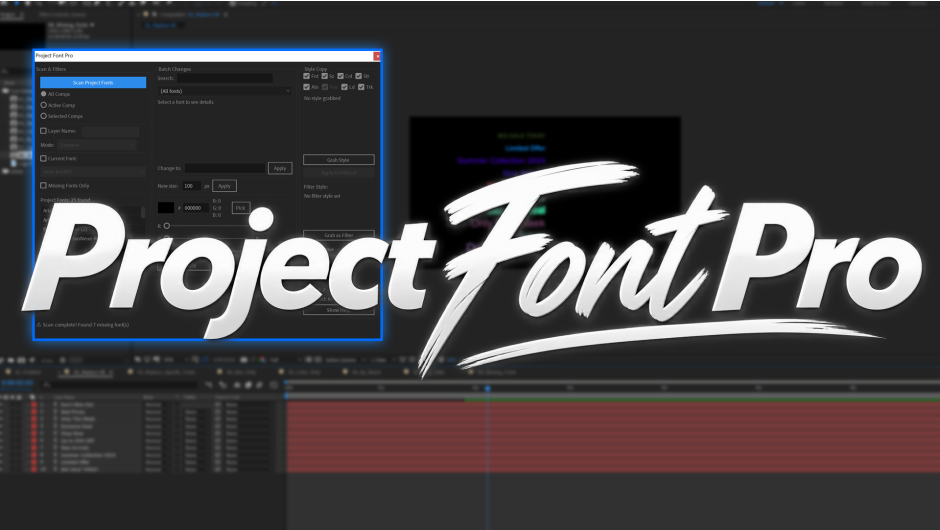
Project Font Pro helps find and change text styling in Adobe After Effects projects. Search fonts across the whole project, specific compositions, or the active composition. Use it to replace a font throughout a project, narrow changes to matching text layers, or find missing fonts for bulk replacement.
Search and target text layers
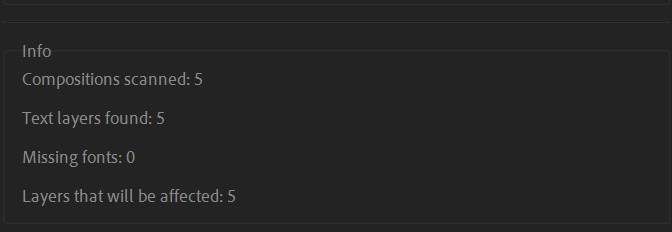
Filter by font or layer name to narrow a replacement. Version 1.4 adds regular expression filters for layer names. The tool reports how many layers use each font and how many remain in scope after filtering. It also shows which composition contains a font and can open that composition directly.
Replace fonts or transfer text styles
Replace a font with another, or change only a property such as weight, size, color, or alignment. For example, a project can target text layers by name and replace a selected font while leaving other layers untouched.
Project Font Pro can also take a style from an existing text layer and apply selected parts to other text. The available style properties include font, size, color, stroke, alignment, leading, and tracking. You can choose which properties to copy and select the font to use.
Version and compatibility
The listed version 1.4, released February 28, 2026, adds a compact interface, regular expression filters for layer names, and easier font selection. The developer lists compatibility with After Effects 2020 through 2026.
Trial and product details
The aescripts listing includes a free trial. Check the Project Font Pro product page for current pricing, trial terms, and compatibility details.