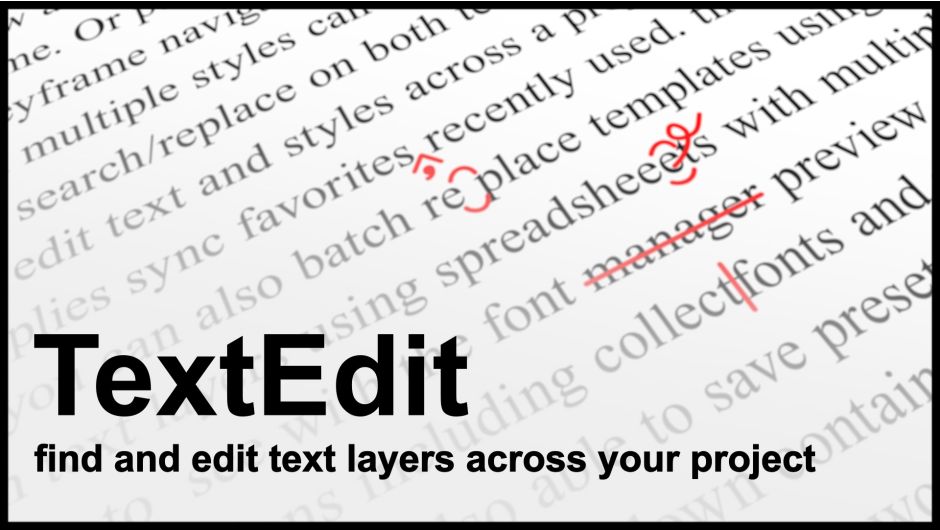
pt_TextEdit 2 is an After Effects script by Paul Tuersley for finding text layers and editing their text and styles across a project. Search can target layers by criteria such as font name or tags in layer comments. A results list shows matching layers and their property values, so you can select one or several to edit. The publisher’s product page documents the panel controls and version history.
Find text layers across a project
Click Search to list text layers, or use the search options to narrow the results. An option includes nested compositions, and searches cover text keyframes. Results can be sorted by composition, font, text, layer, font size, or color. The script can also reveal matching text layers in the project panel.
Edit selected text and styles
The panel lets you check the text properties to edit. Fetch copies values from a selected layer into those settings. With automatic Fetch enabled, selecting a result fills in the values; otherwise, click Fetch. You can fetch values from a text layer selected in the composition as well.
Automatic Apply makes changes take effect on selected text layers as you edit. Otherwise, click Apply to send the checked settings to the selected layers. Add to Timeline applies those settings to text layers selected in the active composition. If none are selected, it adds a new text layer.
Search and reuse text styles
Save a style as a named preset and choose it from the Action/Preset menu later. The feature history also lists search and replacement for text and fonts, color search with 8-bit, web hex, or decimal values, and text conversion to uppercase or lowercase. Missing-font search requires After Effects CC 2014.1 or later; tracking edits work in CS5 and later. Leading is also among the editable properties.
Version 2.87, dated July 8, 2026, includes a license update. Version 2.5 added a layer limit to Auto Apply to help prevent slowdowns.