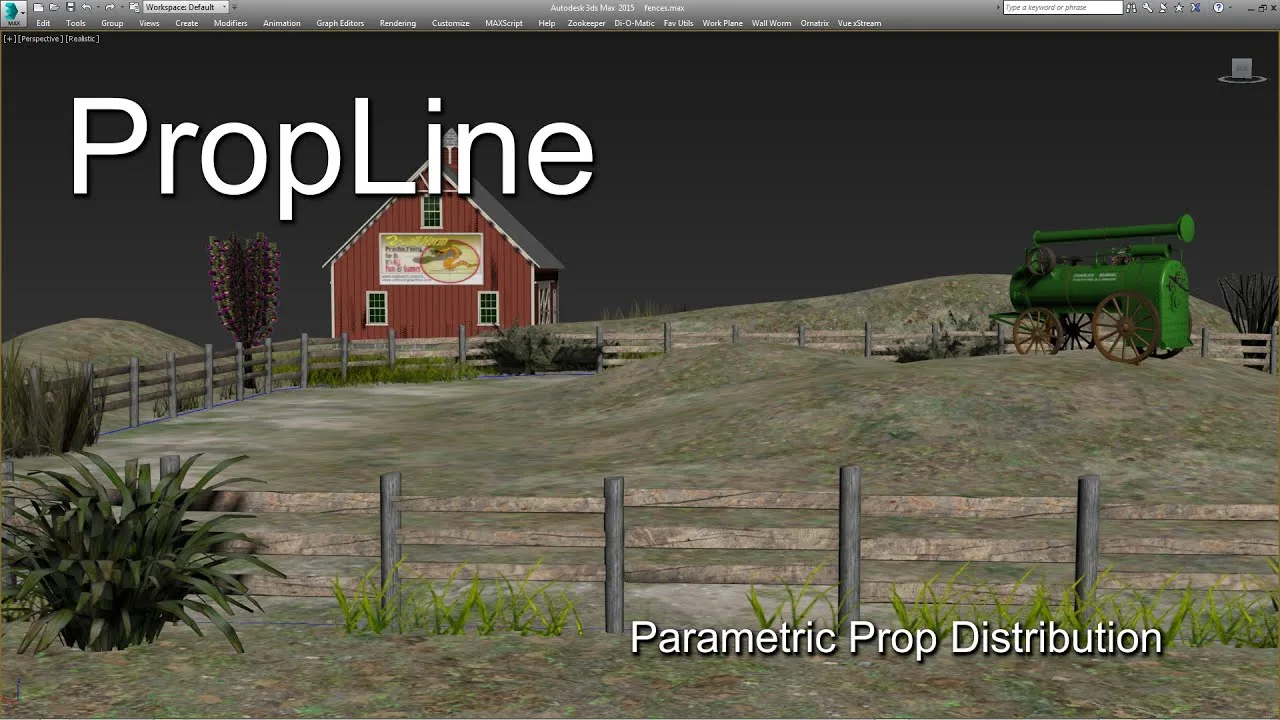
PropLine for 3ds Max places source objects along splines in a parametric, non-destructive workflow similar to the built-in Spacing Tool. You can adjust how props are distributed, which source objects are used, and how they are transformed while working on the spline. The Wall Worm documentation describes its controls and known issues.
Choose how props follow a spline
PropLine provides several distribution methods for different path layouts:
- Knot: places a prop at each spline knot.
- Interpolation: places a prop at each interpolated corner.
- Spacing: places props at regular intervals set by the Spacing value.
- Size: places props according to their dimensions, with Padding to add extra space.
- Divide: places props at even intervals; the PropLine page describes the count as Spacing converted to an integer; its version 1.63 changelog says a separate Divide amount was added because Divide previously shared Spacing, leaving the current control unclear.
The PropLine page lists Knot, Spacing, Size and Divide for Line or Editable Spline shapes; unsupported methods fall back to Interpolation. A Wall Worm 4.2.3 Pro Pack release note added Spacing, Divide and Size support for all shape classes.
Vary source props and transforms
Use source objects in list order, choose them randomly with a Seed to change the result, or use Probability distribution based on each source object’s relative PropLine custom-attribute value. The Transformations controls set orientation, flips and upright behavior, plus translation and rotation offsets. For each axis, you can use a shared value or set a range for randomized offsets.
PropLine also has Skip Probability for leaving placement points empty, and per-prop overrides for settings that should differ across source objects. These controls let you adjust a spline setup without manually placing every prop.
Manage viewport updates and performance
AutoUpdate rebuilds PropLine when its settings, source geometry or splines change. Turning it off means updates happen when you press Update; the developer recommends disabling it after manipulation to improve performance. Display As Boxes and the other performance controls can help when the viewport is slow. The documentation lists high-poly source geometry, very small spacing values and many controlling splines as possible causes of slowdowns or hangs.
When editing control-spline vertices, the documentation recommends turning off AutoUpdate if vertex movement becomes unpredictable. It also warns that using Affect Pivot Only on a group node used as a PropLine prop can crash 3ds Max.
Check the package and compatibility details
The AnyPlugins listing gives PropLine version 5.2.8, compatibility with 3ds Max 2012 and later, and an update date of October 23, 2022. Wall Worm’s current PropLine product page lists a minimum of 3ds Max 2014+. The developer documentation describes PropLine as bundled with Wall Worm and shipping as a C++ plug-in, with viewport instancing in 3ds Max 2023 and later. The ScriptSpot listing is another reference for the cataloged release details.