ProxyBody is a Blender add-on for rigid body simulations that creates optimized proxy meshes from detailed models. The lighter proxies are designed to reduce scene complexity and improve playback while driving a high-detail result. PlugIn3D’s product listing describes examples with 60 cars and even 1,000 cars; these are examples of the workflow’s intended scale, not a performance guarantee for every scene.
How the proxy workflow works
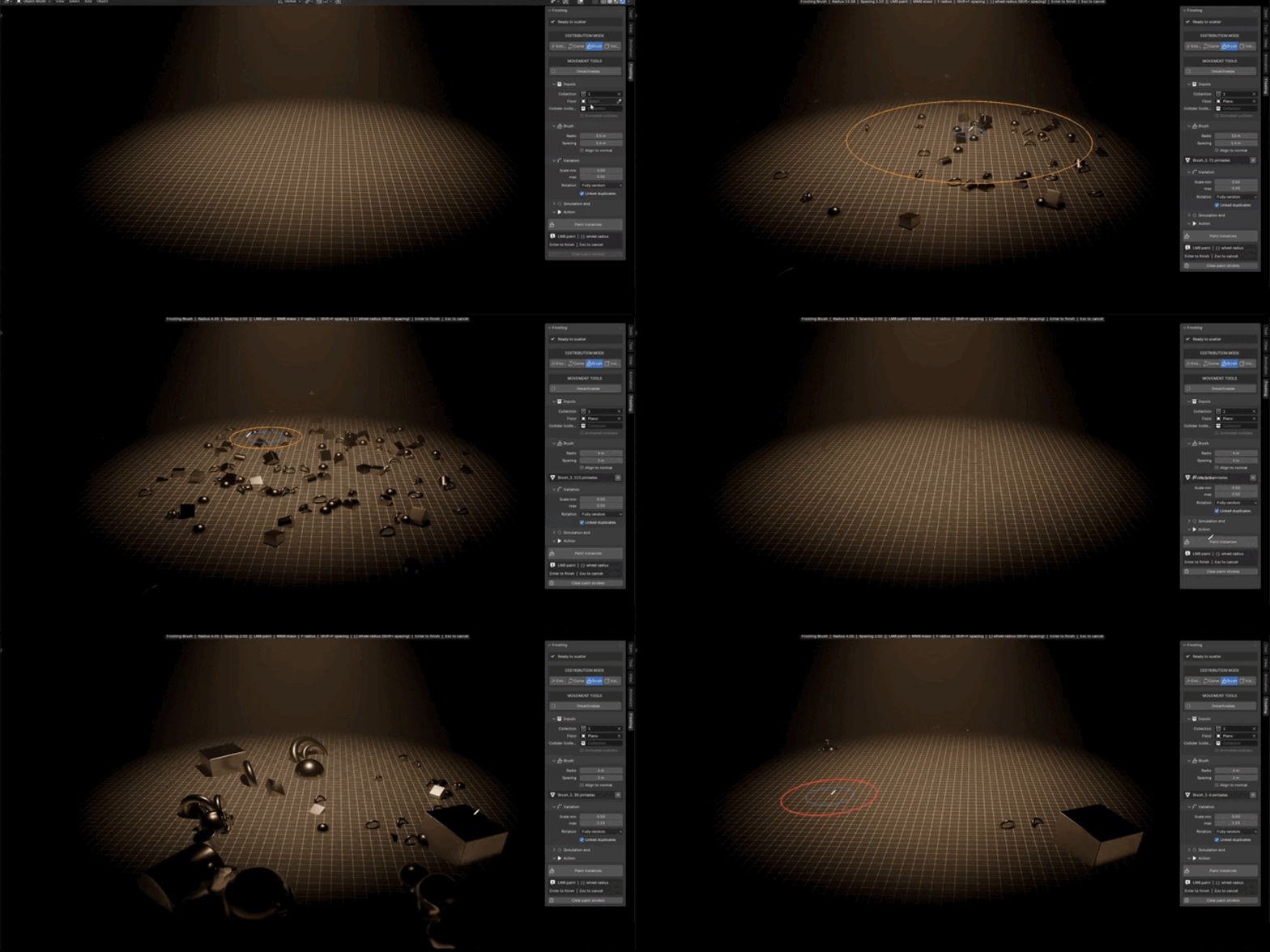
Start with a mesh and use the Proxify control to create a simplified proxy. ProxyBody can place proxies in an array or scatter them across a surface. After applying the placement, its randomization controls can vary location, rotation, and seed. The resulting objects can then be set up for rigid body simulation.
The add-on’s documentation also describes creating a ground collider from a selected mesh or a generated plane, adjusting proxy, passive-body, and world physics settings, and baking or clearing the simulation cache.
Requirements and setup
The product listing specifies Blender 5.0. If you use another Blender release, check compatibility with PlugIn3D before installing. The documentation says ProxyBody is intended for mesh-based workflows and recommends clean source geometry. If the add-on package includes a library .blend file, keep it inside the add-on folder with the other files.
To install, open Blender’s Edit > Preferences > Add-ons, choose Install, select the add-on ZIP, and enable ProxyBody. The listing names Cycles and Eevee as render engines used with the product.
Who may find it useful
ProxyBody is aimed at Blender artists building rigid body scenes with many objects or dense source meshes. Proxy geometry can make iteration more manageable when directly simulating detailed meshes slows scene playback.