Pure-Sky Pro is a Blender add-on by 3DVision for creating procedural skies, volumetric clouds and atmospheric lighting. It is designed for still renders and animation, with controls for sky presets, cloud shape and placement, fog, and scene interaction. The product listing includes Eevee Next and Cycles support and integration with Blender's Sun Position add-on; the documentation covers setup and controls.
Sky, cloud and fog presets
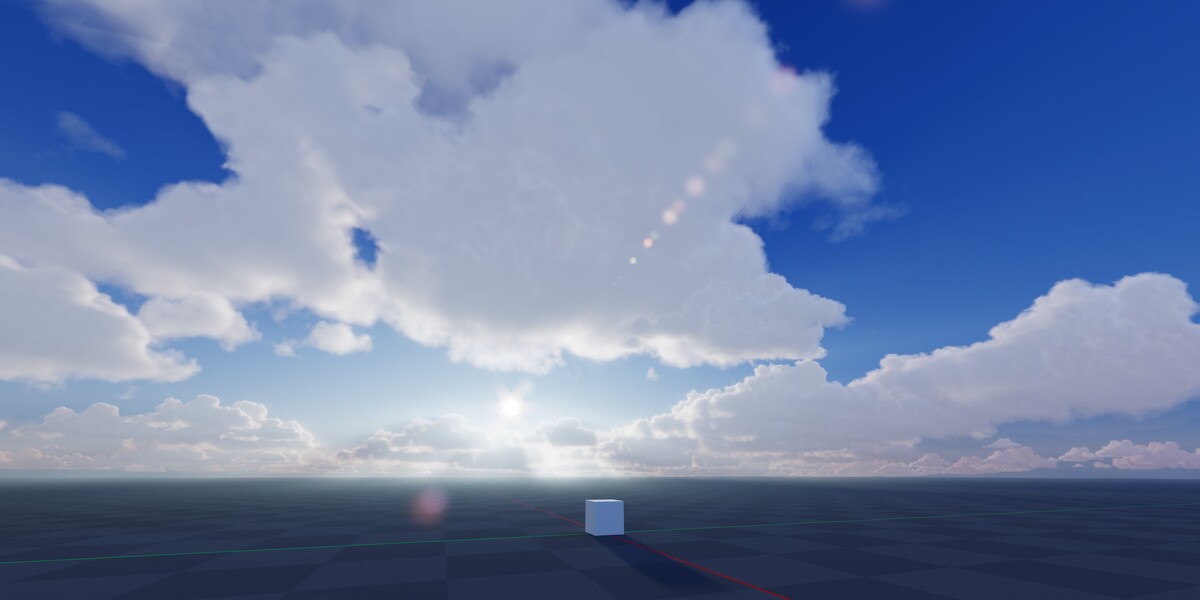
The preset library contains 21 skies, 22 cloud presets and six atmospheric fog presets. Sky choices range from sunrise and midday to starry nights. Cloud types include Fluffy Cumulus, Majestic Cumulonimbus and Delicate Altocumulus. Sky settings include brightness, color and moon phase; cloud settings include density and height. You can export and share custom sky, cloud and fog presets for reuse.
Cloud shaping and atmosphere
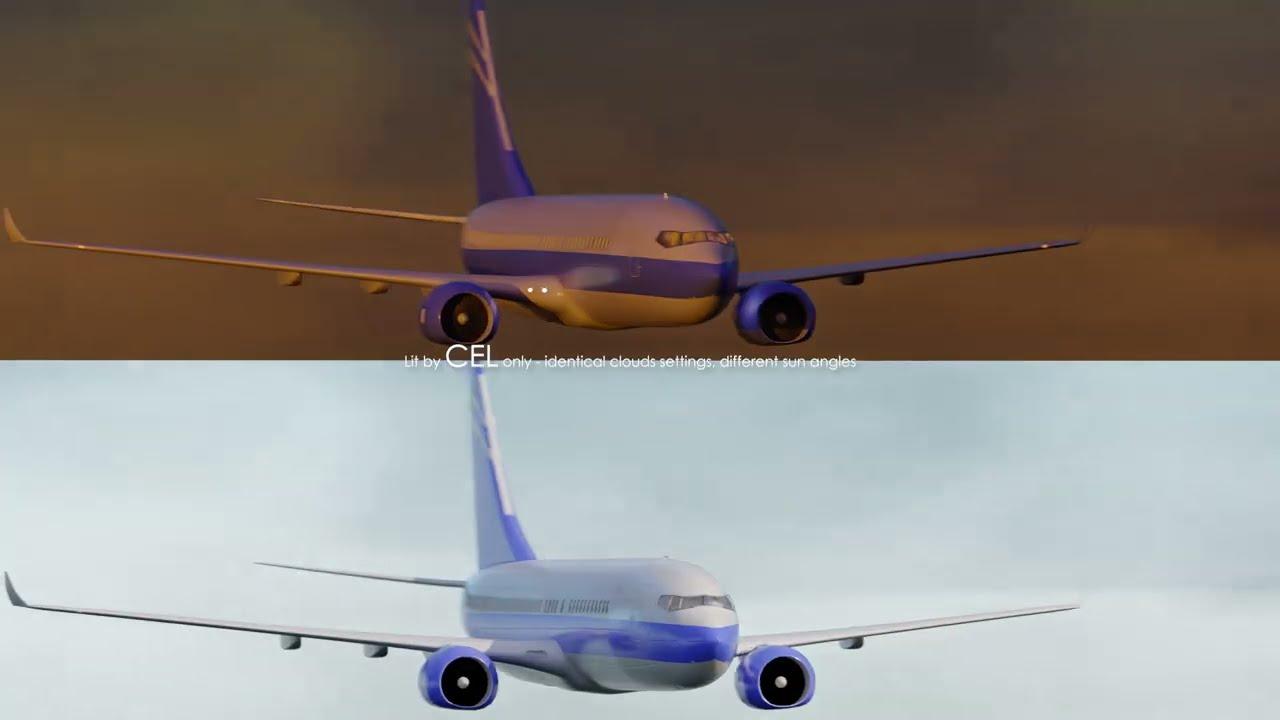
Cloud Mask controls cloud placement, and textures can also act as density masks. Edit Mode lets you sculpt cloud shapes and density in real time. Join Mode turns a mesh into a cloud cell, while Collision Mode simulates physical interactions with clouds. Clouds can cast shadows and produce god rays, particularly in Eevee Next. Ground Fog adds low-lying fog, with depth, density and scattering controls.
Hybrid skies and rendering
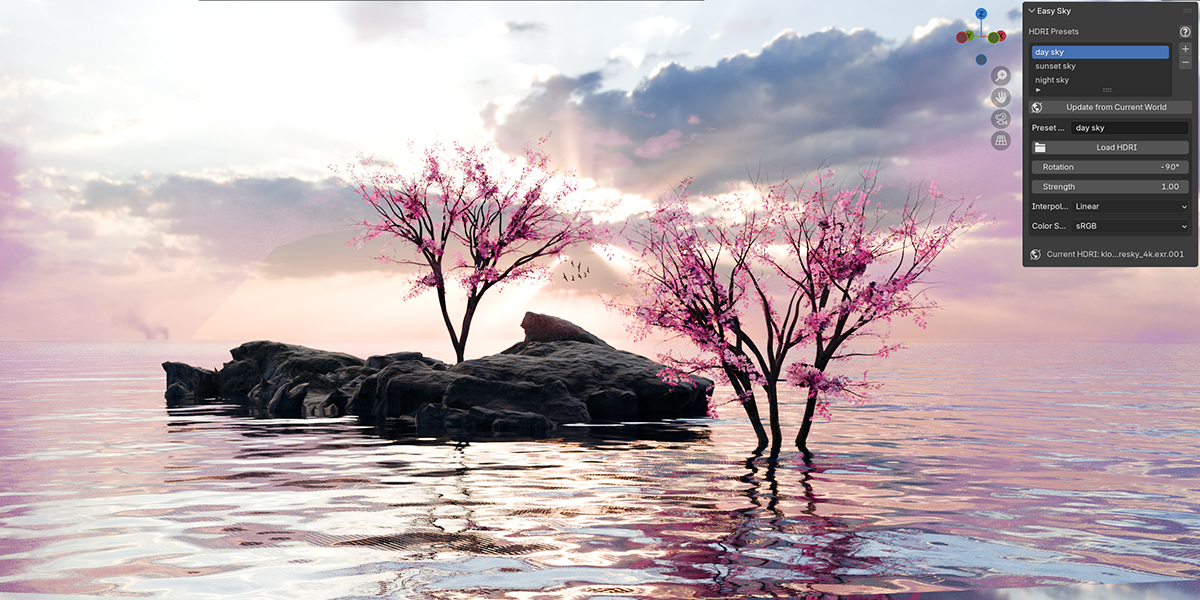
Hybrid Mode blends a procedural sky with an HDRI map, giving you controls over the blend and light intensity. Pure-Sky Pro supports Eevee Next and Cycles, and integrates with Blender's Sun Position add-on for lighting setup. Available render modes are Base, Fast, Accurate, NPR and Instances. Choose Fast for previews and Accurate for final renders in Cycles.
Getting started and Blender compatibility
To install Pure-Sky Pro, open Edit > Preferences > Add-ons > Install, select the Pure-Sky Pro ZIP and enable the add-on. Enable Blender's built-in Sun Position add-on and restart Blender. For a first setup, load a preset and click Refresh Camera Coordinates in the Pure-Sky Pro panel.
The catalog record lists version 7.0.39; the product listing showed version 7.0.43 when checked on 26 November 2026. As checked on 26 November 2026, the product listing and documentation details panel give a Blender range of 4.5 to 5.2, while the documentation overview says 4.3 to 4.5 at least. The product information does not clarify how the overview's 4.3 to 4.5 at least relates to the 4.5 to 5.2 listing range, so confirm your Blender release before installing.