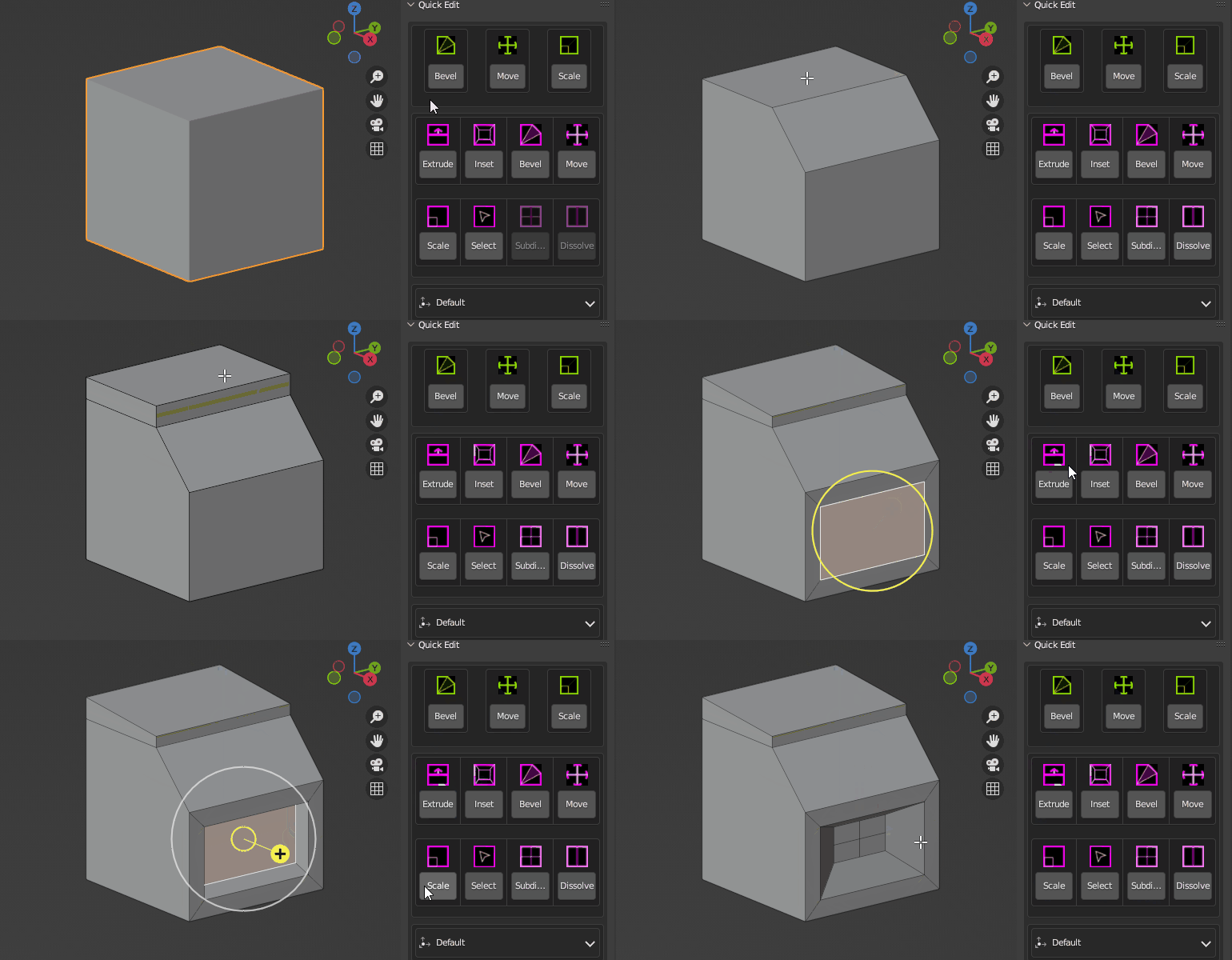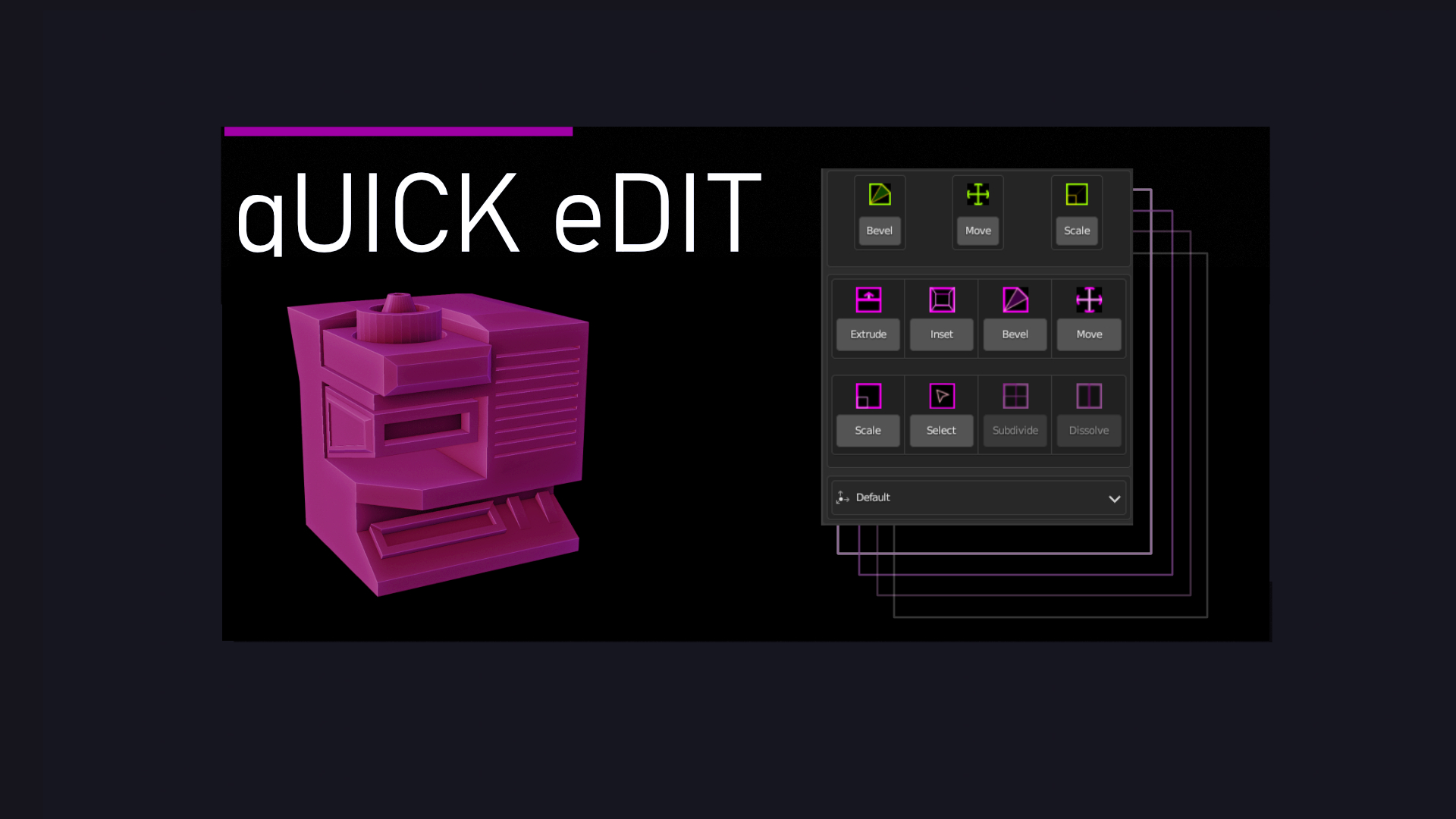
Quick Edit is Synthomesh's Blender add-on for editing edges and faces through icon shortcuts. Clicking an icon switches the object from Object Mode to Edit Mode and selects the matching tool. Green icons handle edges; pink icons handle faces.
Using Quick Edit
- Click a green icon for an edge edit or a pink icon for a face edit.
- Use the selected tool in Edit Mode.
- When finished, double-click the left mouse button to return to Object Mode.
This shortcut flow is intended for making edge or face edits on the fly, without manually switching modes and choosing the corresponding tool each time.
Bool It, hIVE, and compatibility
The idea for Quick Edit came up during development of Bool It, as a way to add detail to a boolean part. A newer version of Bool It includes Quick Edit as a panel for adjusting edges or faces on boolean objects. The add-on is also included in the hIVE Bundle.
The product listing gives a Blender compatibility range of 3.0 through 5.2 and identifies the license as GPL.