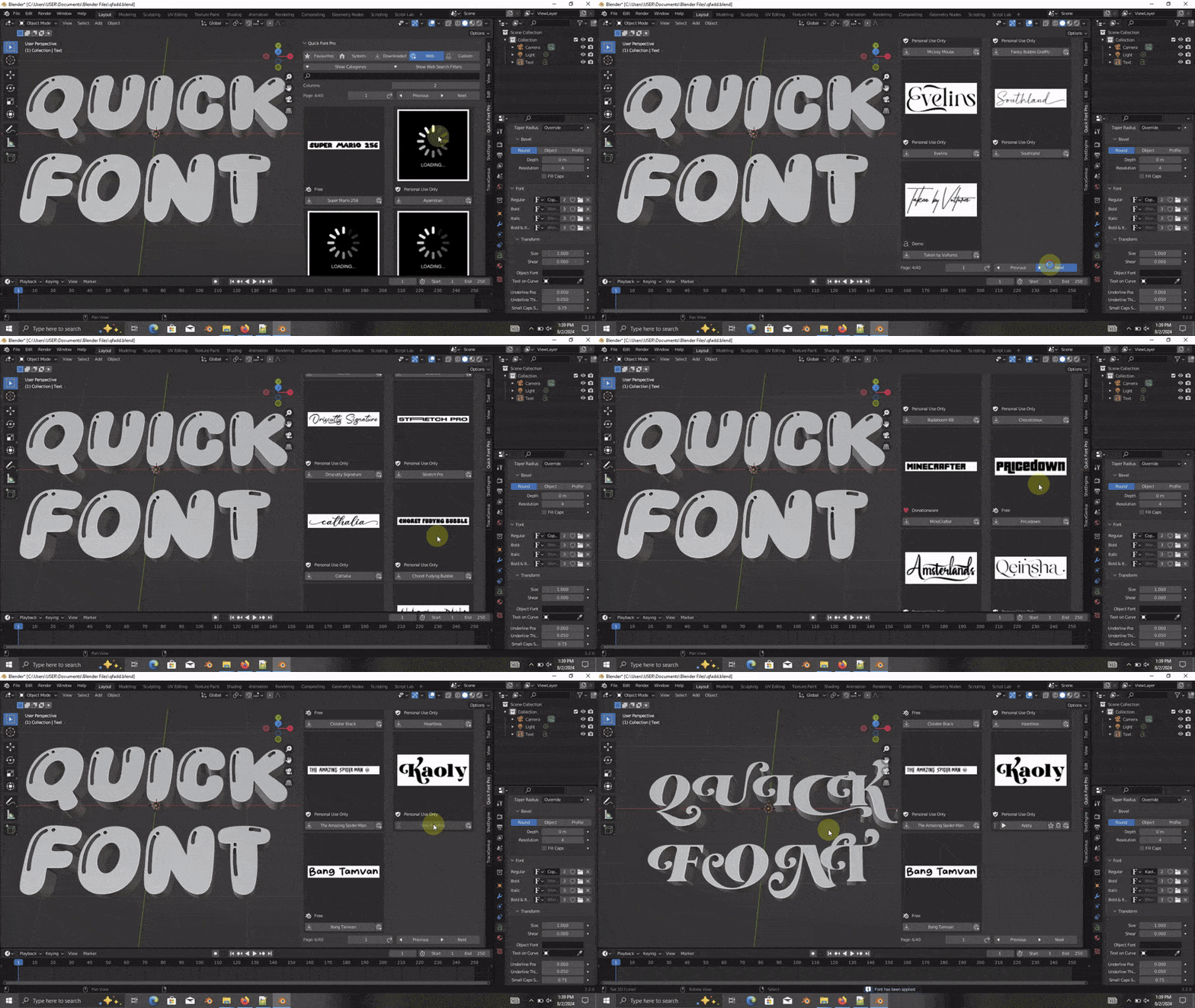
Quick Font is a Blender add-on by Russel Studios for finding and applying typefaces without leaving Blender. It brings fonts from an online database of more than 87,000 options together with fonts installed on your computer.
Search and preview fonts in Blender
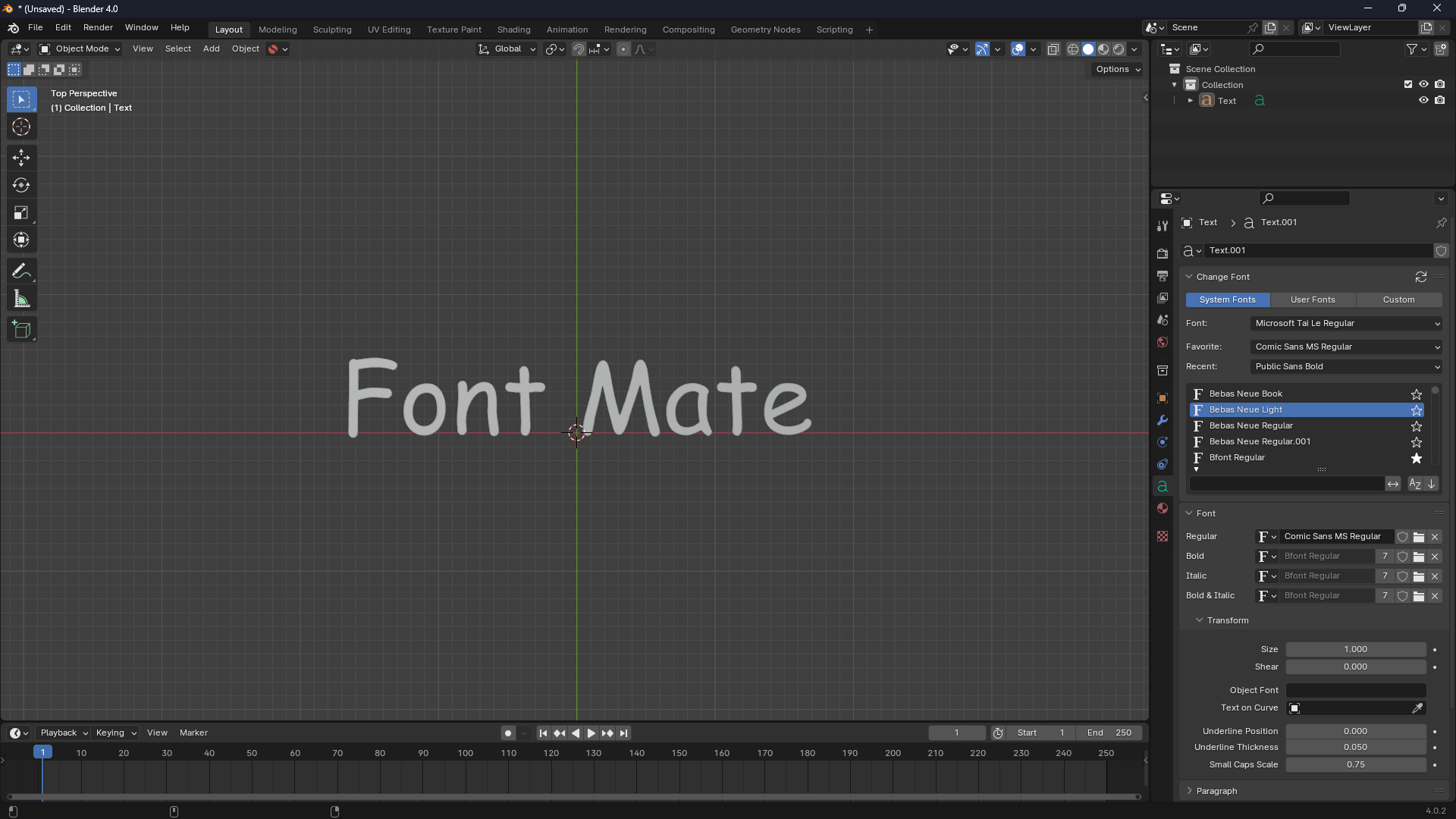
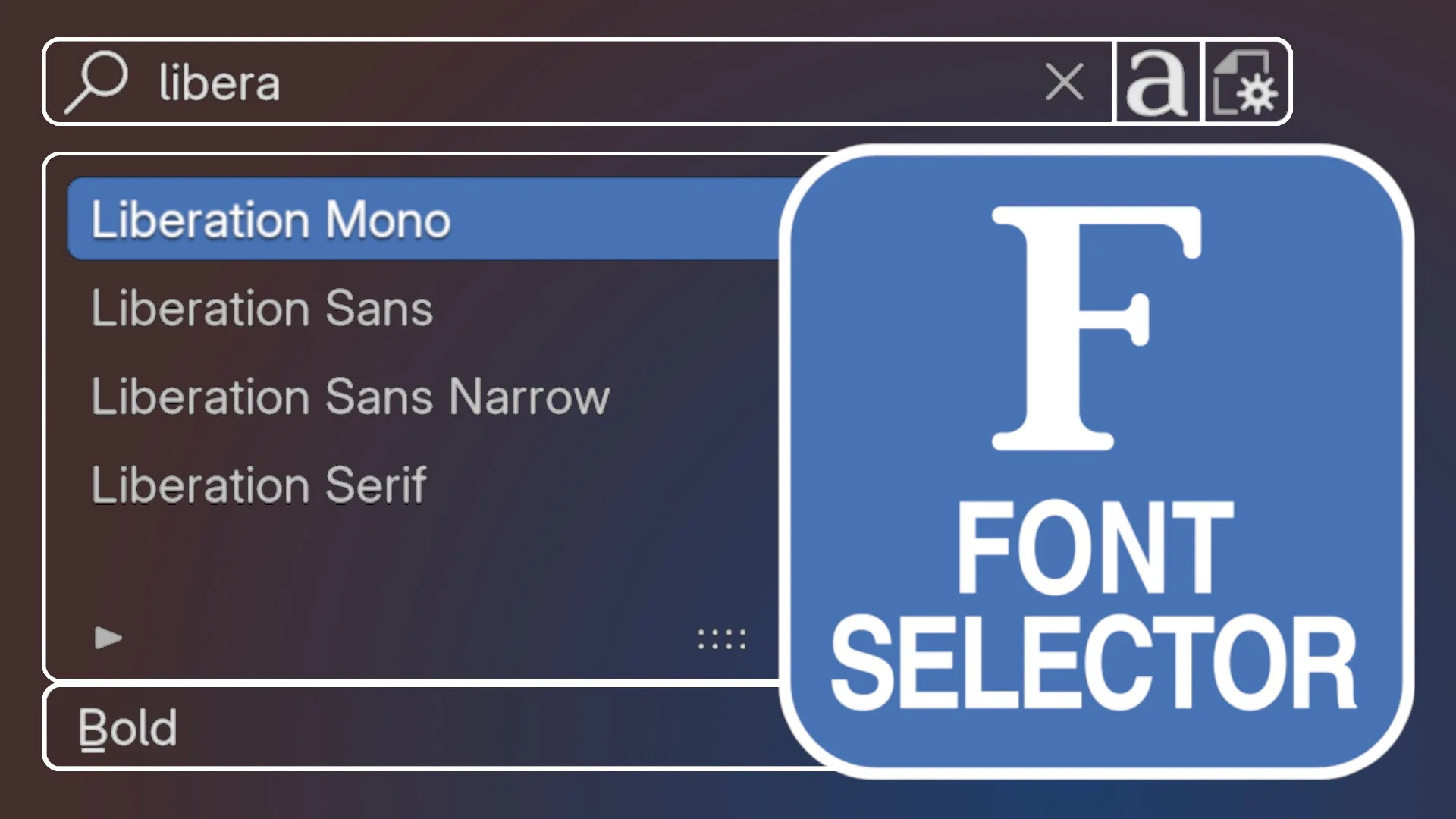
Use the search bar to narrow the font list, then preview a typeface on text objects in the 3D view. Quick Font also lets you mark favorites and switch between a list and thumbnail previews, which can help when choosing a font for a title, animation, or 3D scene.
Use online and local font collections
Quick Font automatically displays fonts installed on your computer and can also use a custom fonts folder for a separate collection. Version 1.1 fixed subdirectory scanning on Windows, Linux, and macOS. For online fonts, you can download and apply a selection inside Blender. Version 1.2 added a configurable download location in Add-on Preferences.
Each online font listing shows its license before the download button and links to the font creator's page. Quick Font does not own those font files, so check the terms for each typeface before using it.
Version and compatibility
The Superhive product listing identifies version 1.3 and lists Blender versions 2.8 through 5.3. The version 1.3 update improved font listing in the interface.