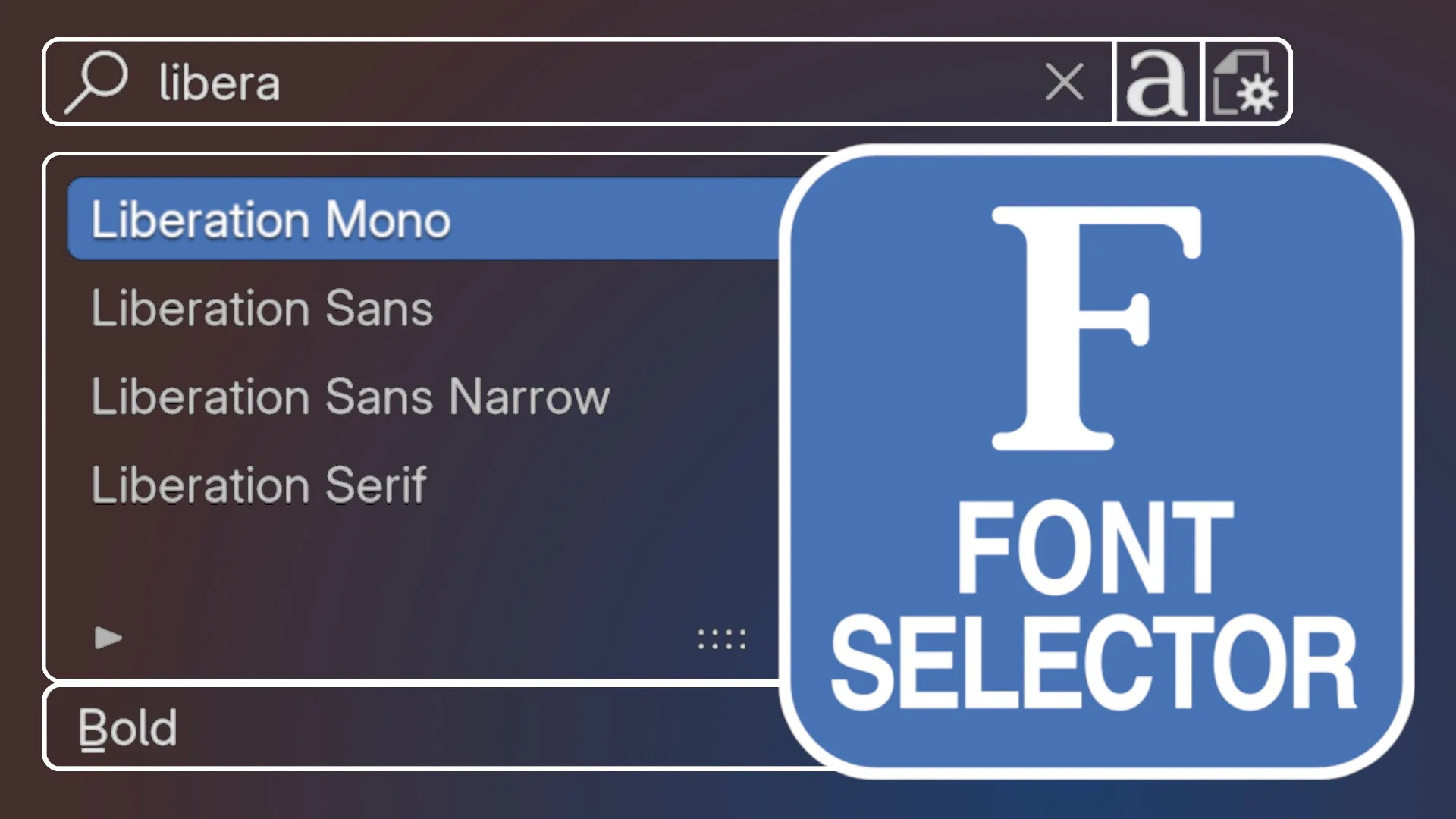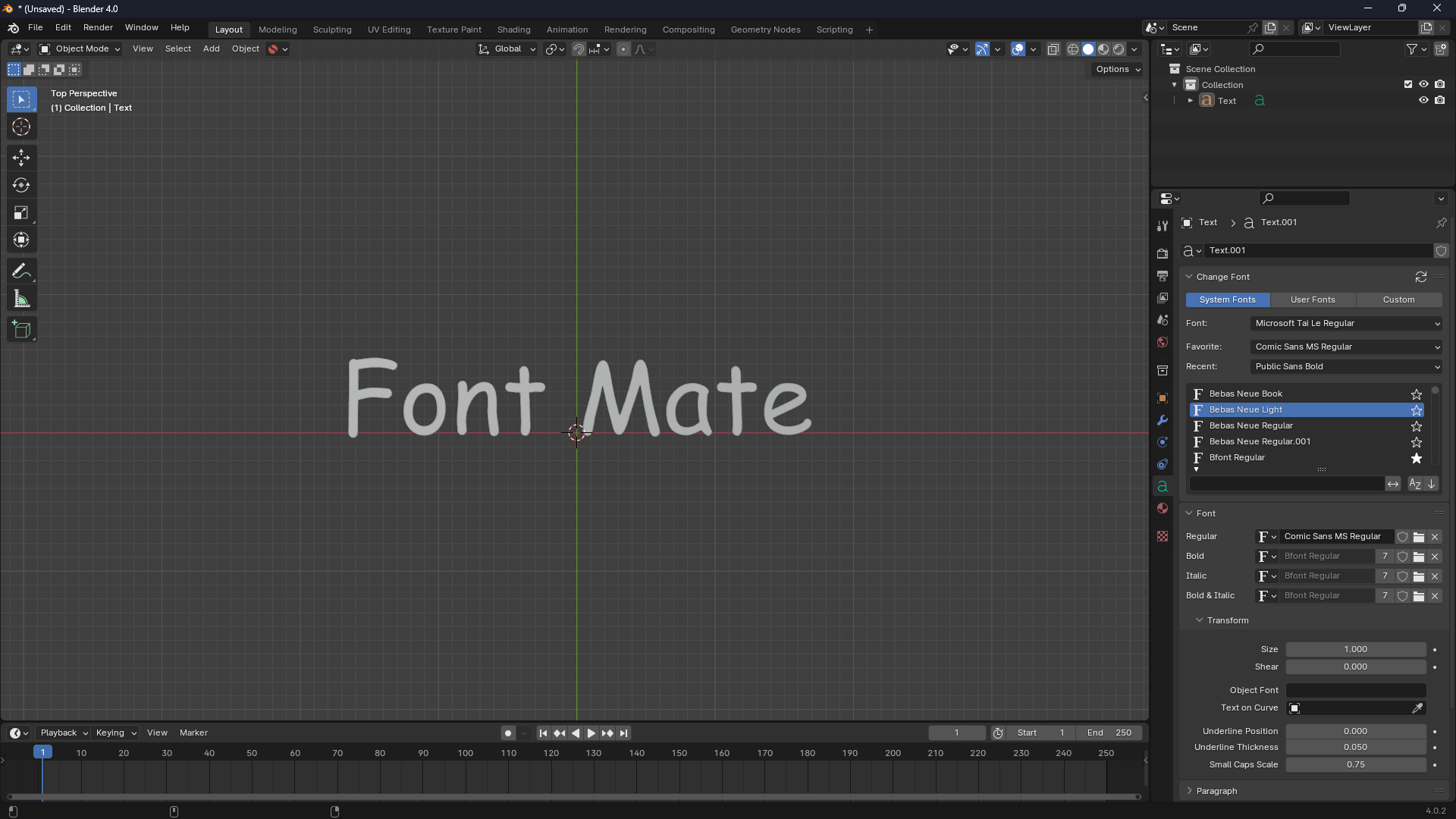
Font Mate is a Blender add-on by Jishnu Jithu for choosing typefaces on text objects. It brings system and user fonts into a pop-up in Blender’s 3D Viewport, where you can preview, search, filter, and apply fonts without opening a file browser.
Choose which font folders to browse
Font Mate can combine system and user fonts, show either source on its own, or load fonts from a custom directory. A custom folder is useful for project-specific or downloaded fonts. In Blender preferences, you can also change the default system and user font paths for Windows, macOS, and Linux.
Search by name or style
Type in the search box to narrow the font list. Style filters include Bold, Italic, Light, Regular, Medium, Black, and Thin. Alphabetical separators can divide the list into sections; the listing shows this preference enabled by default.
You can mark fonts as favourites and reopen them in Quick Access. A recent-font history is also available, though the listing shows it disabled by default. Both options can be adjusted in preferences.
Apply a font to selected text
- Select one or more Text objects in the 3D Viewport.
- Open Font Mate with Ctrl + F, which is configurable in preferences, or use the Font button in the viewport header when a Text object is selected.
- Click Load Fonts when needed. The listing says this is required once per session or change.
- Search or filter the list, then choose a font. Font Mate applies the selection to all currently selected Text objects.
Compatibility and license
The Superhive product listing marks Font Mate as Blender Extension Compatible and lists a GPL license. Its stated Blender versions are 3.0, 3.1, 3.2, 3.3, 3.4, 3.5, 3.6, 4.0, 4.1, 4.2, 4.3, and 4.4. If you use a newer version, check the product documentation or listing for current compatibility details. AnyPlugins lists Font Mate as free; check the product page for the current offer and license information before downloading.