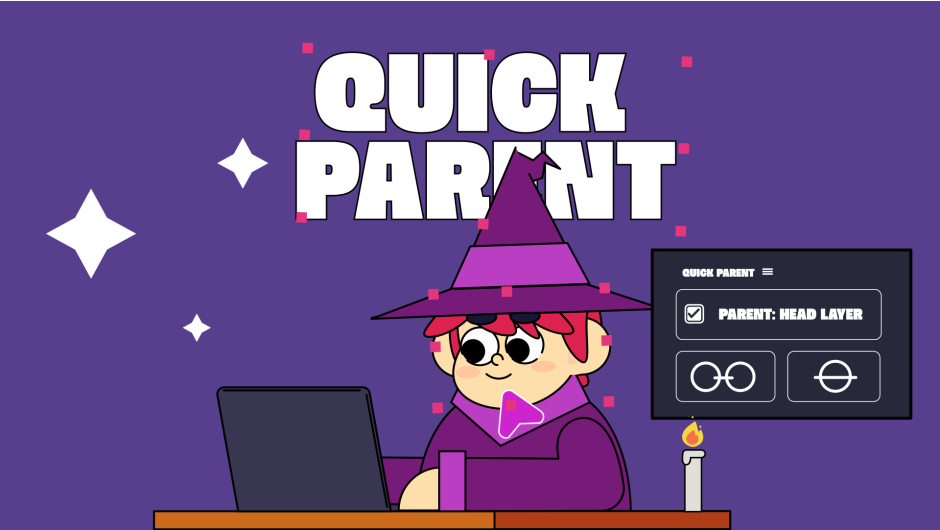
Quick Parent PRO is an After Effects script for linking layers with Last-Selection Parenting. It tracks selections in the Timeline or Composition Viewer and identifies the last-selected layer as the potential parent. Select the child layers, select the intended parent last, then click Parent to link them without dragging the pick whip for each layer.
Parent and unparent selected layers
The Parent action applies the link to multiple selected layers at once. To remove links, select one or more parented layers and click Unparent. That removes the parent relationship without opening a layer's parent menu and searching for “None.” The workflow is aimed at tasks such as rigging, 2D character animation, and managing layers in complex compositions.
Selection tracking and version 2.2
Selection Tracking can be turned on or off. The version 2.2 release notes describe improved tracking stability and handling of removed layers, along with a revised Unparent action and new vector icons for Parent and Unparent. These controls make the tool relevant when layer relationships change often during animation or composition work.
Trial and product details
The product listing identifies a trial mode with a three-layer limit. It also lists compatibility from After Effects CS6 through After Effects 2026; the FAQ below gives the listed releases. Check the official Quick Parent PRO listing for current pricing, trial terms, and product details. Quick Parent PRO is developed by Ivan Rascon.