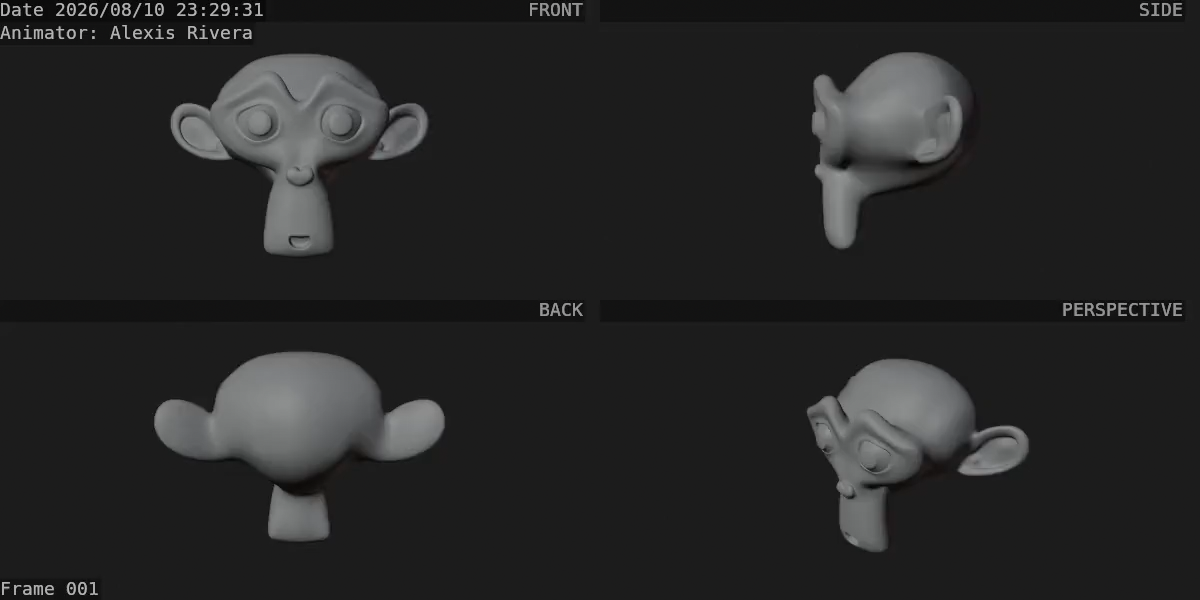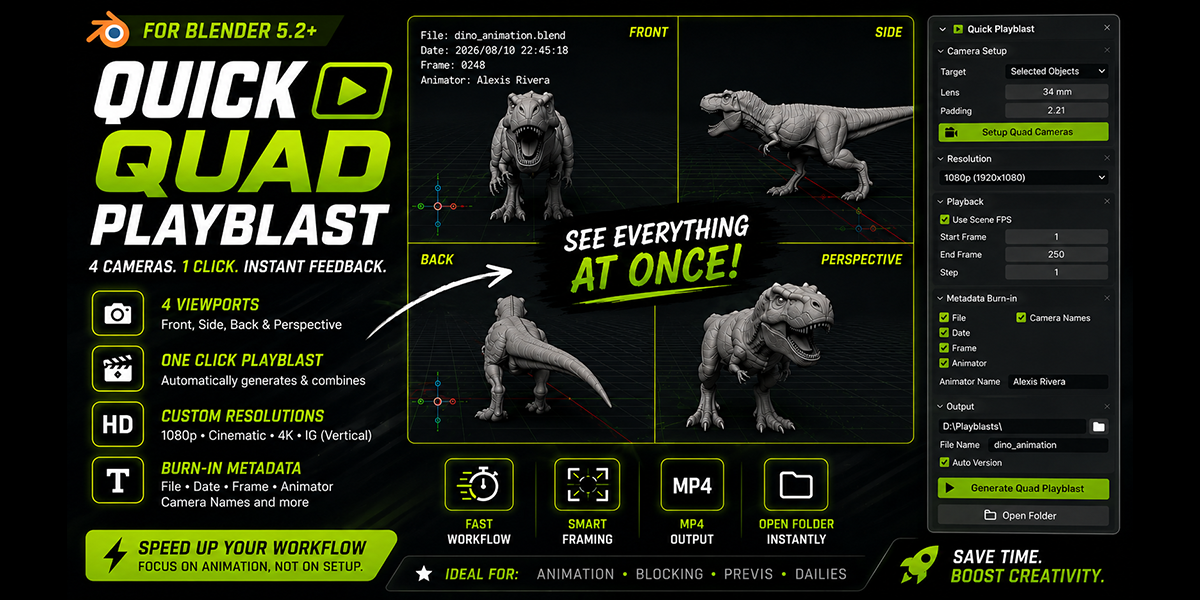
Quick Quad Playblast is a Blender add-on for creating a Quad View playblast and exporting it as an MP4. Its product listing describes a four-camera setup with smart framing, metadata, and custom resolutions.
Using Quick Quad Playblast
- Install the add-on directly from its ZIP file without extracting it.
- Open the N-panel and select Quick Quad Playblast.
- Set up the quad cameras, then generate the playblast.
- Select Open Folder to locate the exported MP4.
Blender version and license
The Superhive listing names Blender 5.2 and the GPL license. The creator says the add-on was made in Blender 5.2 and has not confirmed whether it works with earlier releases. Compatibility with other versions is not established in the supplied product documentation.