Flipbook is a Blender add-on by Taylor S. Ellis for reviewing animation through viewport renders. It captures the viewport as an image sequence and opens playback so you can check timing, spacing, and motion before a final render. The Flipbook documentation describes a workflow that uses Blender's existing components without external dependencies.
Review motion from the 3D viewport
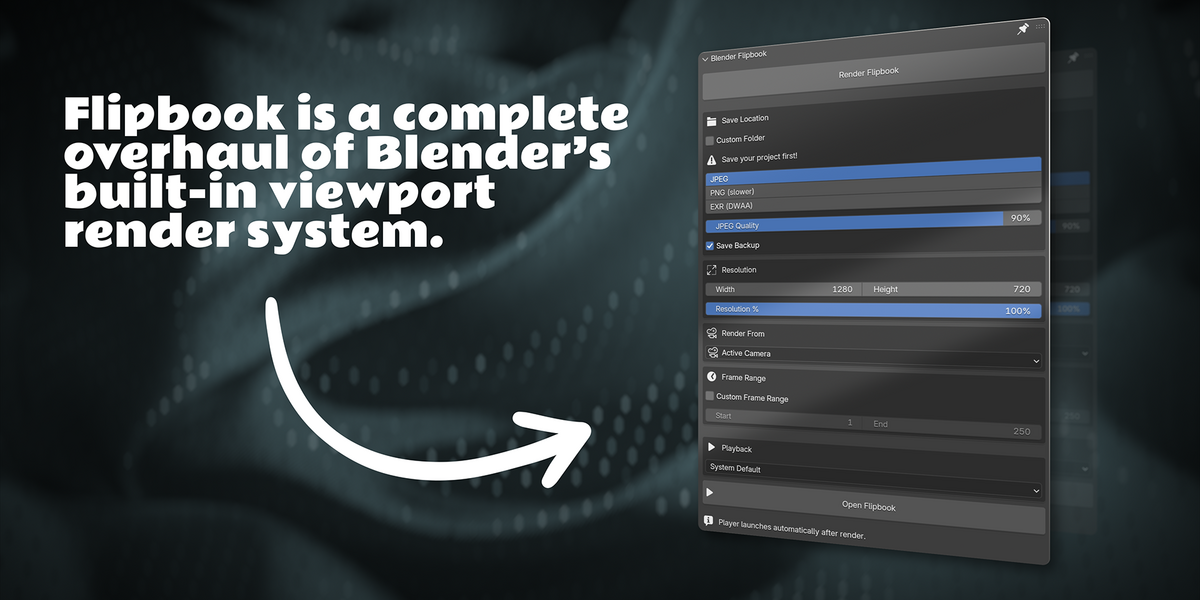
Open the Blender Flipbook tab in the 3D Viewport's N-panel, choose the camera source, frame range, output format, and resolution, then render. You can use the active camera, the current view, or a named camera. Flipbook captures the viewport's shading, overlays, and lighting in Solid, Material Preview, or Rendered mode with Eevee.
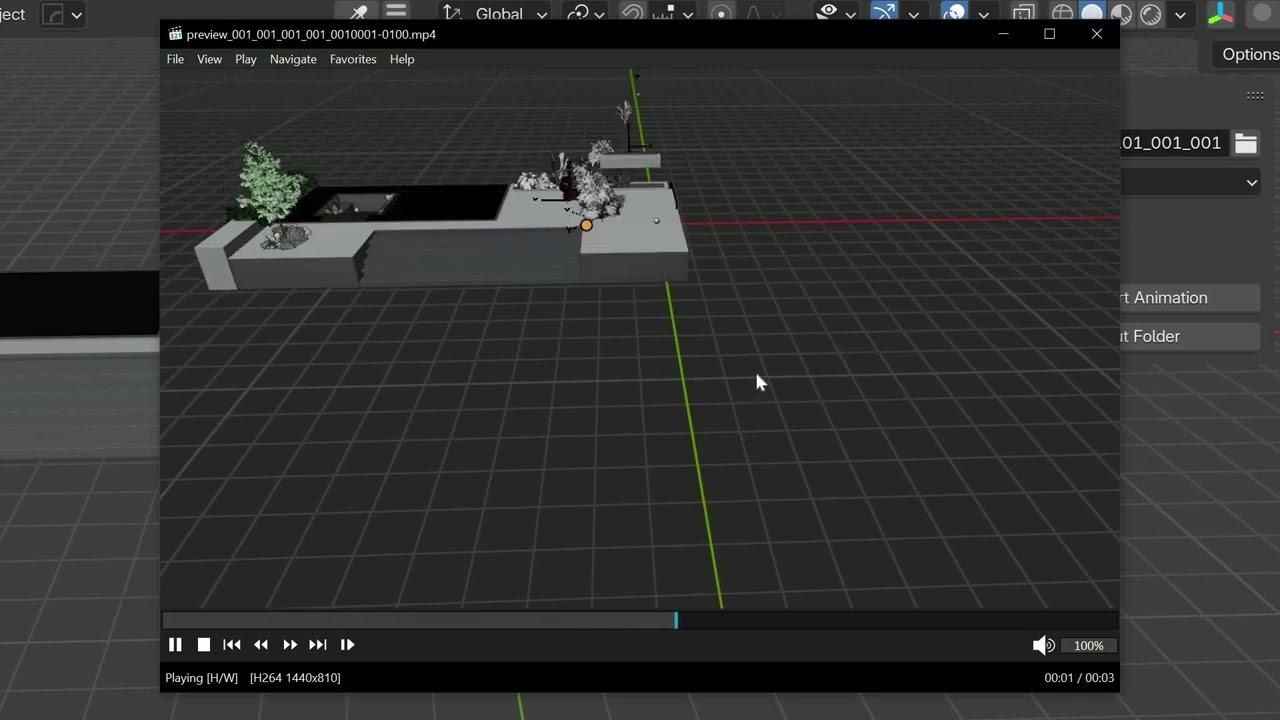
When rendering finishes, the image sequence opens in a browser-based player or your system's default sequence player. The player includes scrubbing, frame stepping, and FPS controls. You can choose another installed player, such as DJV, RV, or Chaos. The browser player runs locally and does not need an internet connection. After you make changes, render again and Flipbook updates the open player with the new frames.
Image formats and file handling
Flipbook can save JPEG, PNG, or EXR DWAA frames. Choose a custom resolution and percentage scale, and set a custom frame range or use the scene range. By default, it saves to a flipbook/ folder beside the .blend file; you can choose another folder.
An optional backup setting saves a numbered copy of the .blend file before each render. Flipbook also asks for confirmation before overwriting files, though you can turn off that prompt.
Requirements and limitations
The Superhive listing identifies Blender 5.0 and the GPL license. The documentation specifies Blender 5.0 or newer and says older versions may work. It includes installation steps for Blender 4.0 to 4.9, but does not confirm compatibility with every older release. The documentation lists Windows, macOS, and Linux support.
Cycles viewport rendering is unsupported; use Eevee for a rendered viewport preview. The documentation advises against resolutions above 3840 × 2160 because complex scenes may crash. Rendering with transparency enabled can be much slower. If Flipbook reports an output error, check that the Output tab's media type is set to Image; the documentation says other render workflows can change this setting.