Fast Preview Render is a Blender add-on for exporting viewport animations as MP4 previews. It uses FFmpeg defaults to simplify output setup for animators and motion designers who want to review an animation while they work.
Set up a viewport preview
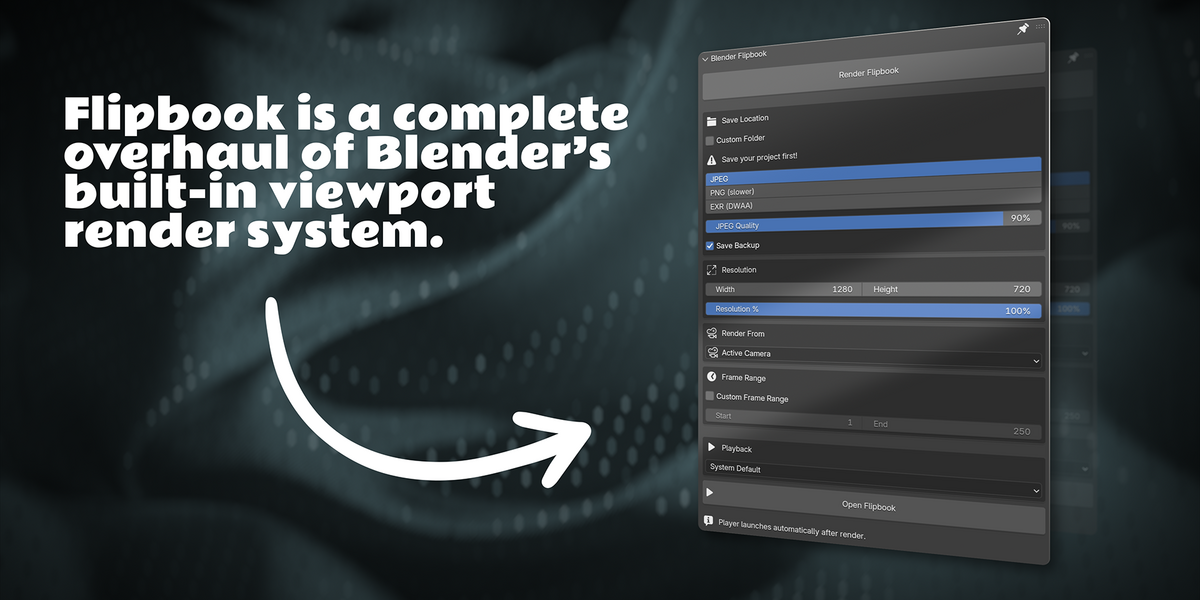
Open the 3D Viewport, then find the Render tab in the Sidebar (N panel). Choose an output folder and filename, select a render scale, and click Render Viewport Animation. The documented scale presets are 25%, 50%, 75% and 100%.
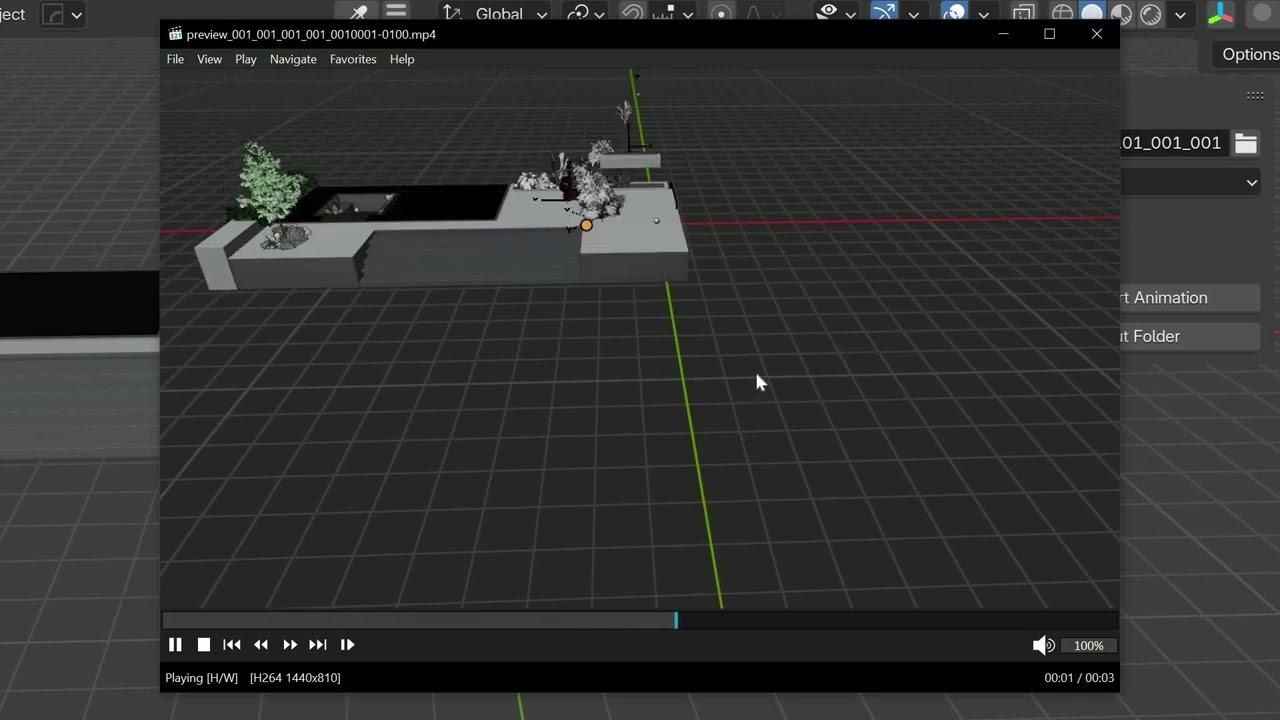
The product documentation shows optional Play After Render and Increment Filename controls. With filename incrementing enabled, files can be numbered like preview_001.mp4 and preview_002.mp4 to avoid overwriting earlier previews. You can also open the output folder from the add-on.
The documentation lists MP4 output with H.264 in an MPEG-4 container. The frame range follows the current timeline settings. If a render does not appear, check that the output path points to a valid folder.
Compatibility and license
The Superhive listing states Blender 4.2 through 5.0 compatibility, with Cycles and Eevee, and lists the license as GPL. Check the listing for current compatibility details before installing.