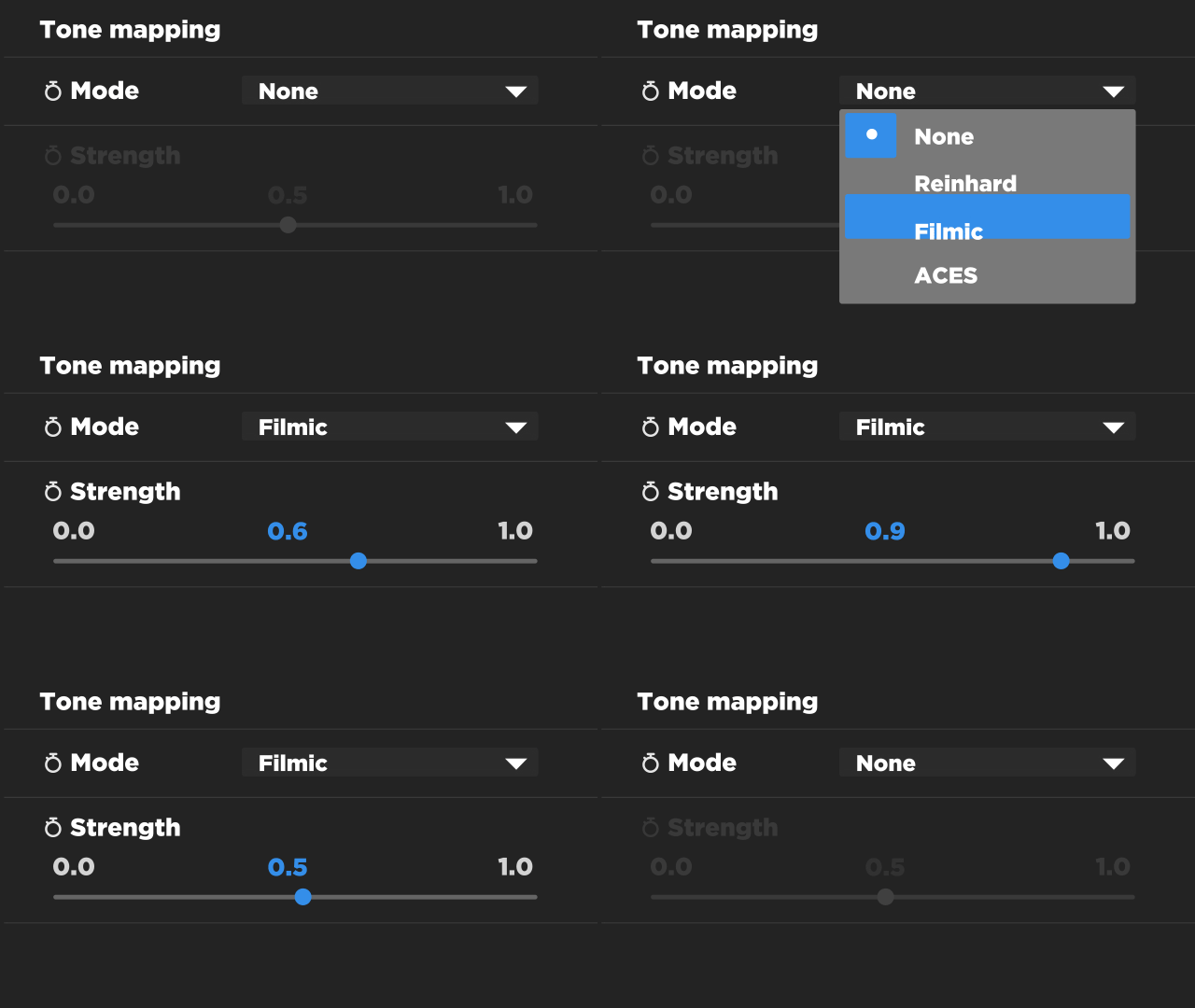
Quick ToneMapper is a PixelGym plugin for applying tone mapping to CG renders in After Effects. It lets you choose a Reinhard, Filmic or ACES curve and adjust its strength in post-production, so the tone mapping does not need to be baked into the render.
Tone mapping and image controls
The plugin includes three tone mapping methods: Reinhard, Filmic and ACES. A strength slider controls how strongly the selected curve affects the image. Quick ToneMapper also provides basic camera adjustments for aperture, shutter speed and ISO, plus white balance controls using a color selection or a Kelvin temperature value.
These controls are useful when a CG render needs highlight recovery or added contrast in After Effects. The amount of detail available depends on the rendered source: a tone mapping effect cannot restore image information that was lost when the render was clamped.
Prepare the render and After Effects project
The product guide recommends an unclamped 32-bit or 16-bit float render, such as an EXR, saved without tone mapping. Unclamped values retain more information in bright areas and give the tone mapping curves more source data to work with. The recommended project setup is:
- Save the CG render as a 32-bit or 16-bit float unclamped file without tone mapping.
- Set the After Effects project to 32 bits per channel.
- Choose how to handle linearization. If “Linearize working space” is off in Project settings, the guide says no extra step is needed. If it is on, disable linearization in Quick ToneMapper to avoid applying it twice.
- Apply a tone mapping method, then adjust its strength and the other image controls.
Quick ToneMapper also works with lower bit depths. The product guide recommends 32-bit renders because clamping can remove source information that would otherwise help with highlight recovery and adjustments.
Version and compatibility
The supplied aescripts product page lists version 1.0, with an initial release dated January 26, 2022, and compatibility with After Effects 2022, 2021 and 2020. Check the current product listing for any newer version or compatibility details.