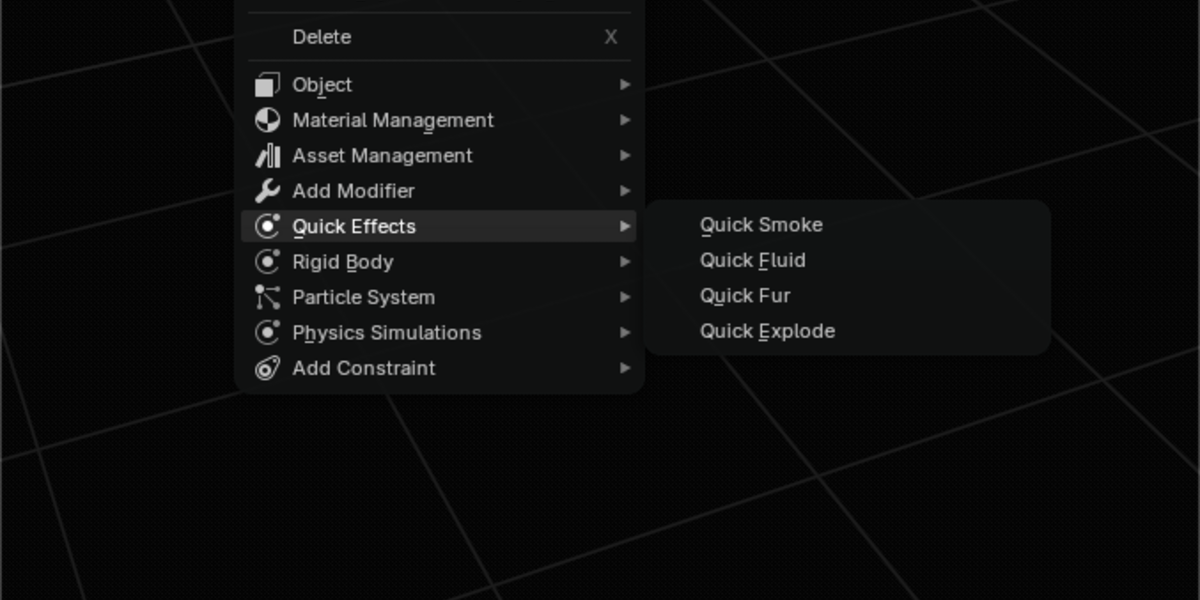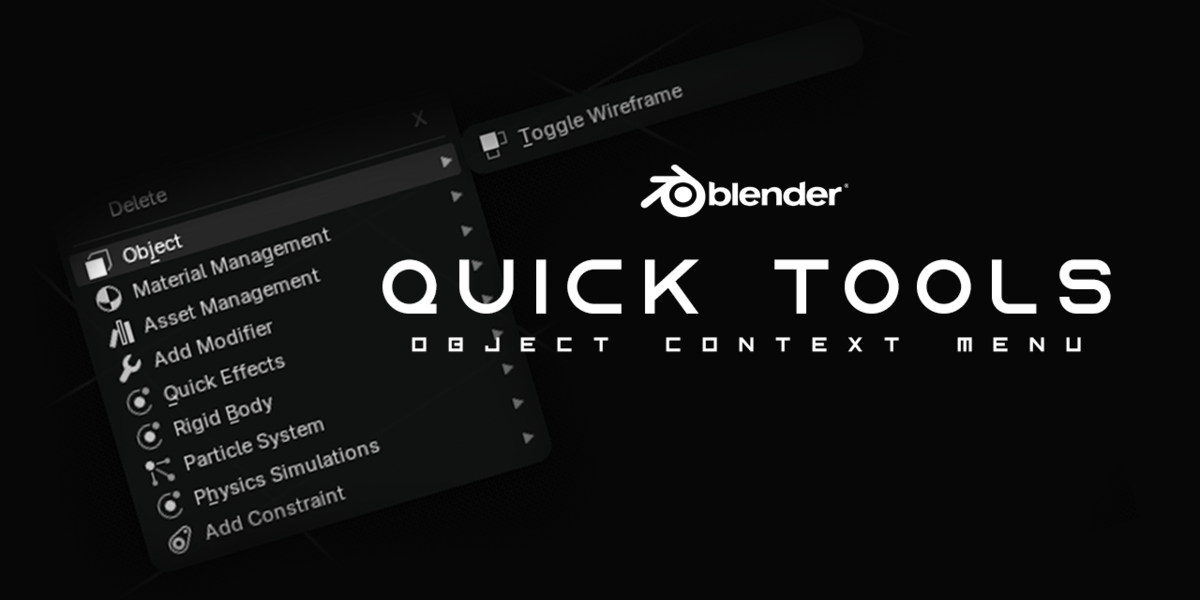
Quick Tools Menu is a Blender add-on by EdenWeby 3D that brings object and scene commands into one context menu. It groups material and asset tools with modifiers, effects, physics options, constraints and visibility controls. The product description compares its centralized menu approach to Cinema 4D’s context menu.
Tools available in the menu
- Material tools provide access to materials on the selected object for editing and application. Asset tools help add or organize assets in the scene.
- A categorized submenu provides modifier options. Quick Effects includes fluid, smoke, water, fire and similar effects for objects.
- Physics options include rigid body setup, particle system actions, and controls for passive or active physics and clearing physics simulations.
- Constraint options include tracking and limits on an object’s movement or rotation. Object Management lets you set visibility from solid to wire in the menu.
This grouping may suit Blender users who regularly move between object setup tasks and want these commands close to the selected object. The listed features cover several kinds of work, so check the Superhive product listing and its demo to see whether the menu fits your workflow. The product listings describe the feature set but do not specify a keyboard shortcut or customization options.
Blender versions and license
The Superhive listing names Blender 3.3, 3.4, 3.5, 3.6, 4.0, 4.1 and 4.2, and lists the license as GPL. Check the publisher listing for current compatibility and download details before using the add-on with another Blender release.