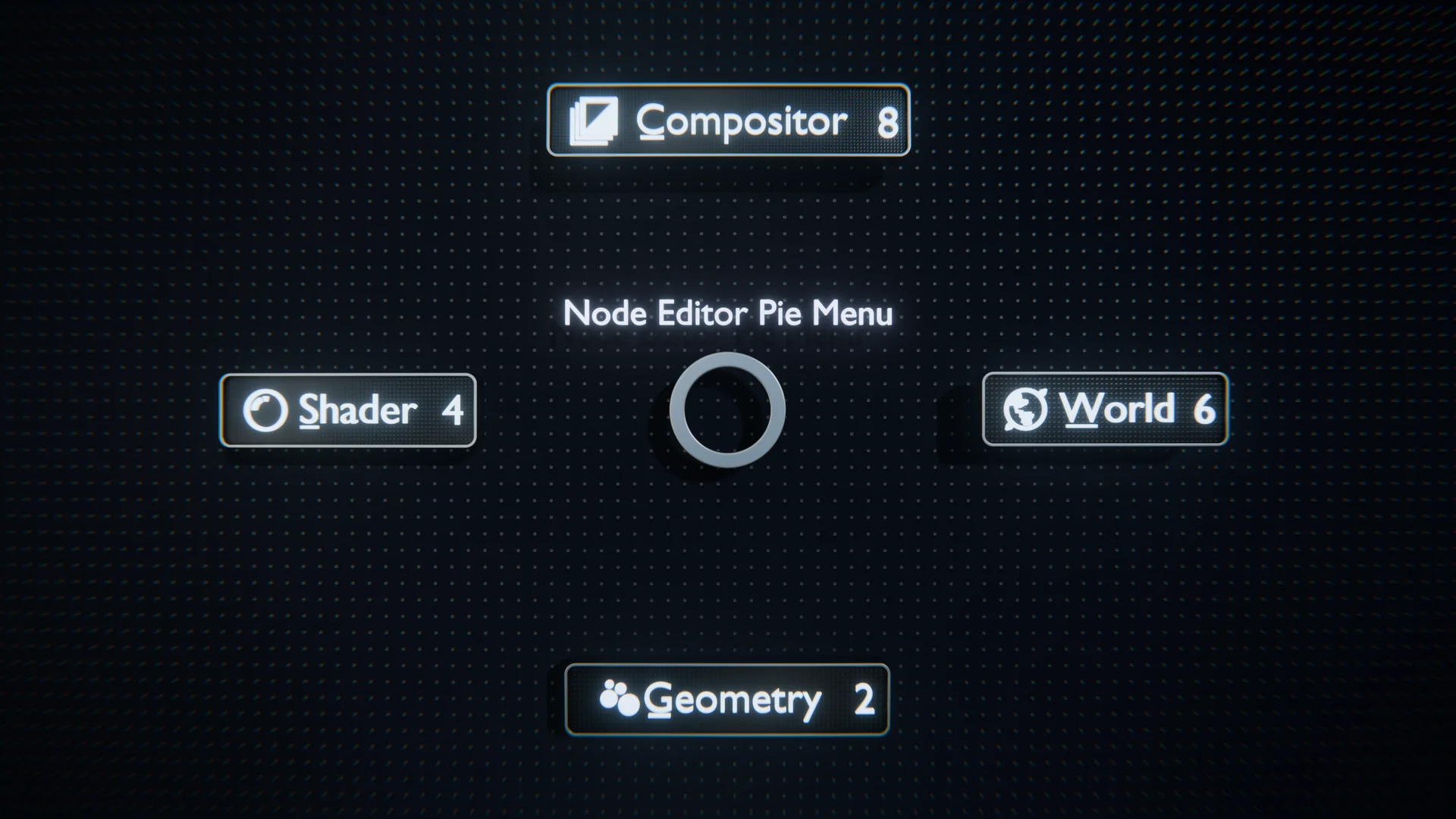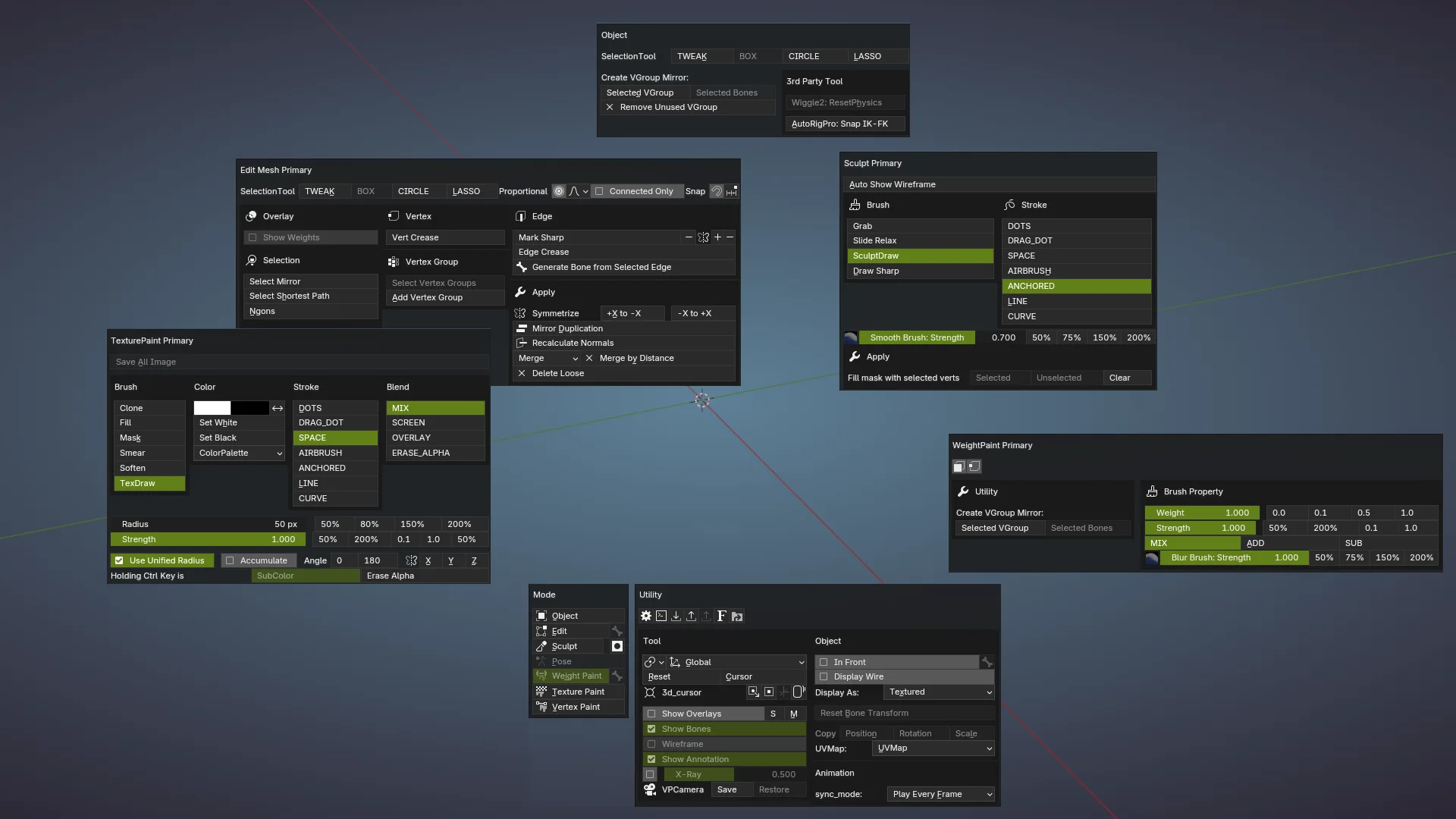
Quick Workspace Toggle is a Blender add-on for switching between workspaces with a pie menu or keyboard shortcuts. It can help when editors such as UV Editing, the Asset Browser, or Geometry Nodes are set up in separate workspaces.
Set up a workspace toggle
- Install the add-on ZIP file through Blender Preferences in the add-on tab.
- Choose the workspaces you want to use and configure the pie menu or shortcuts in the add-on preferences.
- Optionally set a main workspace, then save the setup in your startup blend file.
For example, set Layout as the main workspace, assign Geometry Nodes to Toggle Workspace 3, and bind it to Shift+9. The add-on's documentation outlines the basic setup steps.
Arrange workspaces in the pie menu
The preference panel supports up to eight workspaces; any beyond that are ignored. Their order follows numeric and alphabetic naming, so adding a leading number can move a workspace earlier in the list. For example, renaming UV Editing to 0 UV Editing places it above workspaces that sort later.
Positions 1 through 8 map to left, right, bottom, top, top-left, top-right, bottom-left, and bottom-right. Renaming a workspace can therefore change its pie menu position as well as its order in the list.
Filter the pie menu
Version 1.1 added a custom workspace name filter. Leave it empty to show the available workspaces, or enter text to show names containing that text. The filter is case-sensitive and only affects the pie menu; button toggles are unaffected.
Resolve shortcut conflicts
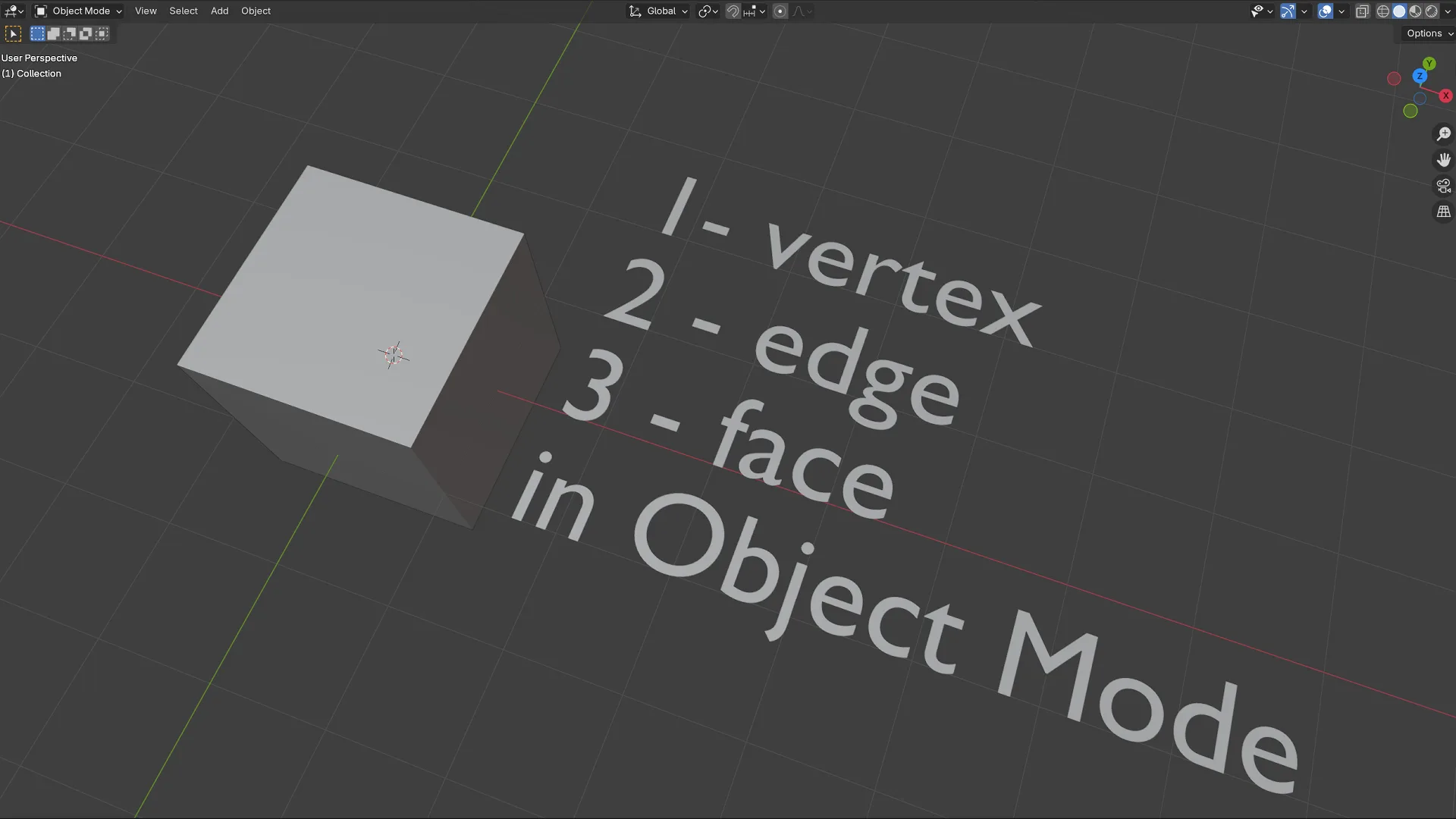
A shortcut may conflict with another Blender operator. The product documentation gives the key 1 as an example because Blender commonly uses it to switch to vertex mode. In Preferences, open Keymap and search for the key binding to find operators using it. Then choose another key for the toggle or deactivate the conflicting operator.
The Superhive listing identifies version 1.1, a GPL license, and Blender compatibility from 2.93 to 5.3. Check the listing for current compatibility details before installing.