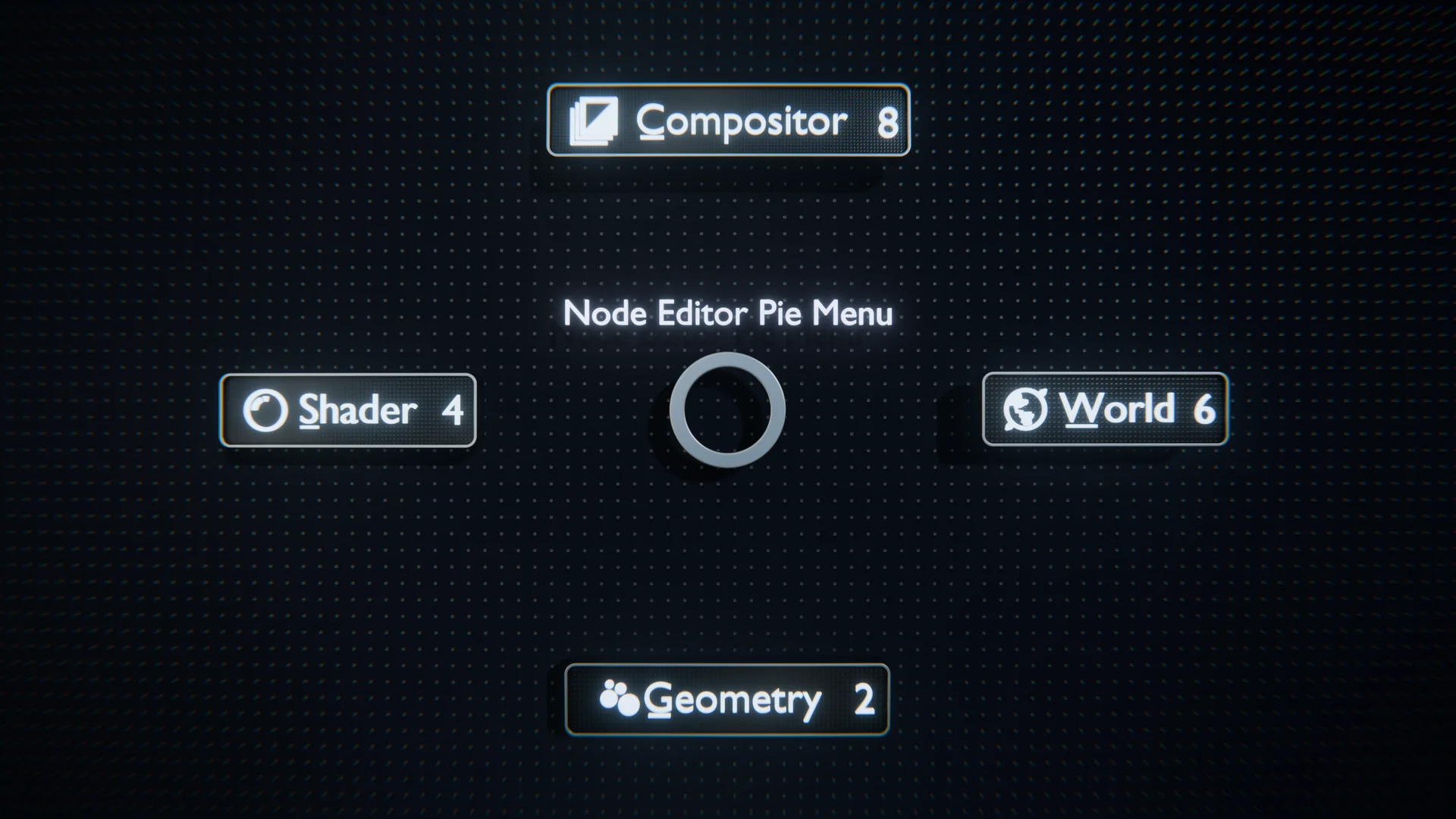
Node Editor Switcher, by Victor-09, is a Blender add-on for moving among the Geometry, Shader, World, and Compositor node editors. It adds an in-editor pie menu, quick buttons in the Node Editor header, and keyboard shortcuts.
Editor choices and default controls
Open the pie menu with E by default. The number-key shortcuts are 1 for Geometry, 2 for Shader, 3 for World, and 4 for Compositor. You can reassign the menu and number bindings through Blender's keymap settings. The project README documents these defaults.
Quick buttons in the header
The add-on also places editor buttons in the Node Editor header. If you prefer keyboard or pie-menu controls, you can disable the buttons in the add-on preferences.
Blender version and installation
The Blender Extensions catalog lists version 1.1.0 with Blender 4.2.0 as the minimum. The project README says releases from 1.0.2 onward use Blender's extension package and can be installed from within Blender when that package is enabled. Check the official extension listing for the package currently offered. The catalog lists the license as GNU GPL v3.0 or later.