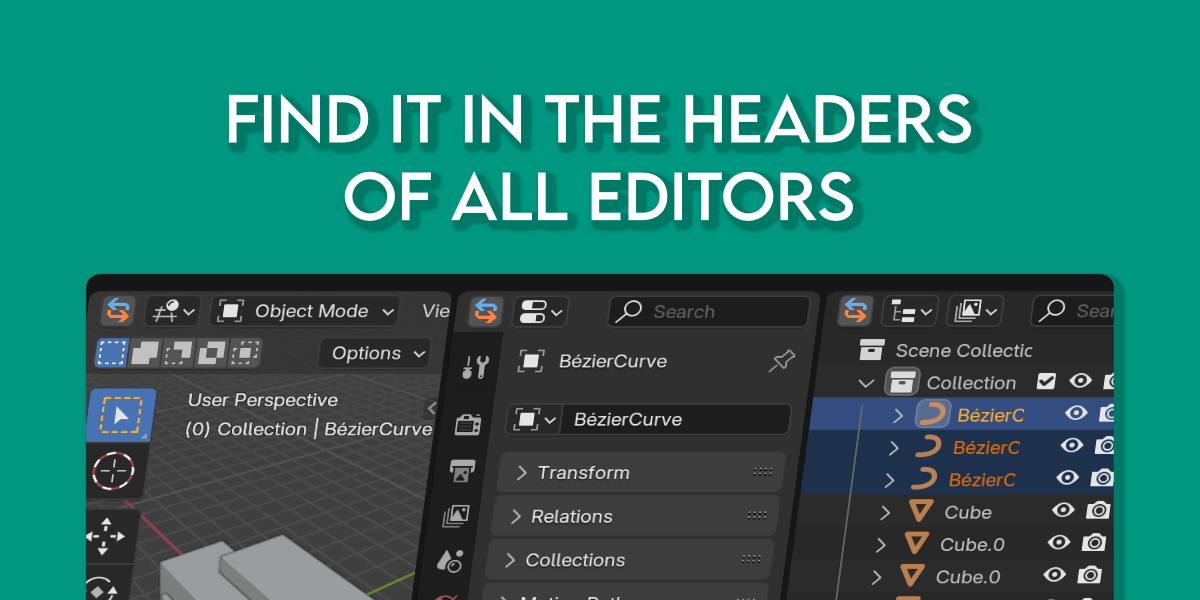
Editor Swap is a Blender add-on by carlosmu for moving between editor types from a button in an editor header or a keyboard shortcut. Its configurable links let you cycle through two or more editors in sequence. The product listing suggests using one area for both the Outliner and Properties Editor.
Switch editors with a button or shortcut
The default shortcut is Ctrl + Alt + X. In the add-on preferences, you can assign a different shortcut, change the icons and behavior, or hide the header button and use the shortcut alone. Editor Swap can link more than two editors, so a sequence can cycle from one editor to another and return to the first.
Install Editor Swap
Download the add-on ZIP and install it from Blender's Edit > Preferences > Add-ons area. The product listing says Blender 4.2 and later also support dragging the ZIP file into the Blender interface. The developer documentation describes activating the add-on after installation.
Check Blender version notes
The product details list Blender 3.6 to 4.4 and mark Editor Swap as Blender Extension Compatible. The developer documentation separately says the add-on was tested with Blender 2.83 and higher; it specifies add-on version 1.1.1 or later for Blender 2.93 and version 1.2.0 or later for Blender 3.0. These notes describe different version scopes. If you use a Blender version outside the listed 3.6 to 4.4 range, check the developer's page for a compatible release before installing.
License
The product details list the add-on under the GPL license. See the product page for its current details and the developer FAQ for additional usage notes.