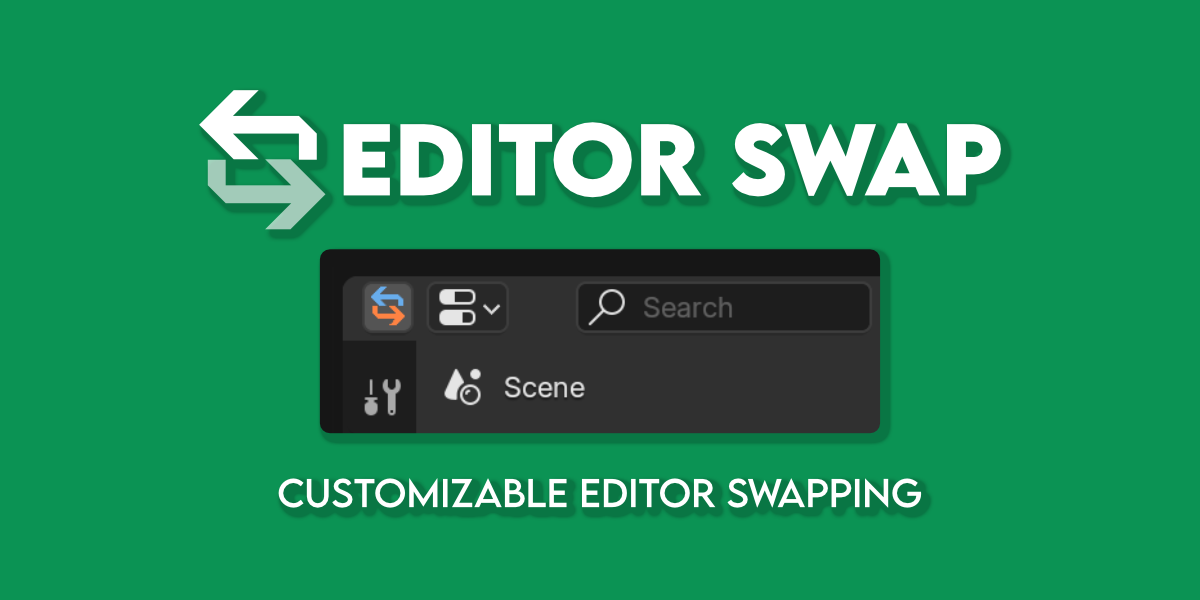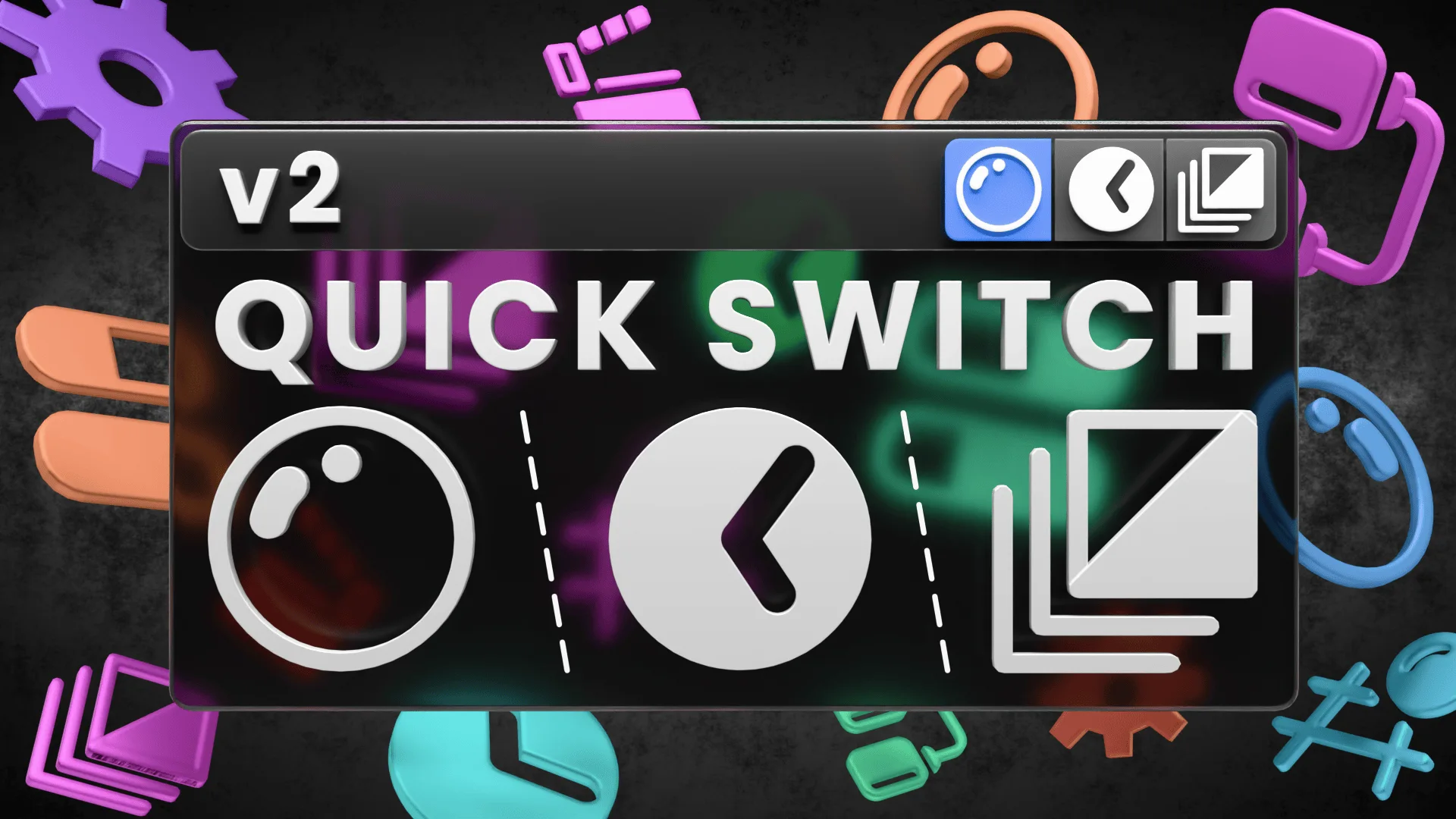
Quick Switch is a Blender add-on by Silvie3D for switching between editor areas from the editor headers. It is aimed at Blender users with limited screen space, including people working on laptops or a single monitor.
Switch between editor areas
Create groups of editor types, arrange their order, then switch between them using buttons in the editor headers. The add-on supports all editor areas from version 2.1.0. Grouping lets you keep the editors for a task together, such as modeling or animation.
Set up shortcuts and header controls
Quick Switch can cycle through the editors in a group with a custom keyboard shortcut. You can choose where its buttons appear in the header, show or hide a separator, and hide a group’s buttons while keeping its shortcuts active.
Configure and back up Quick Switch
Check the add-on’s listed Blender compatibility before installing it through Blender’s Preferences under Extensions, then open Quick Switch’s preferences to create groups and configure controls. Version 2.2.0 adds persistent settings and JSON import and export for backing up or restoring configuration. The extension requests file access for that backup and restore function.
Check Blender compatibility
The official Blender Extensions listing identifies version 2.2.0, licenses it under GPL-3.0-or-later, and lists Blender 4.2.0 as the minimum version. It marks Blender 5.0 and newer as unsupported. One review reports that the add-on worked in Blender 5.1, but that individual report does not change the listed compatibility status.