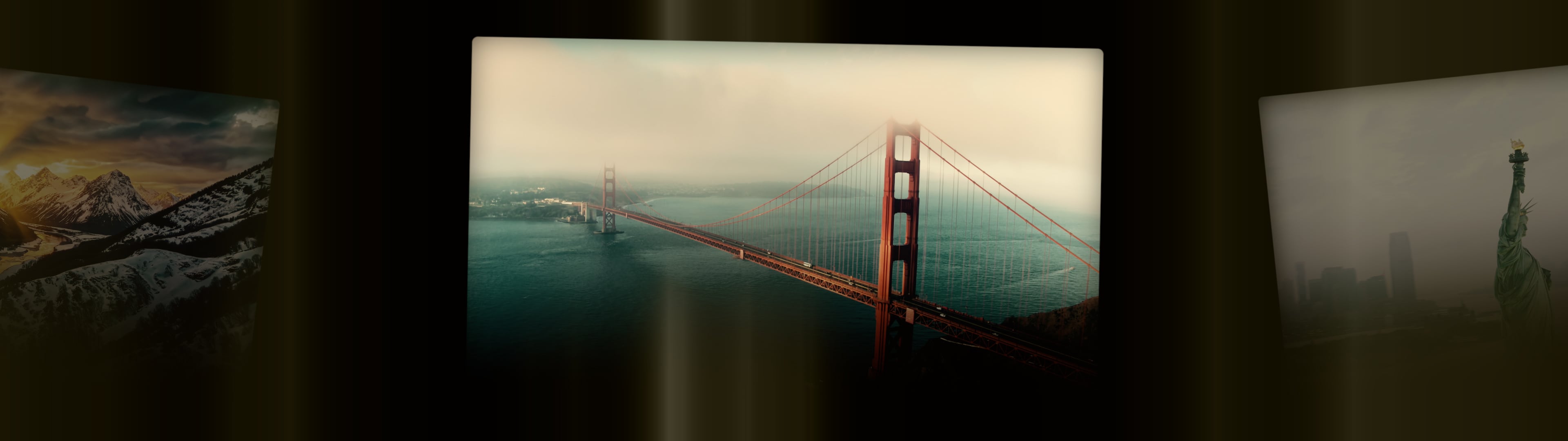
Rapid Slideshow & Presentation Maker is an After Effects script for building slideshows, reels and presentations from image collections. Its expression-driven controls handle image movement, while layout, audio and camera tools help bring the composition together in one interface.
Arrange and time image layers
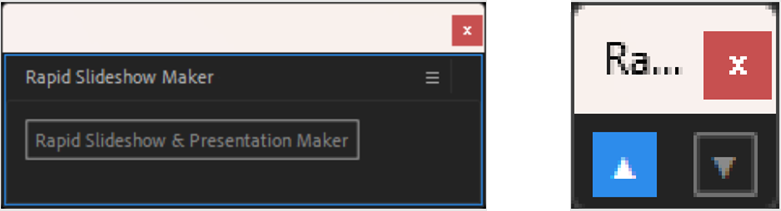
Open the full RSPM window from its dockable launcher. Fit images to the composition by width or height, reset transforms, flip layers or rotate them by 90 degrees before arranging the layout. Grid Maker, Smart Grid Shuffle and Bento layouts provide options for structured grids and collage-style compositions. Grid controls use dedicated nulls, and the tool manages layer and matte ordering.
For a sequence of images, select the layers from bottom to top before using Sequence. Stagger Layers and Layer Selection Order give you more control over how the images enter the timeline.
Add editable movement
Pan, Zoom and Push controls can animate images in, out or in both directions. The expression-first approach reduces the need to build each movement from a long chain of keyframes. A reset option clears those expressions and returns the layer to its original state, so you can try another move. The developer also says you can add your own keyframes or bake the animation down later.
For additional motion, Swing adds position and rotation movement through controller settings. Flash uses a Tint effect with a Flash On checkbox and a duration slider measured in frames. Keyframe Overshoot applies overshoot and decay to selected Position, Scale or Rotation keyframes.
Style the frame and manage audio
Square, Faded and Custom borders use a master Border Control null, with local controls available on a layer if that null is missing. Blurry BG combines Transform, Fast Box Blur and CC Composite to fill space around photo edges.
Audio Distribute can crop clips from their middle, stagger them across a composition's in and out points, and add fades or crossfades. These controls help place a music bed without trimming and overlapping each audio layer by hand.
Create 3D camera shots
The camera setup can create shots that look at selected layers. You can adjust padding, stagger shots, shuffle their order, refocus, animate or reset them. Each shot uses one null and one camera with hold keyframes, giving you a compact rig to adjust. Padding controls can keep framing consistent when shot positions are randomized or set manually.
Who it suits
RSPM is aimed at After Effects users assembling social edits, wedding slideshows, event reels or presentations from still images. Its tools are most relevant when a project needs repeated image placement, movement and timing adjustments. Some features can also be mapped to KBar buttons; the developer notes that RSPM must be purchased and installed first.
The official product listing has current product details, trial access, documentation and video tutorials.