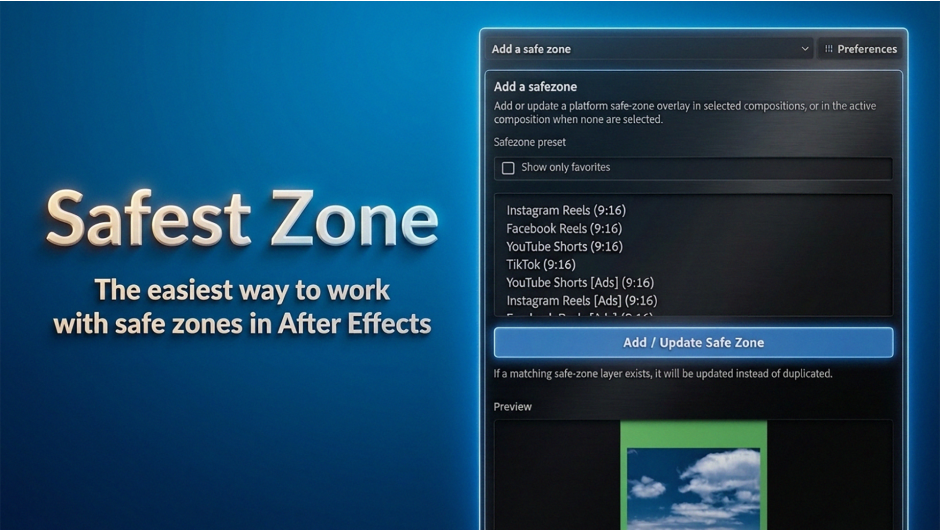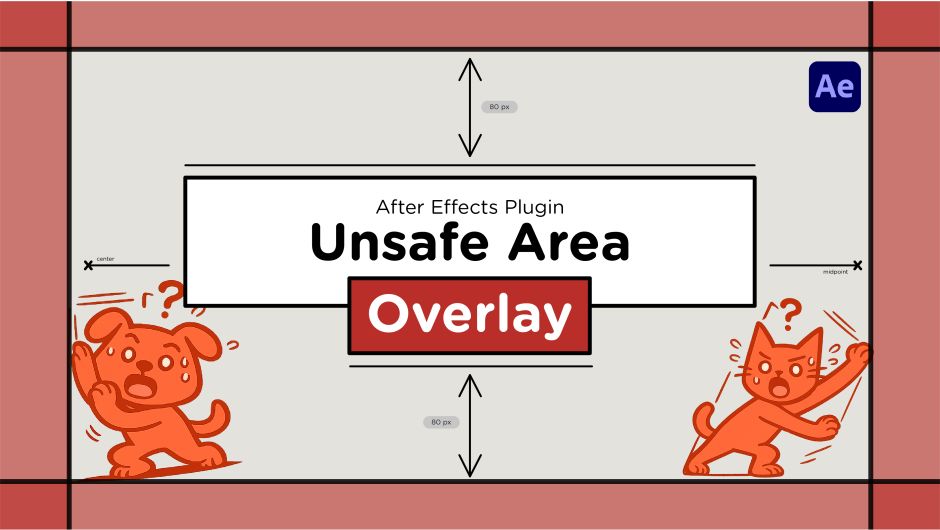
Unsafe Area Overlay is an Adobe After Effects workflow utility for checking whether text, logos, or other important visuals sit where social platform controls may cover them or cropping may remove them. It places a visual guide in the composition so you can check placement while editing.
Presets for social platform formats
One-click generation creates platform-specific overlays with pixel-accurate margins. Presets cover Instagram Feed at 1:1 and 4:5, Instagram Reels, TikTok, YouTube Shorts, and standard YouTube 16:9 video.
Each preset uses an aspect-locked virtual canvas. It stays centered and keeps its selected platform format inside compositions with a different aspect ratio, so the guide does not stretch across a Reels or YouTube layout.
Customize the guide
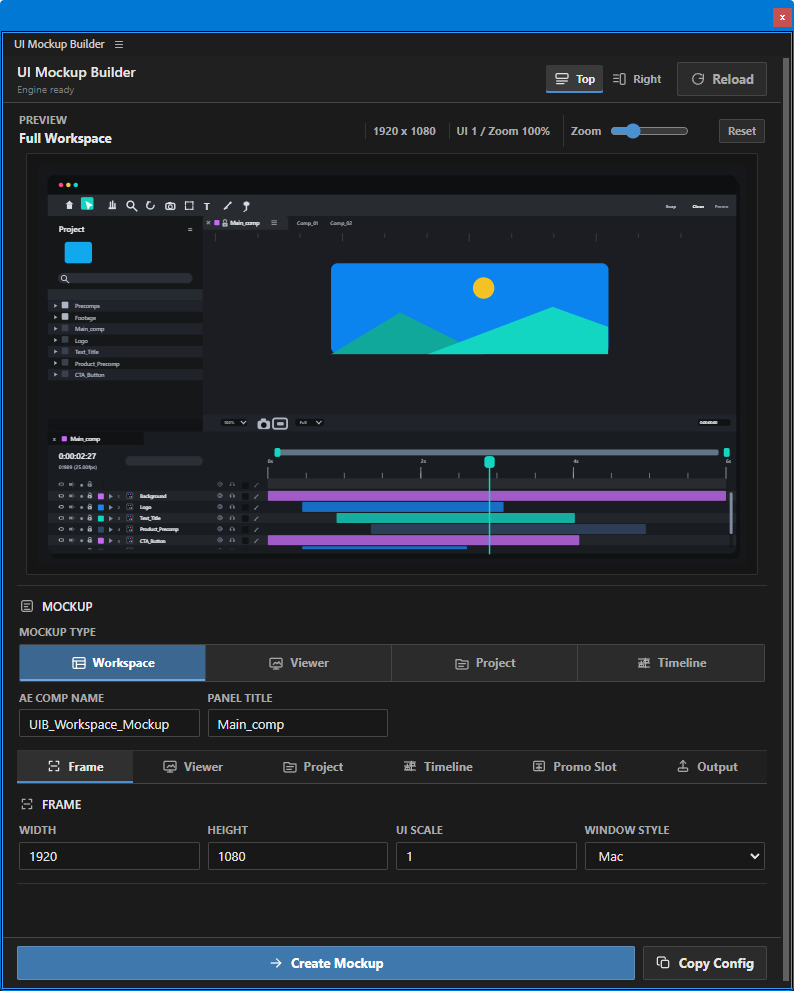
You can change the fill and stroke colors, opacity, and stroke width to suit the composition. The overlays appear as non-rendering guide layers, so they are a visual reference during design rather than part of the exported frame. The product uses a ScriptUI panel workflow.
Who it suits
Unsafe Area Overlay is aimed at motion designers, social media designers, and video editors preparing graphics for Instagram, TikTok, and YouTube. The listing also describes agency and content-team workflows that need consistent margins across deliverables. Its unsafe-area values are based on commonly used platform UI margins and are intended as practical guides to help reduce cropping or obstruction risk.
Compatibility
The product listing identifies Adobe After Effects 2025 and 2026 as compatible. See the aescripts product listing for current purchase and licensing terms.