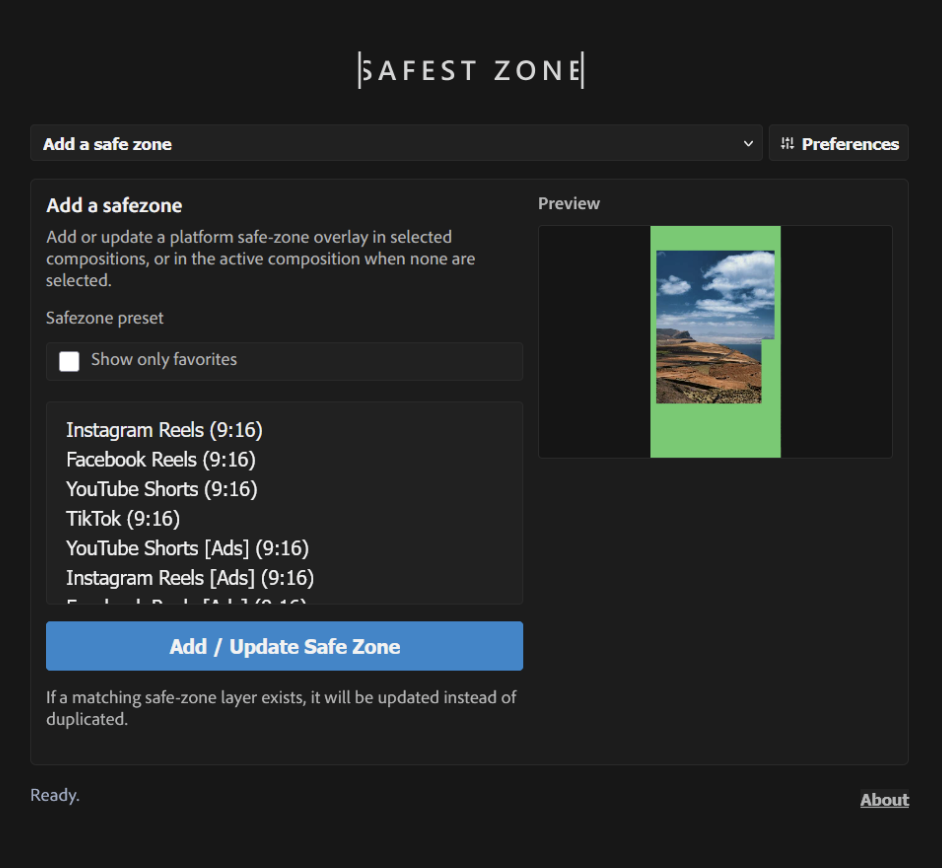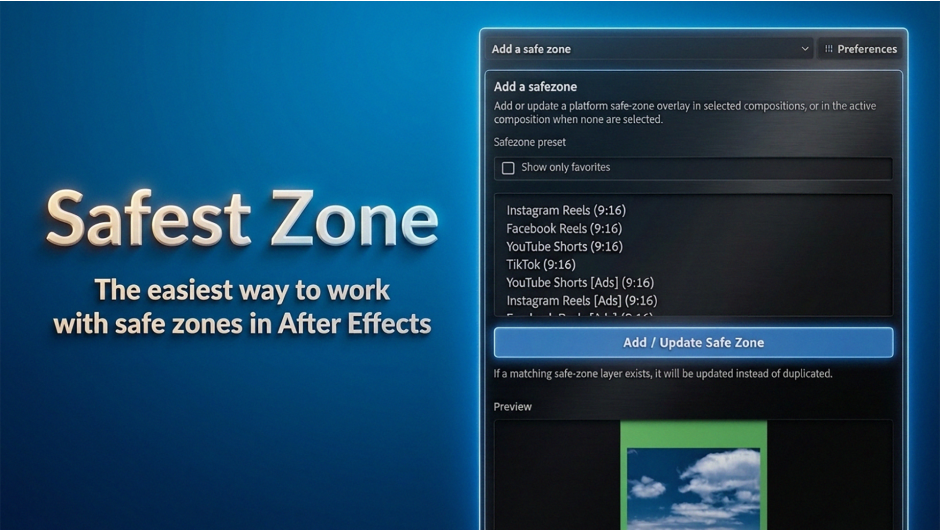
Safest Zone is an After Effects tool for adding safe-zone guides to social videos, ads, thumbnails, and custom formats. It pairs built-in presets for popular social platforms with reusable custom presets, and lets you preview a layout before adding it to a selected composition. It suits motion designers who need to keep text, logos, or key action within a chosen usable area while preparing work for different placements.
Choose a standard or custom safe zone
When a preset fits the brief, preview it and add it to the selected composition. For a client-specific requirement or an uncommon format, Safest Zone can turn shape layers into reusable custom safe zones. Saving a custom preset lets you use the same setup on later jobs instead of rebuilding the guide. Multiple safe-zone variants also let a project account for more than one delivery layout.
Create composition variants
For work that needs several layouts, select the desired safe-zone variants and Safest Zone duplicates the composition for each one, applying the matching guide automatically. This handles the composition setup for alternate social placements, ads, or other formats. Review each composition against the delivery brief before final output.
Style and update guides
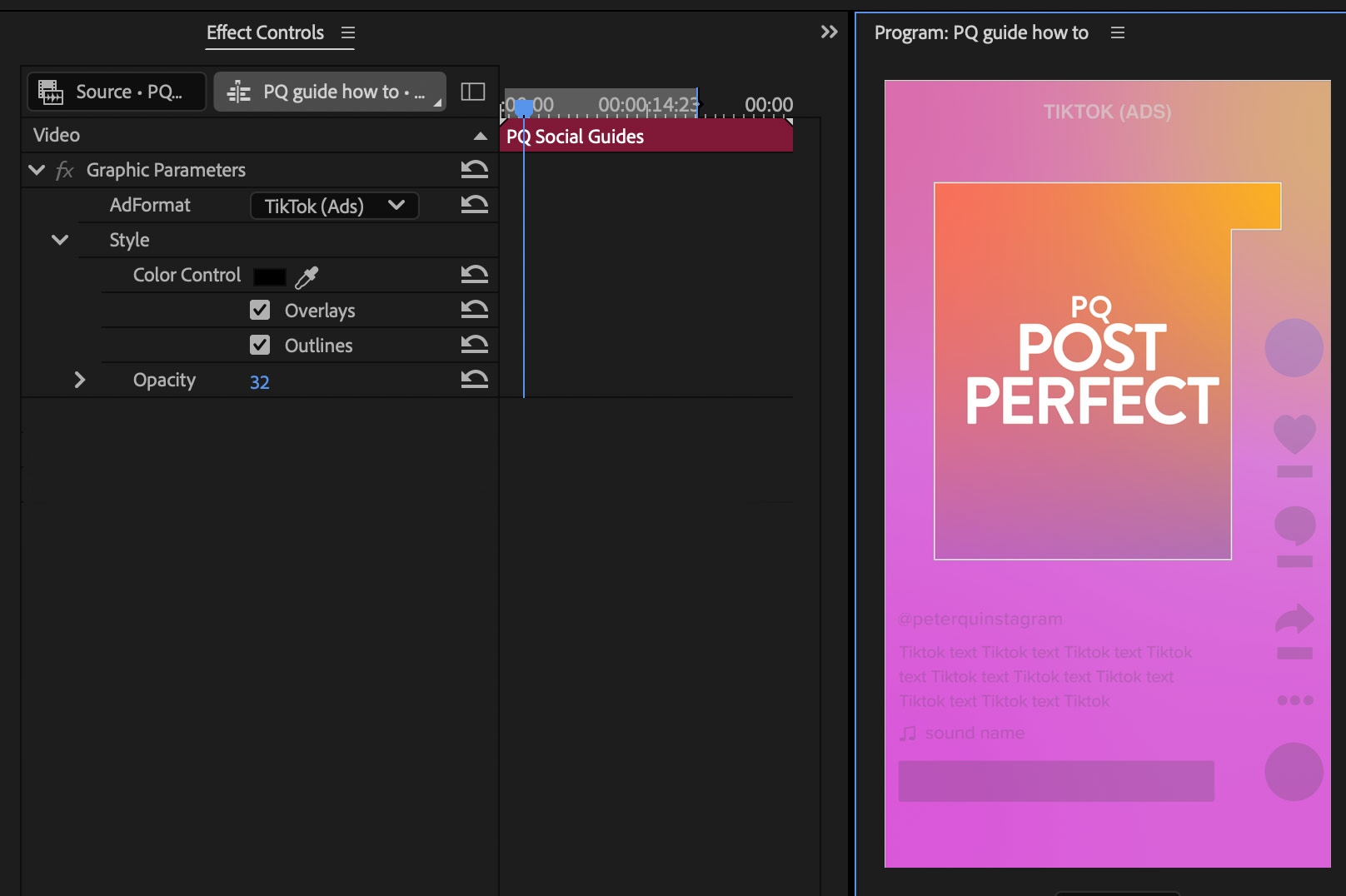
Guide controls include color, opacity, guide-layer status, and lock state. After choosing those settings, you can update them across selected compositions in bulk. This helps keep guide appearance and lock behavior consistent across a set of comps without tracking down each guide layer separately.
Who may find it useful
Safest Zone is suited to After Effects artists who regularly prepare compositions for platform-based or client-defined safe areas, especially when one design needs several layout versions. Reusable presets help with recurring specifications, while bulk updates help when guide settings need to change across multiple compositions. Check the Safest Zone product page for the current version and compatibility list before installing.