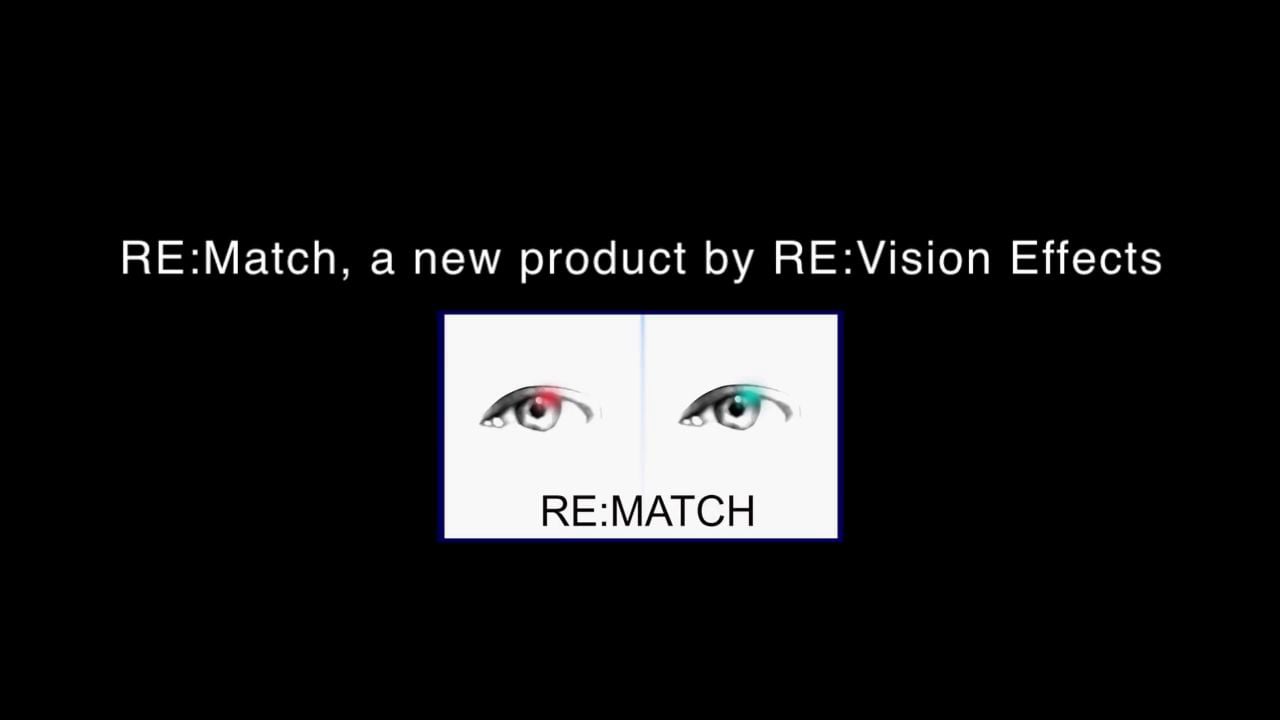
RE:Vision Effects RE:Match Pro is a color and texture matching plug-in for After Effects, DaVinci Resolve, and Premiere Pro. It helps editors and colorists match shots from multiple cameras or takes, with stereo-pair matching for VFX workflows.
Match shots from multiple cameras
Choose a frame or point in time as a reference, then apply a color correction to another shot. The analysis can use the full image or part of it. For sequences with several cuts, RE:Match Pro can use up to four reference images, so you can select a match for each cut without splitting the footage first.
The footage requirement is that both image sequences come from roughly the same location, though they may have been shot at different times or from different points of view.
Match stereo pairs
For stereo footage, RE:Match Pro uses internal per-pixel registration with optical flow. The views do not need to be aligned beforehand. The matching process accounts for occlusions between views and edges where the images have no corresponding detail.
Refine-within-matte controls help match local details that can differ between views, including reflections, lens flares, and specular highlights. RE:Vision Effects also documents controls for removing or reducing on-lens artifacts such as water drops. Check the Resolve compatibility and system requirements .
Host support and version details
This listing covers After Effects, DaVinci Resolve, and Premiere Pro. The cataloged version is 2.5.6, with an update date of November 1, 2023, as recorded in the Toolfarm source listing. RE:Vision Effects publishes host-specific downloads and release notes, so check the current build and feature set for your editor before installing. The developer notes that After Effects CC 2015 requires version 2015.0.1 (13.5.1) or later.
Compatibility and available controls can vary by host and release. The developer lists OFX support for DaVinci Resolve 15.1.1 and later; system requirements follow the Resolve version in use. Confirm the requirements for your host and operating system on the relevant developer page.
Trial and licensing
The catalog labels the download free, while RE:Vision Effects describes it as a free trial. The developer says the full plug-in watermarks images until a license and registration key are purchased. Check the current licensing terms and price on the developer’s page before using it for final renders.