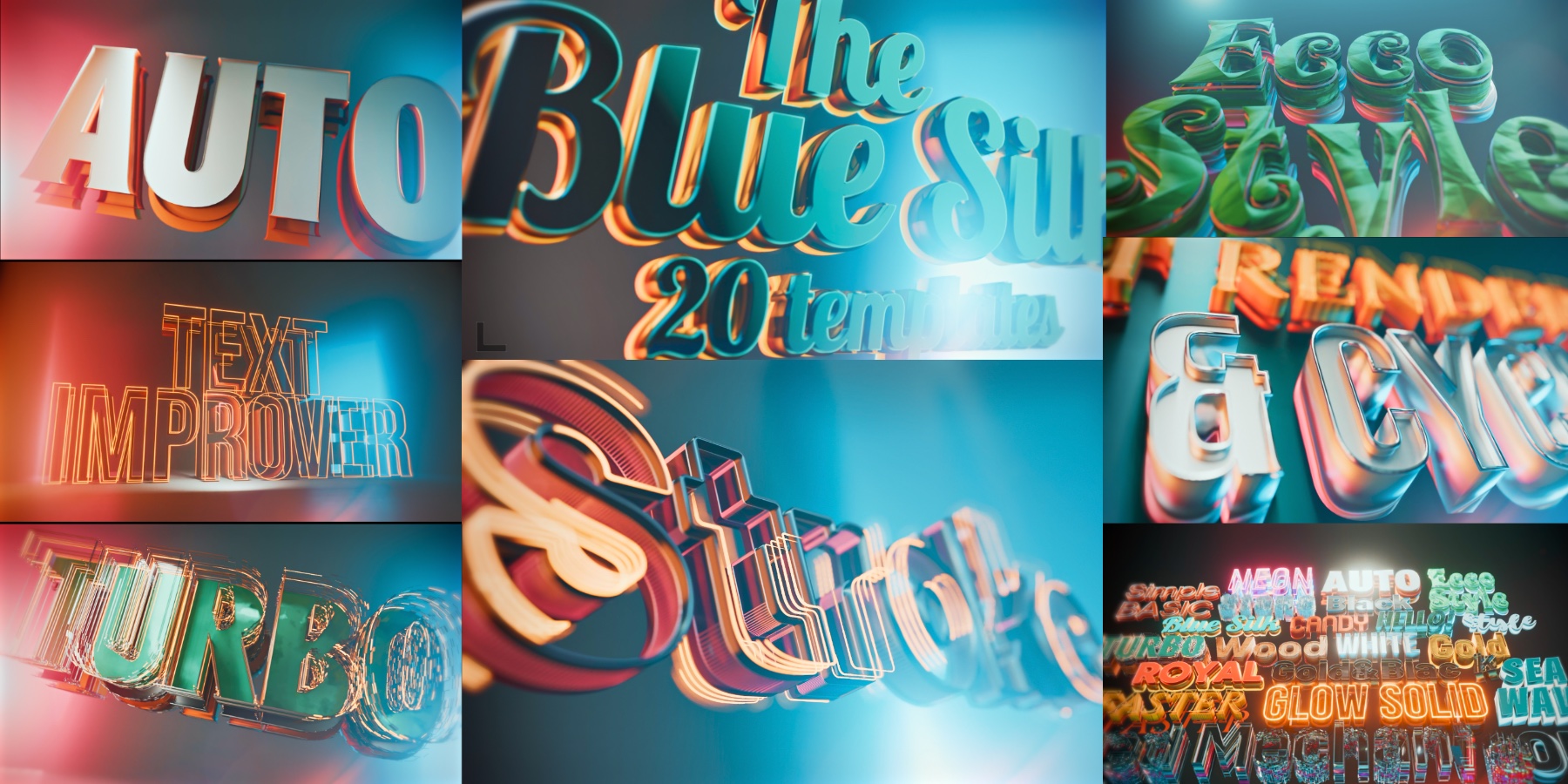
Readout Pro is a Blender add-on by EnnJinn that turns measurements and motion into animated 3D text labels. It reads evaluated transforms and meshes from Blender's dependency graph, so modifiers, constraints, and animation are reflected in its values. You can preview labels live, then bake them as keyed meshes across a frame range.
Measurements from motion and geometry
Each set can use a different source object, measurement, units, precision, sampling range, placement, rotation, and style. The measurement catalog covers linear motion such as speed, axis velocity, climb rate, acceleration, and jerk. It also includes angular speed and acceleration, Euler rotation, scale, object coordinates, lengths, distances, and cumulative path length.
For geometry, Readout Pro can report surface or projected area, bounding-box volume, and evaluated mesh vertex or triangle counts. Distance options include the space between two captured vertices, distance to a target, and absolute Z distance from the ground plane (Z=0). Available units depend on the measurement; examples include meters per second, miles per hour, angular rates, and metric or imperial area and volume units.
Position and style the labels
World Offset places a label at an absolute world position, while Local Offset follows the object's transform. AABB Face and AABB Corner align labels to the object's bounding box. Always Face Camera points text toward the active view. Rotate With Object inherits rotation while ignoring scale, which prevents text from warping with the object.
Margins, offsets, and X, Y, and Z rotation angles provide placement adjustments. You can choose a font and set its size, extrusion, and bevel. A shared material system applies consistent color, emission, and naming across readouts, so changing the material updates every label that uses it.
Preview, sample, and bake
The live preview is non-destructive and updates as settings change. Use Every N Frames to set the sampling interval: a step of 1 samples every frame, steps of 2 to 5 aim to balance fidelity and performance in most scenes, and steps of 10 or more make lighter setups for previews or long shots. A smaller step creates denser sampled output.
When you bake, each sampled frame gets a clean mesh with visibility keyed so the matching label appears during playback and rendering. Animate Readouts bakes all enabled sets; Update Set bakes only the active set. The add-on organizes output into collections, shows progress, supports undo, and replaces prior output when rebaking.
Install and check compatibility
Before installing, confirm that your Blender version is supported by the current Superhive listing. In Blender, open Edit > Preferences > Add-ons > Install, select the downloaded ZIP, and enable Readout Pro. Open the 3D Viewport Sidebar with the N key and select the Readout Pro panel. The product documentation covers adding a set and configuring its measurement, sampling, placement, and text style. For a distance between two vertices, select the object, add a set, choose Distance: 2 Verts as its measurement type, then enter Edit Mode, select exactly two vertices, and click Capture 2 Vertices.
The Superhive listing identifies Blender 4.0 to 4.5 compatibility and a GPL license. AnyPlugins lists Readout Pro as free. Check the current Superhive page for availability and license terms.