A viewport-focused Blender particle module
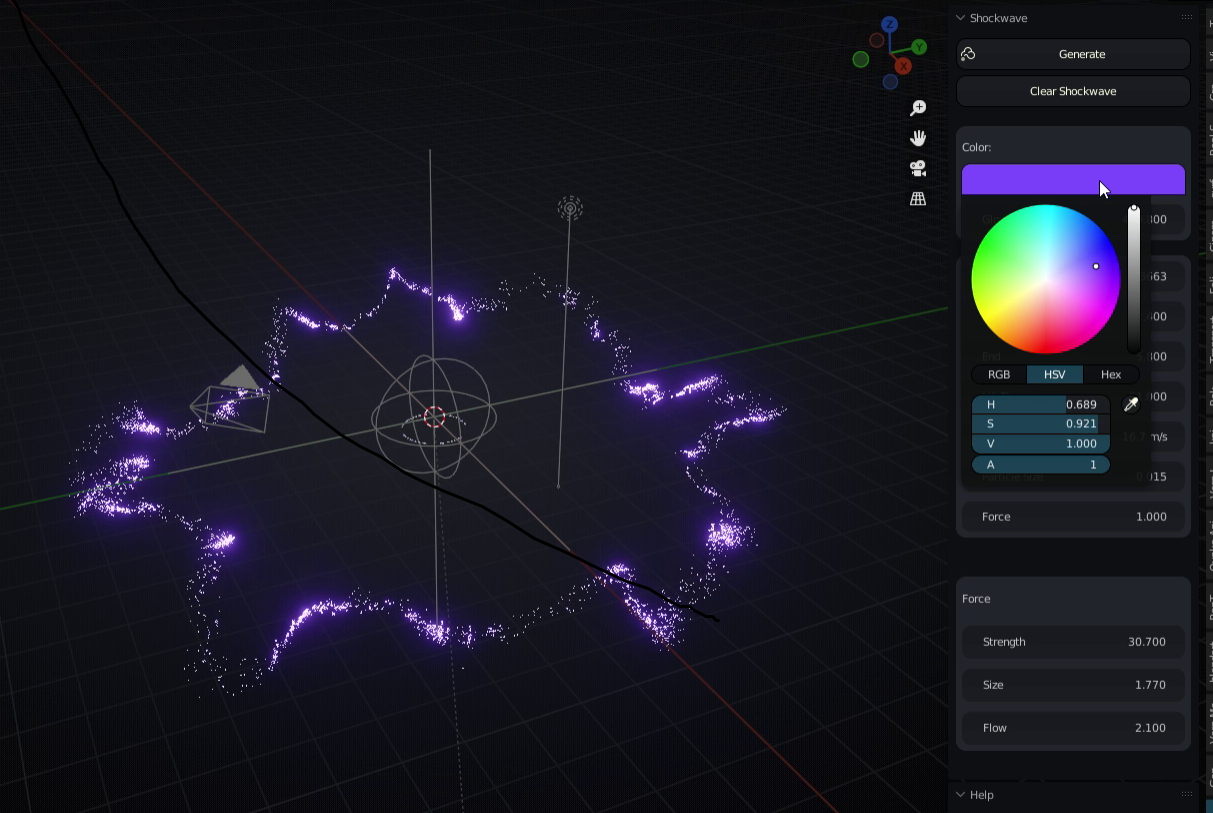
Real Particles is a particle creation module for Blender, located at View3D > realButtons > Particles. Start with an emitter mesh, selected curve, or scene object, choose a behavior, then adjust values in the viewport while the result is visible.
The six tools cover particle piles, impact-triggered spawning, sticky structures, mesh-based clusters, curve-following particles, and Voronoi fracture collapse. The seller's answer about Geometry Nodes describes Real Particles as its own particle system and simulation engine, with instancing handled through Geometry Nodes.
Six particle behaviors
Particle Pile emits disk particles over time and uses custom collisions to build piles; the documentation lists falling debris, coins, and stones as possible uses. Reactor Particles emits particles from a source and spawns secondary particles on impact, for effects such as sparks or secondary debris. Sticky Particles spawns scaffold-style particles from the active emitter mesh for surface buildup and attached structures. Cluster Particles creates breakable debug-point clusters from a mesh volume. Follow Curve emits particles that follow selected curves while responding to scene forces, for guided trails and motion paths. Voronoi Collapse scatters Voronoi fracture seeds and collapses the generated pieces with physics for crumbling or fracture previews.Set up and preview an effect
Select the object, mesh, or curve that will drive the effect, then choose one of the six tools. Depending on the selected behavior, the documentation describes adjusting particle count, emission or collision behavior, and object references. Play or step through the scene to inspect the result, then refine the source or settings. Bake or finalize the simulation if the workflow requires stable output.
This workflow is suited to visual effects prototyping and scene work that needs a specific behavior, such as accumulation, impact reactions, surface attachment, guided motion, or physics-driven collapse.
Compatibility and documentation
The seller's product listing identifies Blender 5.1–5.2, Cycles and Eevee, and a GPL license. Check the product documentation for setup steps and the seller's listing for product details.